35
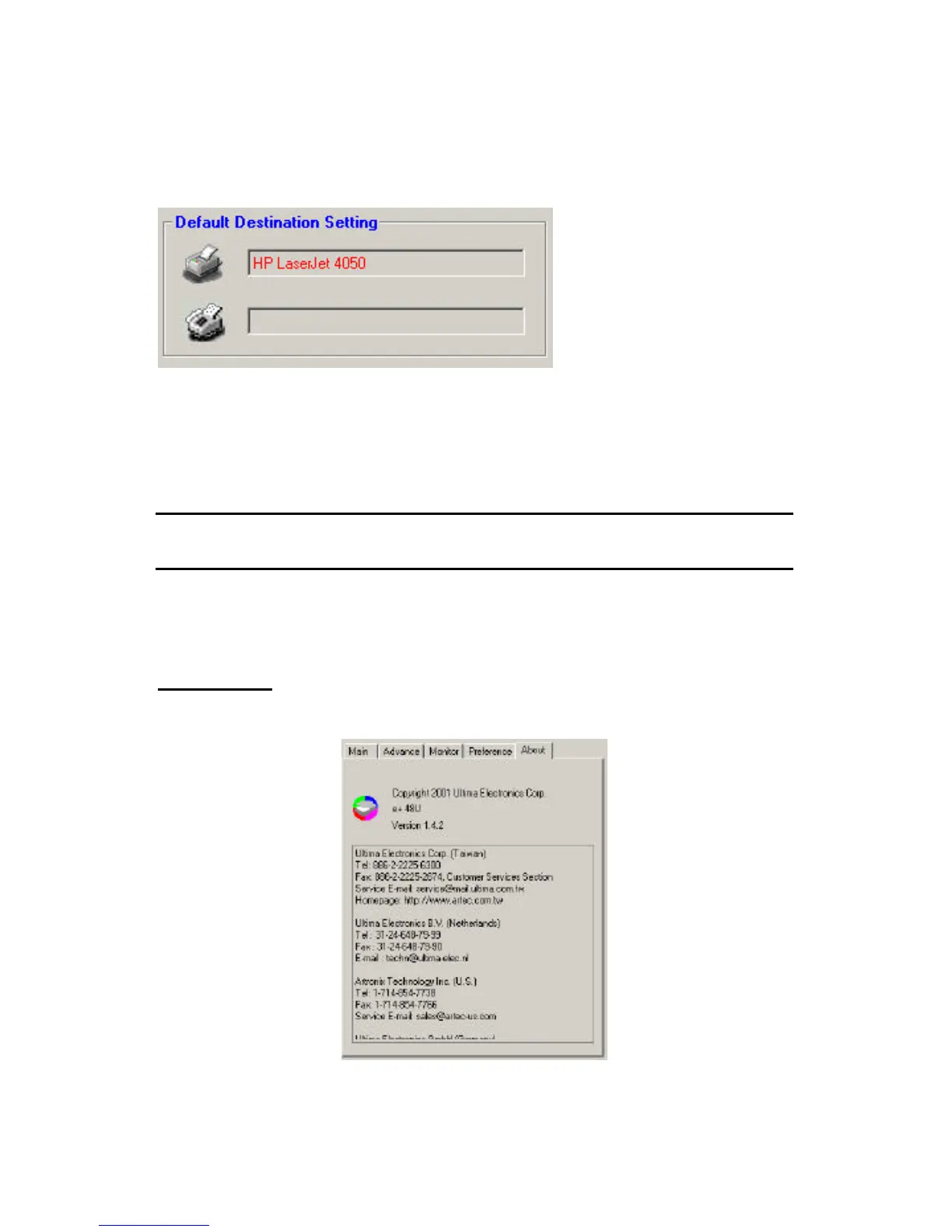
Default Destination Settings
These settings define the location to print and/or fax your scan result to.
To configure these settings, at least one printer and one fax application
most installed in your computer to perform these functions. By default,
related devices and application in your system will be detected and set to
these destinations when you install the scanner driver and software.
Note: If you have multiple printing devices or fax applications, the default
printing device and application will be selected for these settings.
To change destinations, Press the printer or fax picture to enter the
selection setting.
About Menu - Display of the scanner model, driver version, and all
region contact information.



 To Next Page