33
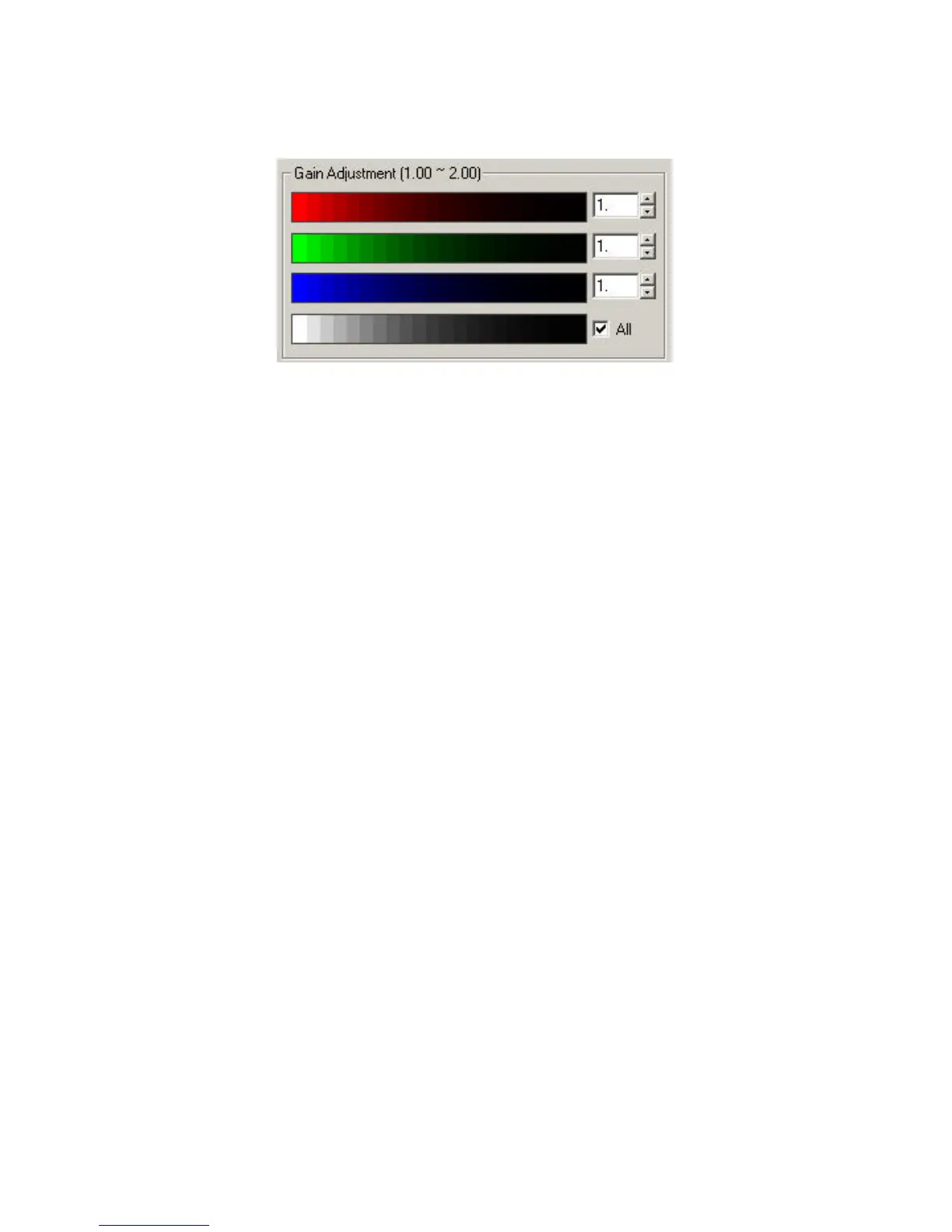
Gain Adjustment box adjust for a suitable gain value for each of the
primary color channels.
Based on your visual judgment adjust the rightmost edges of this color
strip until it appears black and fades in gradation to the left. To vary the
gain values of the three channels together, check the “All” box.
To reset the monitor calibration, click on the Reset button to restore the
original state of the calibration.



 To Next Page