13
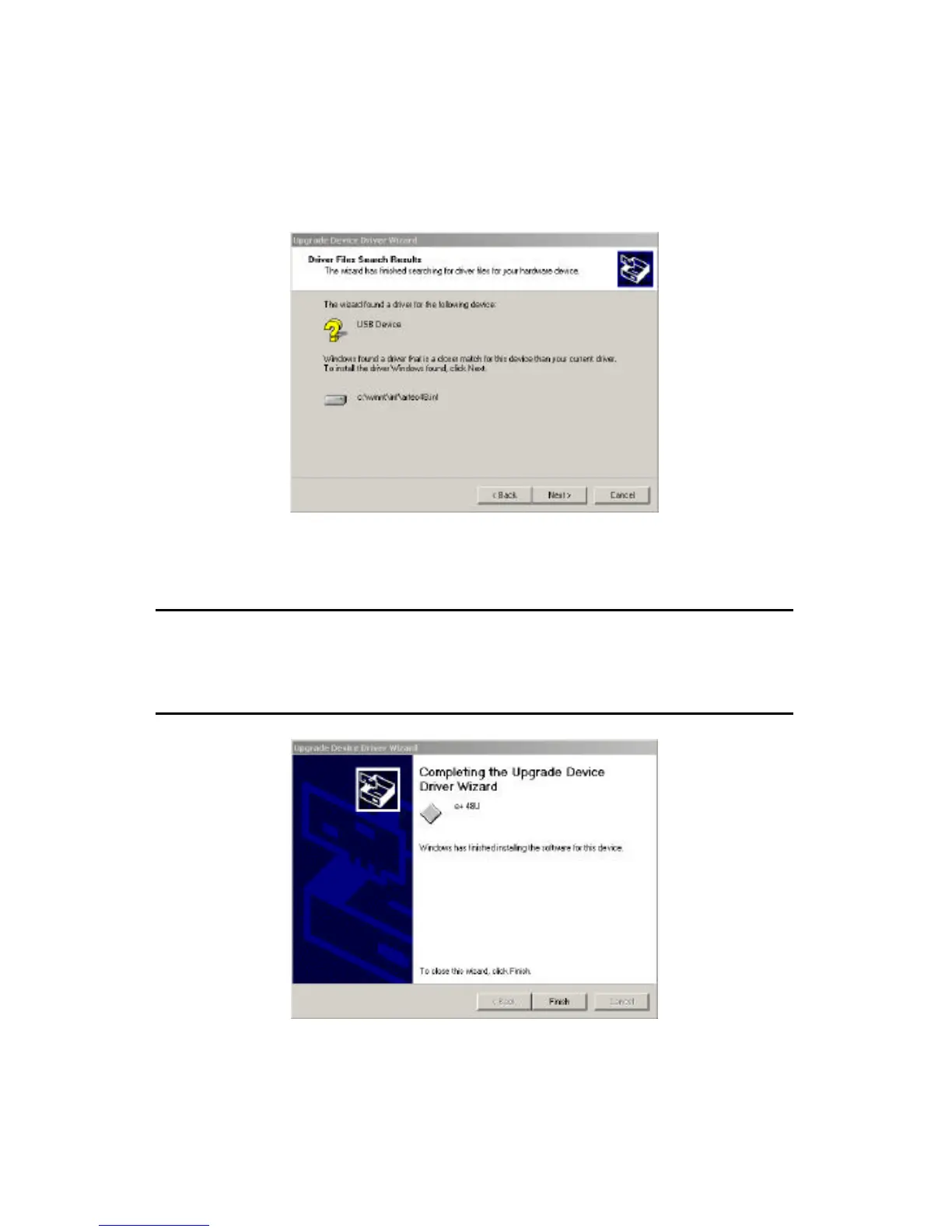
5. The search will find and locate a most suitable driver for the scanner in
your system’s directories. Click next to continue.
6. Wizard will continue the installation and prompt you to finish the
installation process. Click finish and back to “Device Manager”. Now
you should be seeing the scanner listed under Imaging Devices.
Note: during the installation process, a message about the driver’s Digital
Signature Not Found may appear. Please ignore the message and
continue with the installation. This message is only informational and will
not cause any problems to the proper usage of the scanner.
You are now ready to use the scanner.



 To Next Page