25
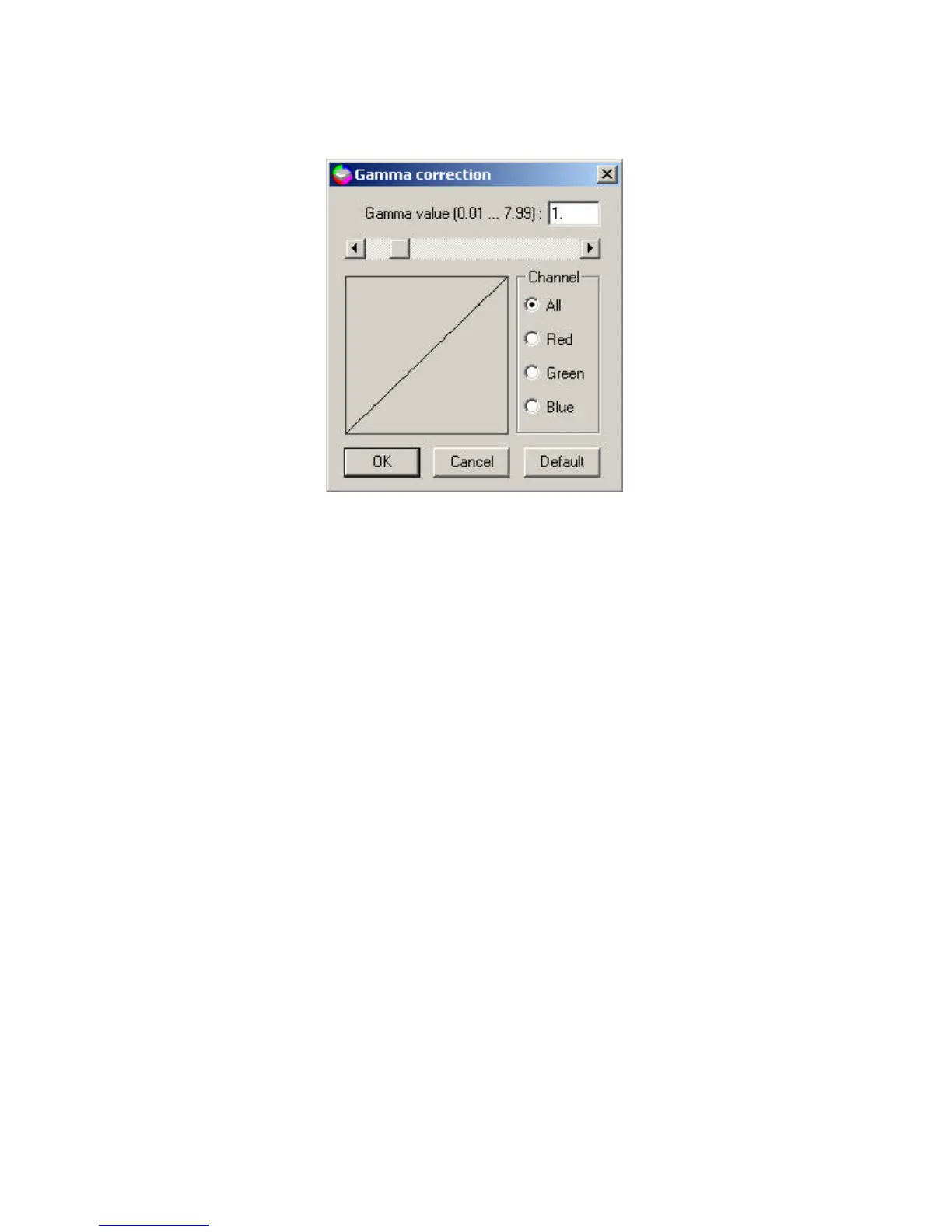
The available gamma value ranges from 0.01 to 7.99. The default value is
1.0. Changing the gamma value above 1.0 will brighten the mid-tones, and
below 1.0 will darken the mid-tones. You can either enter the desired
gamma value in the edit box or use the scroll bar to select your desired
value.
In the Channel checking box:
All - To correct all color components (red, green, and blue) of the image
with the same gamma value.
Red - To correct the red component of the image.
Green - To correct the green component of the image.
Blue - To correct the blue component of the image.
Click on the Default button to reset the setting to its original settings.



 To Next Page