27
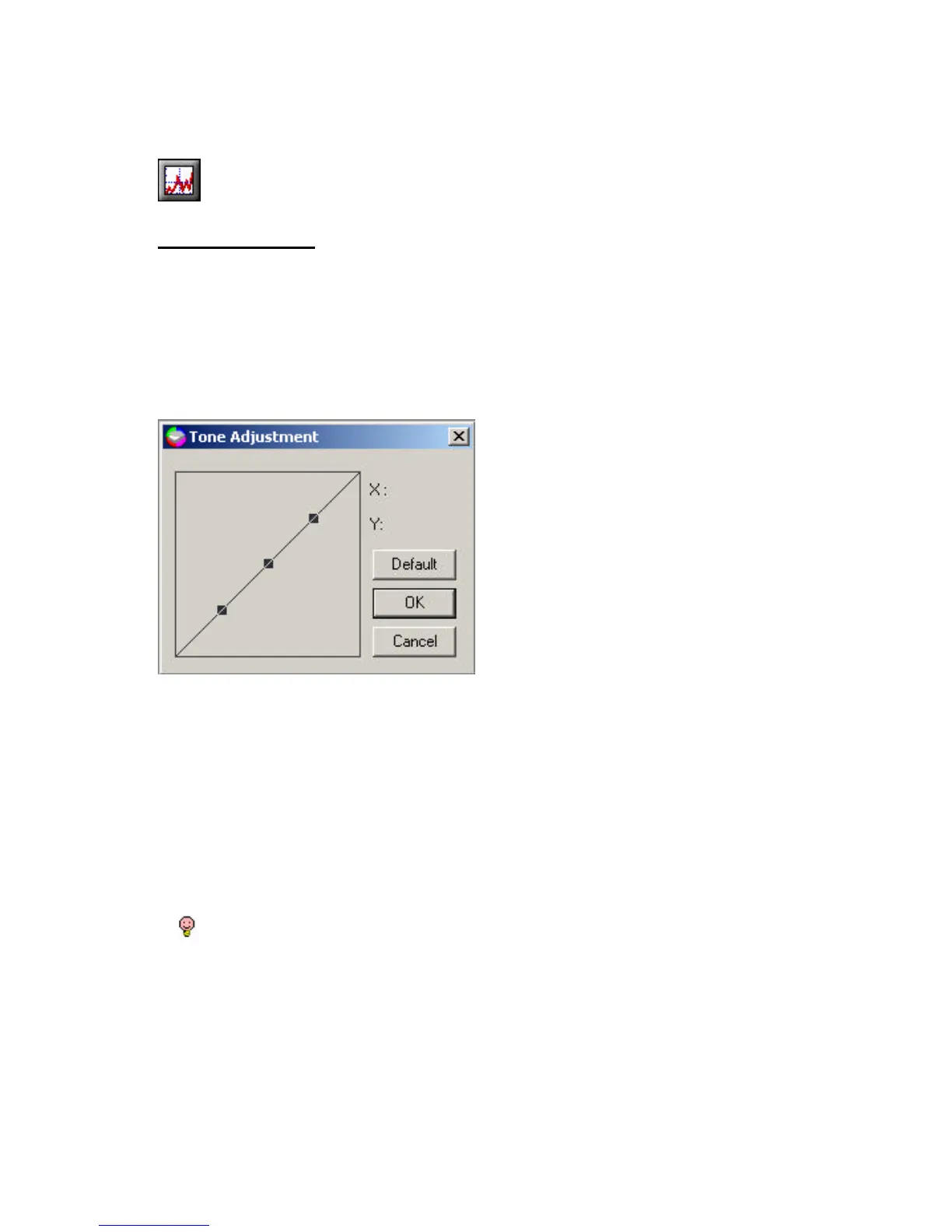
Tone Adjustment - For the purpose of correcting image distortions that
take place during scanning, you use the Tone adjustment to make the
compensation on scanned images. Tone adjustment allows you control the
conjunction between the shadows, mid-tones, and highlights of your
image. Use it to restore detail that is lost in shadows or highlights, to
correct over or under-exposure, and to improve the tonal quality of your
image.
You can adjust the tone value by using the mouse cursor to reshape the
tone. Curve-based editing enables you to find out a problem area and
make subtle or notable change in that image area. The available range for
Tone Adjustment is from 0 to 255.
The Tone Curve takes an original pixel brightness value X as input and Y
as a new output brightness value. The resulting curve is a visual
representation of the balance between shadows, mid-tones, and highlights.
A will be marked on the lower right-hand corner of the icon as a
reminder if you change the default setting.



 To Next Page