40
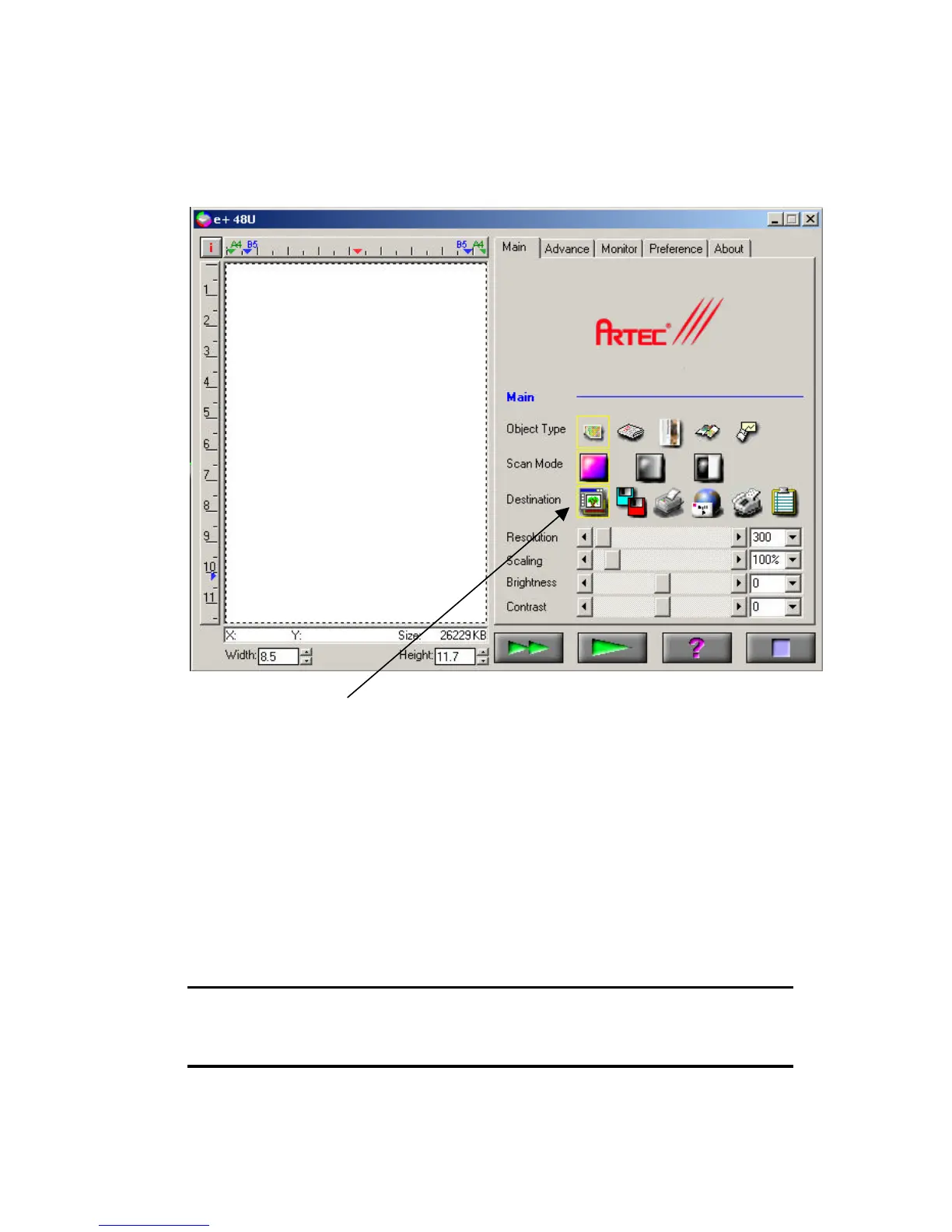
4. Twain Menu will appear after the acquire button is being pressed.
Note that the application icon under the Destination column is enabled.
(Application icon can only be used from accessing the Twain Menu
through an application.)
For Twain Menu operation please refer to the Using The Twain
Menu section starting on page 20.
5. After scanning is performed, image will be sent to the application
for further enhancement edition and saving of the image. Please
refer to the application Help document for other basic usage and
operation of the application.
Note: To add Ulead Photo Express as one of the default application for
the One Touch button function, go to the ScanPanel settings and add
the Photo Express executable icon into the list.



 To Next Page