EasyManua.ls Logo

ARTEX A3-06-2824 - User Manual

ARTEX A3-06-2824
55 pages
Print Icon
To Next Page IconTo Next Page
Loading...
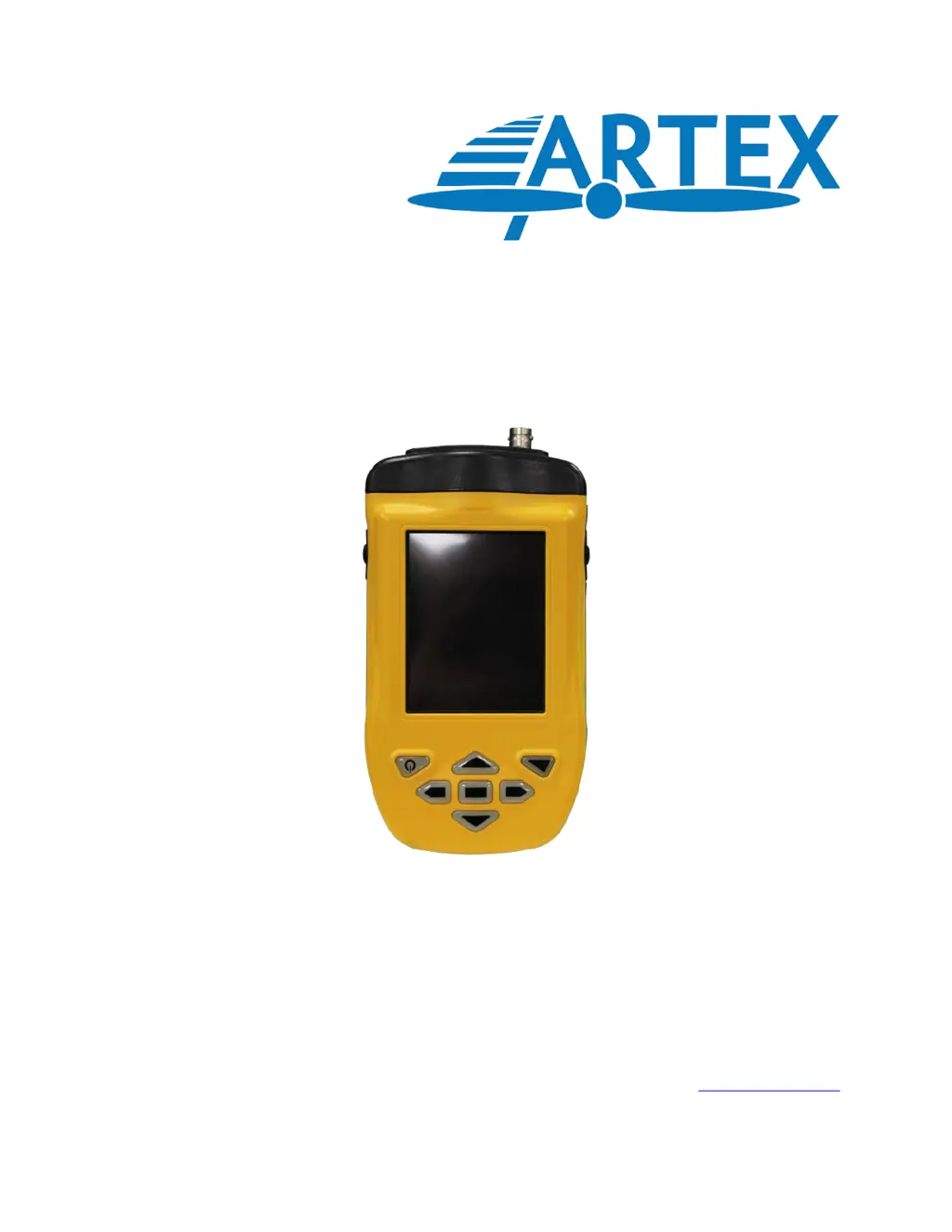
A3-06-2824 Handheld Programmer
(8700/8707)
Product User Manual
Y1-03-0272 Rev. F
Artex Products / ACR Electronics, Inc.
5757 Ravenswood Road, Fort Lauderdale, FL 33312
Phone (954) 981-3333, Fax (954) 983-5087
www.acrartex.com

Table of Contents

Questions and Answers

Summary

Introduction

Application Overview

Describes the functions of the Handheld Programmer and its role as a substitute for older test sets.

Key Differences

Highlights the primary differences between the Sartech test set and the Handheld Programmer.

Hardware Overview

Hardware Components

Provides an overview of the Handheld Programmer hardware.

Connector Details

Details the two connectors on the Handheld Programmer and associated cables.

Battery System

Discusses the rechargeable Lithium Ion battery pack for the Meazura MEZ1500.

Battery Safety Warnings

Lists important safety warnings related to the handling and use of the battery.

Battery Storage Guidelines

Provides guidance on storing lithium-ion batteries to maintain their life.

Battery Installation

Step-by-step instructions for installing the battery pack into the unit.

Battery Charging Procedure

Details the charging procedure, conditions, and precautions for the lithium-ion battery.

Battery Recycle and Disposal

Provides information on the recyclability and proper disposal methods for lithium-ion batteries.

Unit Initialization Steps

Steps to turn on and initialize the unit, including setting date and time.

Palm Desktop Software Setup

Hot Sync Functionality

Explains the Hot Sync function for transferring data between the programmer and a PC.

Hot Sync Procedure Guide

Step-by-step guide to performing the Hot Sync function using the USB cable.

Artex Programming Software

Software Overview

Describes the Artex software as a custom package for reading and programming ELT data.

Opening the Artex Software

Instructions on how to open the Artex software by tapping the "Artex" icon.

Selecting Software Preferences

Guide to selecting preferences within the Artex software for customization.

Programmer Database Management

Information on the programmer's ability to store up to 1000 records of programmed ELTs.

ELT Programming Procedures

Instructions on how to program ELTs, including baud rate settings and cautionary notes.

ELT Baud Rate Selection

Details on selecting baud rates for different ELT models and protocols.

ELT Families by Baud Rate

Categorization of ELT models based on their baud rates used by the software.

Protocol Selection

Explains the need to select programming protocols and lists available options.

Protocol Definitions

Defines various protocol types like Std Location, Aviation User, Serial User, etc.

4.7.1 Aviation User; Tail Number (Short) Protocol

Instructions for programming using the Aviation User / Tail Number (Short) protocol.

4.7.2 Serial User; ELT; COSPAS (Short) Protocol

Instructions for programming using the Serial User / ELT / COSPAS (Short) protocol.

4.7.3 Serial User; Aircraft 24-Bit Addr (Short) Protocol

Instructions for programming using the Serial User / Aircraft 24-Bit Addr (Short) protocol.

4.7.4 Serial User; Aircraft 24-Bit Addr;Ntl (Short) Protocol

Instructions for programming using the Serial User / Aircraft 24-Bit Addr/Ntl (Short) protocol.

4.7.5 Serial User; Aircraft Operator Designator (Short) Protocol

Instructions for programming using the Serial User / Aircraft Operator Designator (Short) protocol.

4.7.6 Serial User; Aircraft 24-Bit Loc (Long) Protocol

Instructions for programming using the Serial User / Aircraft 24-Bit Loc (Long) protocol.

4.7.7 Serial User; ELT;Cospas Loc (Long) Protocol

Instructions for programming using the Serial User / ELT /Cospas Loc (Long) protocol.

4.7.8 Serial User; Aircraft Operator Loc (Long) Protocol

Instructions for programming using the Serial User / Aircraft Operator Loc (Long) protocol.

4.7.9 Aviation User; Tail Number; Location (Long) Protocol

Instructions for programming using the Aviation User / Tail Number / Location (Long) protocol.

4.7.10 Std Location; Aircraft 24-Bit Address (Long) Protocol

Instructions for programming using the Std Location / Aircraft 24-Bit Address (Long) protocol.

4.7.11 Std Location; ELT Serial (Long) Protocol

Instructions for programming using the Std Location / ELT Serial (Long) protocol.

4.7.12 National Location; ELT Serial (Long) Protocol

Instructions for programming using the National Location / ELT Serial (Long) protocol.

Programming a Different Country Code

Detailed steps to enter and program a specific country code for an ELT.

Country Code Programming Steps

Detailed steps to enter and program a specific country code for an ELT.

Programming Conclusion

Notes that the "Programming Successful" screen is displayed after programming.

Battery Data Reader

Explains how to use the software to determine battery usage and total activations.

Reading Battery Data

Step-by-step instructions on how to access and read battery usage and activation data.

C406-N Series PA (Programming Adapter)

PA Hardware Operation

Describes the hardware operation of the Programming Adapter with and without cannon plugs.

With Cannon Plug Attached To PA

Details how to connect the PA with a cannon plug to the Handheld Programmer.

Without Cannon Plug Attached To PA

Instructions for connecting the PA without a cannon plug to the PA-PI.

PA Software Operation

Explains how to program the PA using the same method as ELTs.

ELT 3000;ELT 4000 Series Programming Adapter

Introduces the programming adapter for ELT 3000 and ELT 4000 series.

Programming the ELT 3000;ELT 4000 Programming Adapter

Details the programming process for the ELT 3000/4000 PA.

ELT 3000;ELT 4000 PA Software Operation

Explains how to program the ELT 3000/4000 PA using Section 4 instructions.

Programming Verification

ELT Testing Precautions

Lists critical precautions for performing ELT testing in compliance with regulations.

ELT Reader Function (Sarcalc)

Introduces the Sarcalc software used for reading and verifying ELT data.

Sarcalc Icon and Connection

Instructions on selecting the Sarcalc icon and connecting the reader to the ELT.

Waiting for Data Display

Describes the "Waiting for Data" screen and how to perform a self-test.

ELT Self-Test Procedure

Details the procedure for performing a self-test on the ELT for verification.

Message Error Handling

Explains how to handle "Message Error!" and potential causes like distance or warm-up.

Message Display and Database

6.3 Message Display

Explains how received encoded data is displayed on the screen.

6.4 Reader Database

Describes how recorded messages are saved to a database and how to navigate it.

Database Deletion

Instructions on how to delete the "SarcalcDB" database.

6.5 ELT Reader Preferences

Options available for setting ELT reader preferences, such as readings to keep.

ICAO Format and Display Options

Settings for ICAO format and display of full or partial address data.

Label and Report Printing

7.1 Printers

Contact information for compatible printers and Artex's lack of support.

7.2 Label Printing

Instructions on how to print labels for ELTs, including different label types.

Label Printing Steps

Steps to print labels, including checking connection and printer readiness.

Labeling Requirements

Civil Aviation Authority Registration Requirements

Specifications and Calibration

10.1 Meazura MEZ1500 Specifications

Lists the operating system, memory, display, and other specs for the Meazura MEZ1500.

10.2 Handheld Programmer Module Specifications

Details the specifications for the Handheld Programmer module, including receiver range and consumption.

10.3 Calibration

States that the programmer is factory calibrated and requires no periodic re-calibration.

Components and Optional Equipment

11.1 System Component Part Numbers

Lists the part numbers included in the complete programmer kit (8700).

11.2 Optional Equipment

Lists optional equipment that may be required by regulations.

Troubleshooting

12.1 Trouble Shooting Guide

Provides a guide for common symptoms, likely causes, and actions for troubleshooting.

12.2 Technical Assistance

Information on how to get technical assistance from Artex.

Warranty Information

ARTEX A3-06-2824 Specifications

General IconGeneral
BrandARTEX
ModelA3-06-2824
CategoryMotherboard
LanguageEnglish

Related product manuals