EasyManua.ls Logo

ARTEX 8700 - User Manual

ARTEX 8700
55 pages
Print Icon
To Next Page IconTo Next Page
Loading...
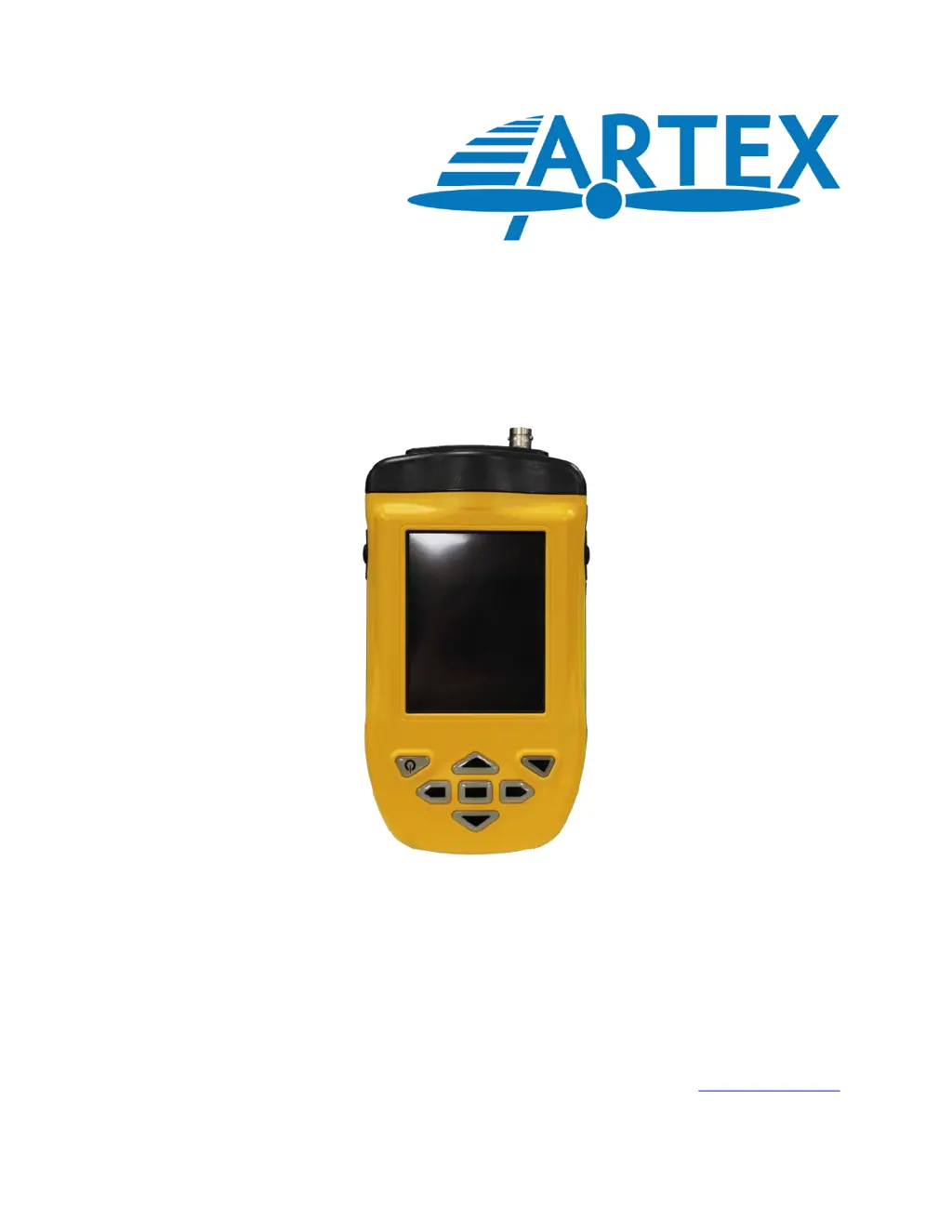
A3-06-2824 Handheld Programmer
(8700/8707)
Product User Manual
Y1-03-0272 Rev. F
Artex Products / ACR Electronics, Inc.
5757 Ravenswood Road, Fort Lauderdale, FL 33312
Phone (954) 981-3333, Fax (954) 983-5087
www.acrartex.com

Table of Contents

Questions and Answers

  • D
    Daniel EdwardsAug 7, 2025
    How to fix ARTEX Motherboard Meazura when it's locked up?
    • A
      Alicia WoodAug 8, 2025
      If your ARTEX Motherboard Meazura is locked up and programs are unresponsive, perform a soft reset. Hold down both the power and backlight keys simultaneously. This will restart the device while retaining all applications and data.
  • S
    Shaun MurphyAug 25, 2025
    What to do if ARTEX 8700 Meazura will not soft reset?
    • K
      Kimberly ZimmermanAug 25, 2025
      If your ARTEX Motherboard Meazura won't respond to a soft reset, perform a hard reset. Do a soft reset, but keep the power key held down until the Palm Powered? logo appears. Confirm the hard reset by pressing the UP arrow key. Note that a hard reset erases all programs, data, patches, and user information.

Summary

2. Hardware

4. Artex Programming Software

4.5 ELT Programming

Provides detailed instructions for programming Artex ELTs using the software.

5. C406-N Series PA (Programming Adapter)

6. Programming Verification

6.2 ELT Reader Function (Sarcalc)

Details how to use the Sarcalc software for reading and decoding ELT messages.

7. Label and Report Printing

8. Labeling Requirements

9. Civil Aviation Authority Registration Requirements

10. Specifications and Calibration

11. Components and Optional Equipment

12. Troubleshooting

12.1 Trouble Shooting Guide

Provides a guide with symptoms, likely causes, and actions for common issues.

ARTEX 8700 Specifications

General IconGeneral
BrandARTEX
Model8700
CategoryMotherboard
LanguageEnglish

Related product manuals