ARTEX/ACR Electronics, Inc.
A3-06-2824 Handheld Programmer Operations Manual
Y1-03-0272 Rev. F Company Confidential Page 15
4. Artex Programming Software
The following subsections describe the functionality and operation of the Artex
programming software.
4.1 Overview
The Artex software is a custom package designed to simplify reading and programming
data to and from Artex ELTs. The Artex software builds a custom 406 MHz hex message
for the user from simple data input provided by the user. This data is then programmed
into the ELT. The Artex software allows the user to print the 406 MHz hex message and
its decoded breakdown for record keeping.
4.2 Opening the Artex Software
To open the Artex software:
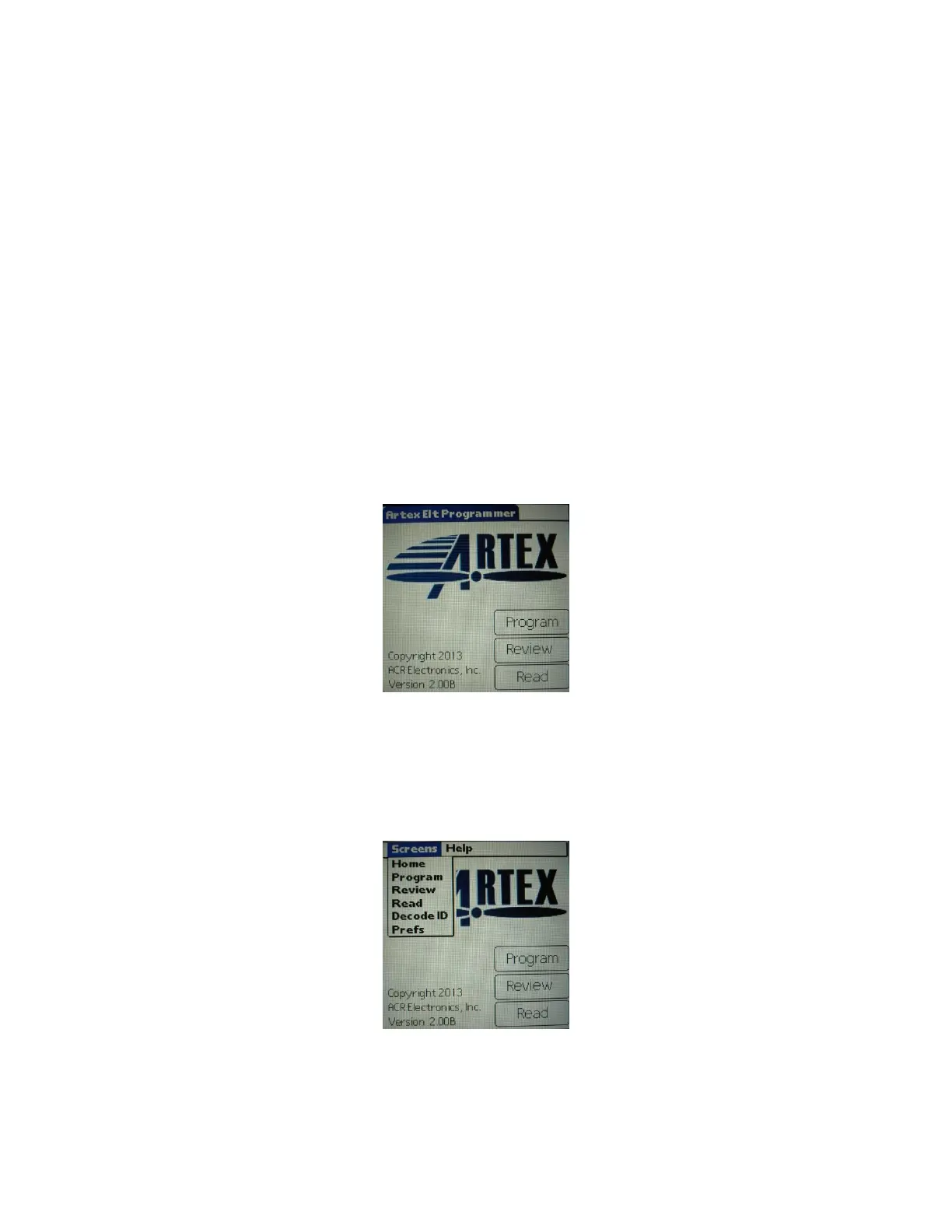
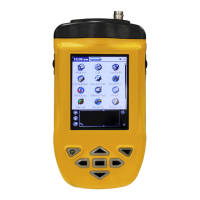
1. Tap the “Artex” icon on the home screen.
2. The Artex main screen is shown in Figure 7.
Figure 7: Artex Software Main Screen
4.3 Selecting Preferences
The Artex software has several preferences that may be selected prior to use.
1. Tap the upper left-hand corner of the Artex main screen (Artex ELT Programmer
header) to get the Screens drop-down menu (Figure 8).
Figure 8: Screens Drop-Down Menu
2. Tap “Prefs” on the drop-down menu and select the following preferences, as
applicable:



 To Next Page