ARTEX/ACR Electronics, Inc.
A3-06-2824 Handheld Programmer Operations Manual
Y1-03-0272 Rev. F Company Confidential Page 52
12. Troubleshooting
The following subsections provide troubleshooting and technical assistance information.
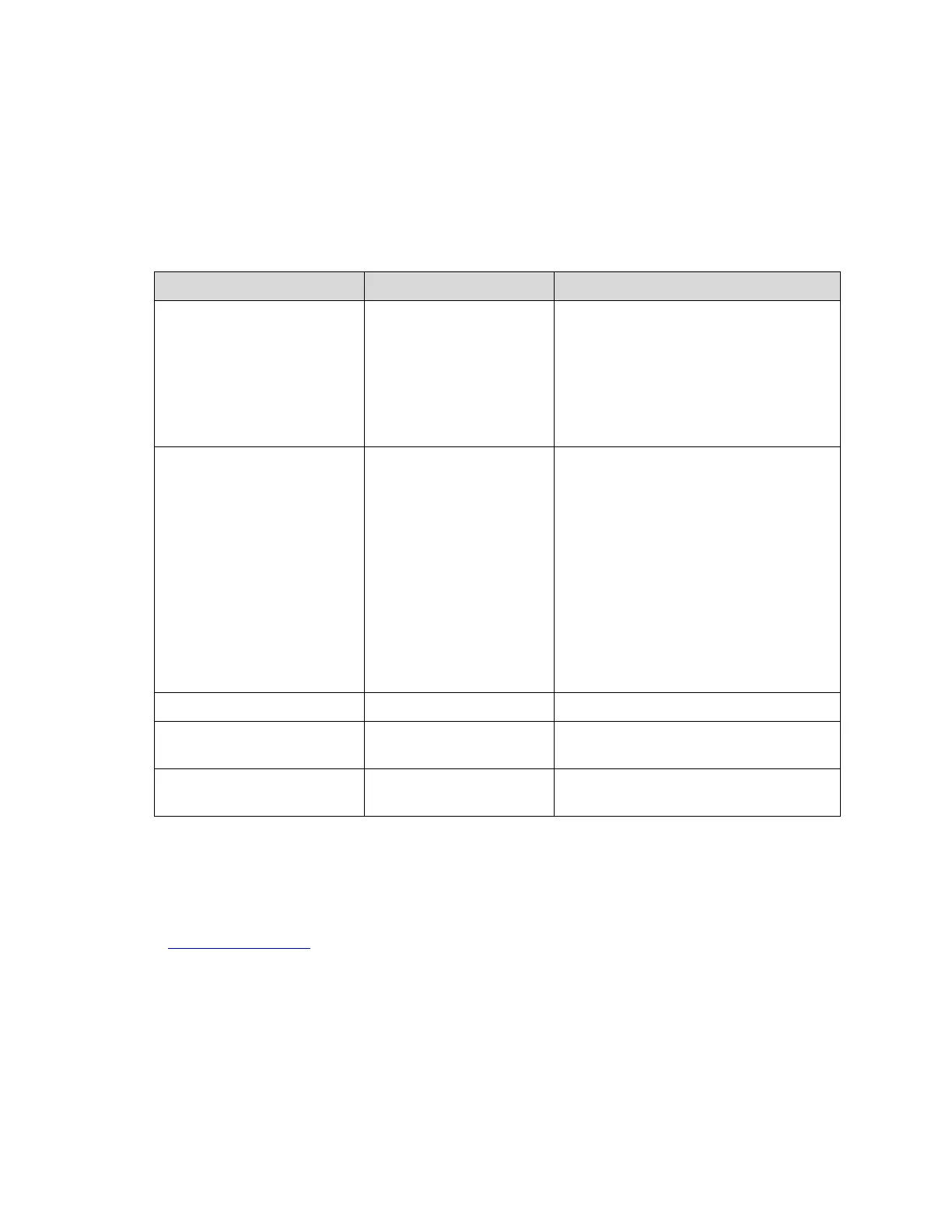
12.1 Trouble Shooting Guide
The following table provides user troubleshooting guidelines. For problems beyond the
scope of this guide, contact Artex for return instructions.
Meazura is “locked” up,
programs will not respond
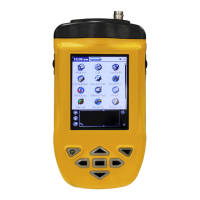
Perform “soft reset” by holding down
both the power and backlight keys
simultaneously will perform a soft
reset; the Meazura stops what it was
doing and restarts.
All applications and data stored in the
handheld are retained.
Meazura will not respond to
“soft reset”
Perform “hard reset” by doing a soft
reset but keeping the power key held
down until the Palm Powered logo
appears.
A confirmation message is displayed
asking the user to confirm the hard
reset, whereby pressing the UP arrow
key will proceed with the process.
A hard reset does everything a soft
reset does, but also erases all
programs, data, patches, and user
information.
Meazura will not power on
Charge battery for at least 2 hours
Meazura will not reset
(either “soft” or “hard”)
Meazura will not power on
with known good battery
12.2 Technical Assistance
Programming ELTs with the proper information and the proper protocol is not always a
straightforward process. Please be sure to thoroughly read this manual. If assistance is
required, contact Artex in the United States at (954) 981-3333 or send an e-mail to
info@acrartex.com.



 To Next Page