ARTEX/ACR Electronics, Inc.
A3-06-2824 Handheld Programmer Operations Manual
Y1-03-0272 Rev. F Company Confidential Page 14
1. Connect programmer to PC using USB Cable. Windows may not recognize the
device and will require a driver.
2. Open desktop browser and go to www.acrartex.com
3. From the top menu, click Support.
4. From the left side Support menu, click ARTEX Support.
5. Go to Downloads and click Hot Sync Drivers.
6. Unzip file folder DVR_WINX64_USB_GN4-GN5_20110322.ZIP
7. Double click 64bit USB Installation Guide 20110607.
8. Follow instructions found in the guide.
9. Ensure Palm Desktop is open.
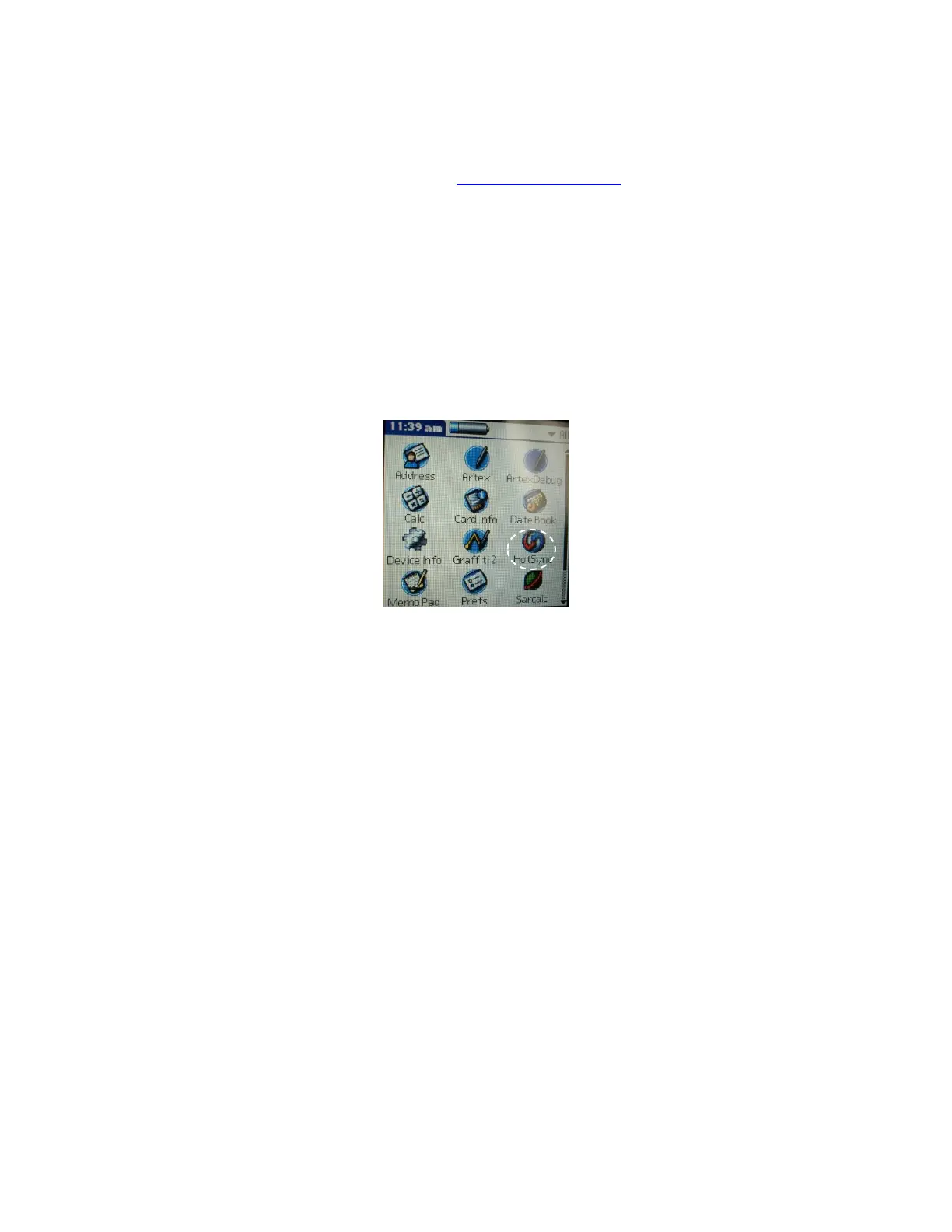
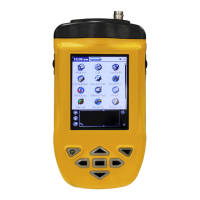
The hot sync function is accessed by tapping the HotSync icon on the main Meazura
screen as shown in Figure 6.
Figure 6: Hot Sync Icon



 To Next Page