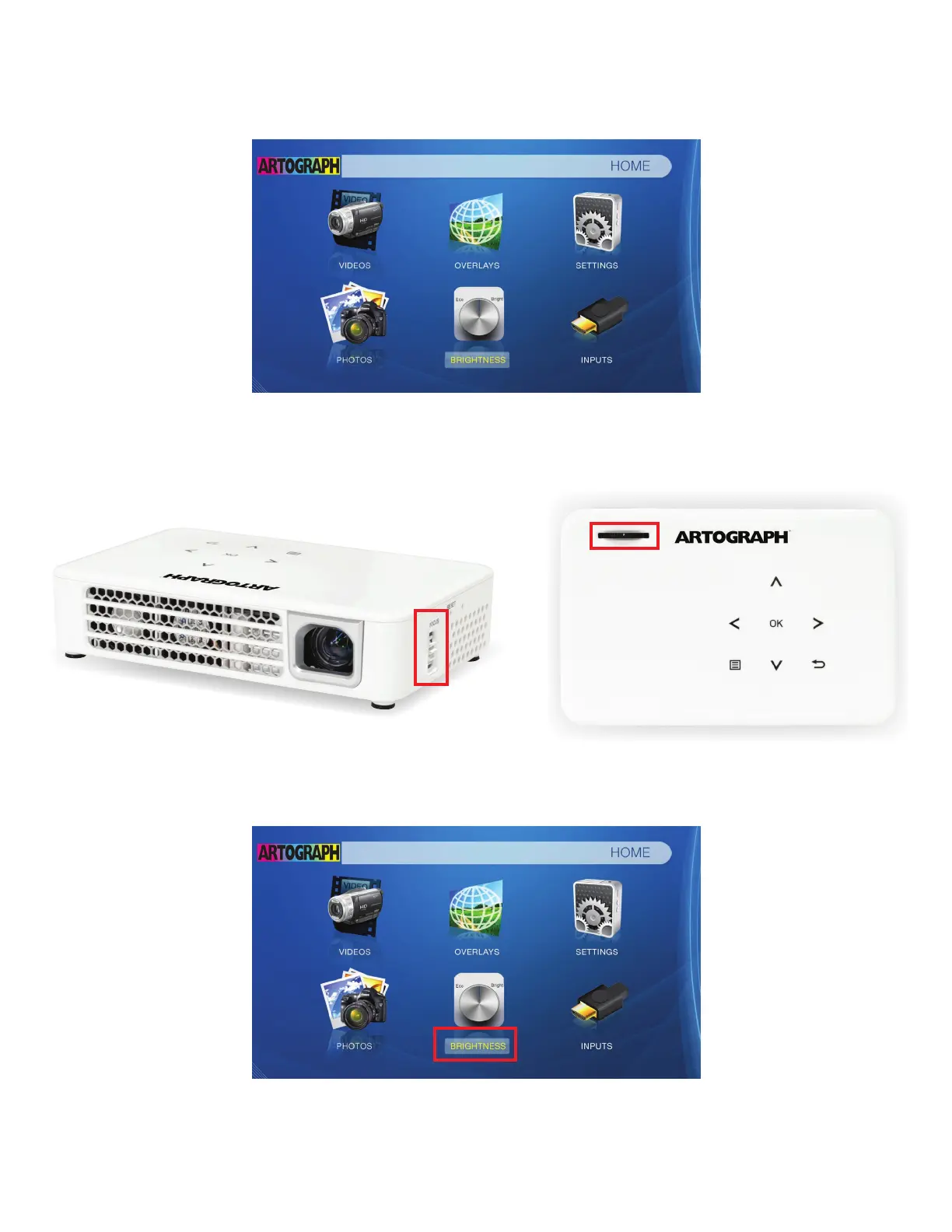
2. Navigating the main menu:
After a few seconds, the main menu will replace the Artograph logo in the projection area.
If the menu is blurry, use the focusing wheel above the lens to adjust for clarity. Some
models may have the focusing wheel on the side.
To navigate the main menu, use either the arrows on the top of the projector or on the
remote control. When you navigate to an icon, the subtitle of the icon will be grayed-out.
To select the icon, press the “OK” button on the top of the projector or on the remote.



 To Next Page