EasyManua.ls Logo

ARTronic ART 600VA - User Manual

ARTronic ART 600VA
12 pages
Print Icon
To Next Page IconTo Next Page
Loading...
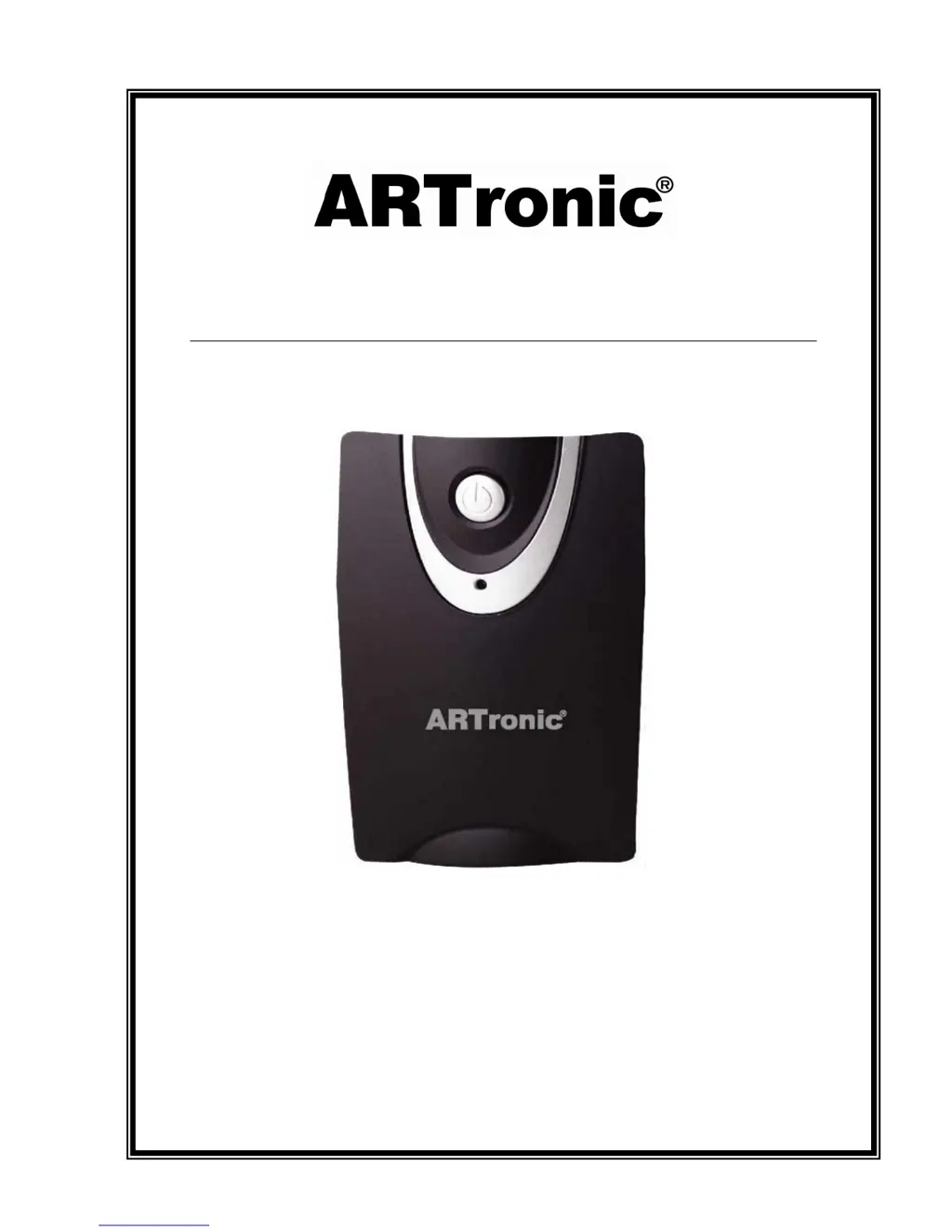
ART 600VA
LINE INTERACTIVE UPS
USER MANUAL

Questions and Answers

  • J
    John PaulJul 31, 2025
    Why is my ARTronic UPS beeping continuously?
    • K
      Kimberly DouglasJul 31, 2025
      If the alarm buzzer beeps continuously on your ARTronic UPS when the AC supply is normal, it indicates an overload. To resolve this, verify that the load connected to the UPS does not exceed the UPS's specified capability.
  • B
    Betty SanchezAug 8, 2025
    What to do if ARTronic ART 600VA UPS backup time is short?
    • T
      Tara SandersAug 8, 2025
      If the backup time of your ARTronic UPS is shorter than expected during a power failure, there are a few potential causes. First, the UPS might be overloaded, in which case you should remove some non-critical devices. Second, the battery voltage might be too low; try charging the battery for at least 8 hours. Finally, the battery may be defective due to high temperature or improper operation; consider replacing it with the same type of battery.
  • C
    Carl WoodardAug 15, 2025
    Why is the LED flashing on my ARTronic ART 600VA UPS?
    • P
      Patricia WellsAug 15, 2025
      If the LED on your ARTronic UPS is flashing while the mains are normal, it could be due to a blown fuse or a loose power cord. Try replacing the fuse with the same type. If that doesn't work, ensure the power cord is properly reconnected.
  • V
    Valerie MooreAug 22, 2025
    How to fix ARTronic ART 600VA with no LED display?
    • U
      urobertsAug 22, 2025
      If there is no LED display on the front panel of your ARTronic UPS, it could be due to a missing or defective battery, or the power switch was not pressed correctly. First, ensure the battery is present and charge it for up to 8 hours. If the issue persists, the battery may be defective and needs replacement with the same type. Also, make sure you press and hold the power switch for at least 5 seconds.

Summary

Introduction to ARTronic UPS

Safety Precautions

General Safety Warnings

Covers hazards, disassembly, electrical codes, liquids, environment, and misuse of the UPS.

Battery Safety Handling

Precautions for handling batteries, including shock risks, short circuits, and PPE.

System Components Overview

Front Panel Interface

Details the power switch and LED indicators on the front of the UPS unit.

Rear Panel Connectivity

Lists output receptacles, AC input, surge protection, communication port, and circuit breaker.

UPS Technical Specifications

Installation and Operation Guide

Initial Setup and Placement

Covers inspection, initial charging, and optimal placement for the UPS unit.

Operation and Software

Details connection, power on/off, DC start, green power function, and software installation.

Battery Care and Storage

Battery Handling Cautions

Provides cautions for battery handling, replacement, and storage guidelines.

Troubleshooting Common Issues

ARTronic ART 600VA Specifications

General IconGeneral
BrandARTronic
ModelART 600VA
CategoryUPS
LanguageEnglish

Related product manuals