40 ARTURIA – KeyLab – USER’S MANUAL
Part 2 Chromatic transposition:You can choose to only transpose Part 2 by
octaves, from a range of -2 octaves up to +2 octaves.
Octave Buttons assignment: You can assign the Keylab 88 Octave Transpose
buttons only to one section of the Keybed (Part 1 or Part 2) so you can modify
only the desired part. You can also select the “Both” option so you can control
octaves of both parts simultaneously.
Both Octave transposition: With this option you have control over the
transposition of both parts from a range of -2 octaves up to +2 octaves.
Both Chromatic transposition: WIth this option you are in control of semitone
transposition for both both parts simultaneously from a range of -12 semitones
up to +12 semitones
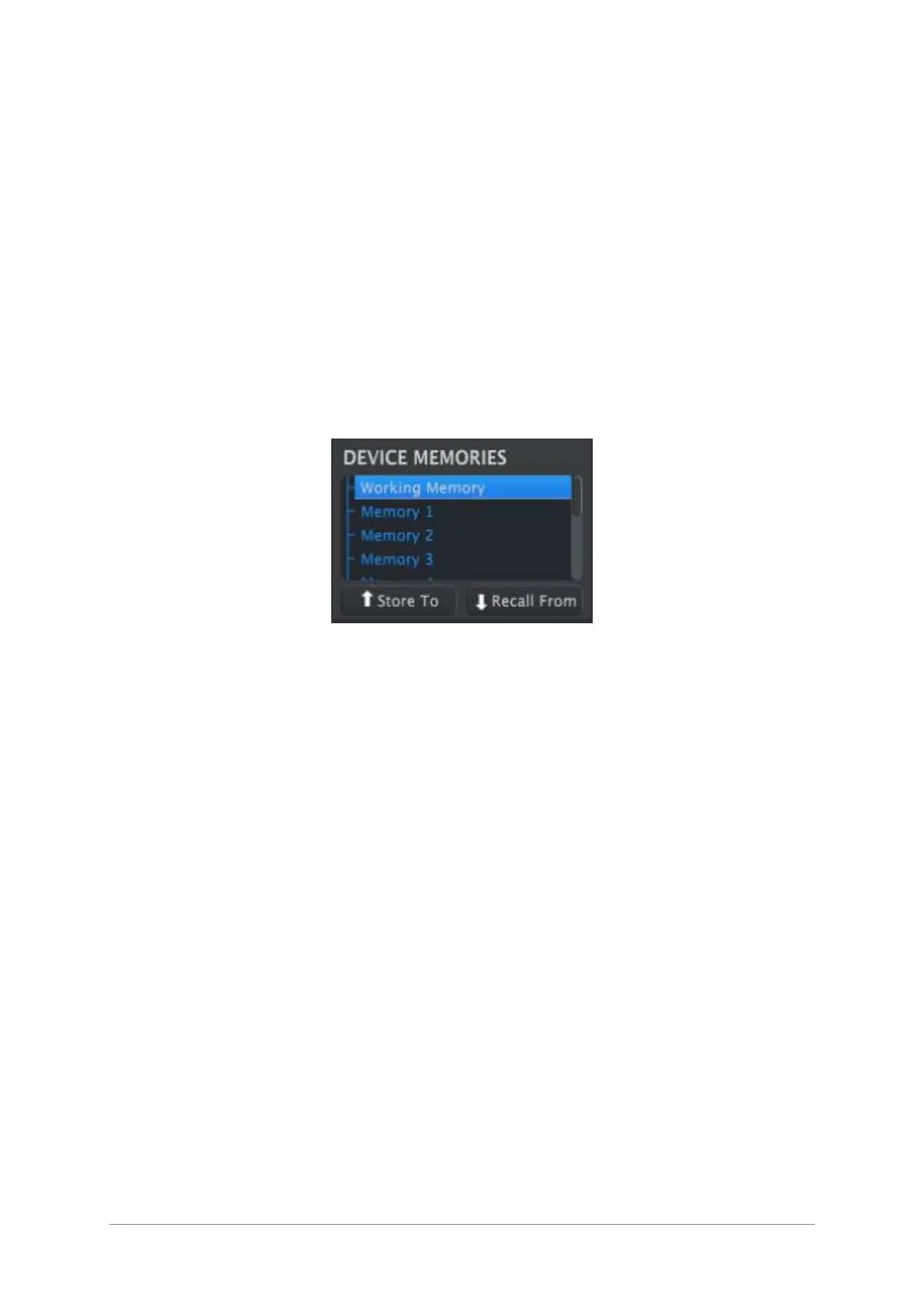
Don´t forget that you can save your changes. You can save them inside your Keylab 88
memory with the “Store To” option:
5.9.3 Velocity Curve (Key or Pad)
The amount of force it should take to trigger a MIDI event softly, loudly, or at all is a
certainly a matter of personal taste. KeyLab gives you ten choices, which you can set
independently for the keyboard and the pads using the MIDI Control Center.












 To Next Page