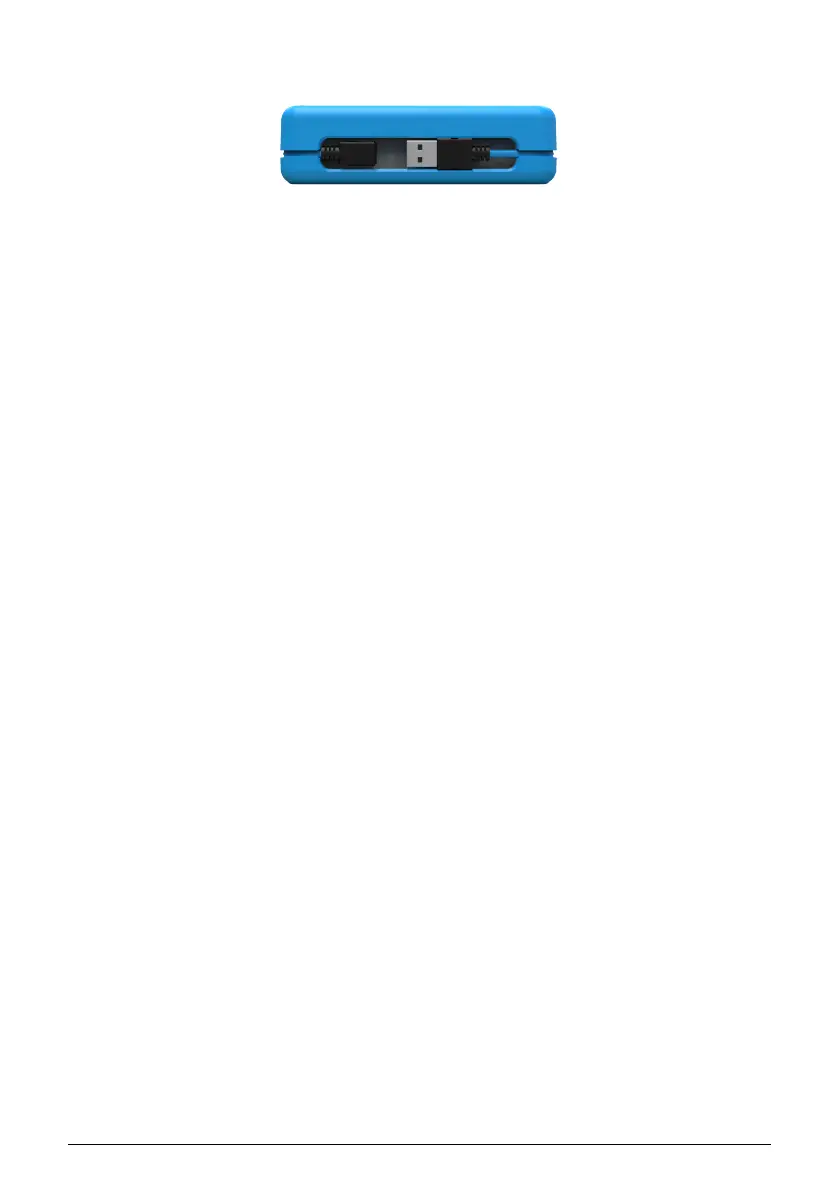
2.2. Side panel
The side panel of the MicroLab contains a recessed USB Type B connector that lets you
connect MicroLab to your computer. The USB connector is located on the side instead of the
back so that the MicroLab can be placed directly in front of a laptop without having to leave
extra (wasted) space for a USB connector to exit from the rear of the keyboard. This feature
is very useful in small studios or portable setups where space is extremely limited.
MicroLab ships with a removeable USB cable that includes a 90-degree connector and is
long enough to neatly wrap around the keyboard exactly one time. The channel around its
perimeter with its integrated rubber clips and magnetic holder secure the USB cable in place
when the unit is being transported. No more lost or forgotten USB cable!
8 Arturia - User Manual MicroLab - Overview



 To Next Page