ARTURIA – PROPHET V - MANUAL
104
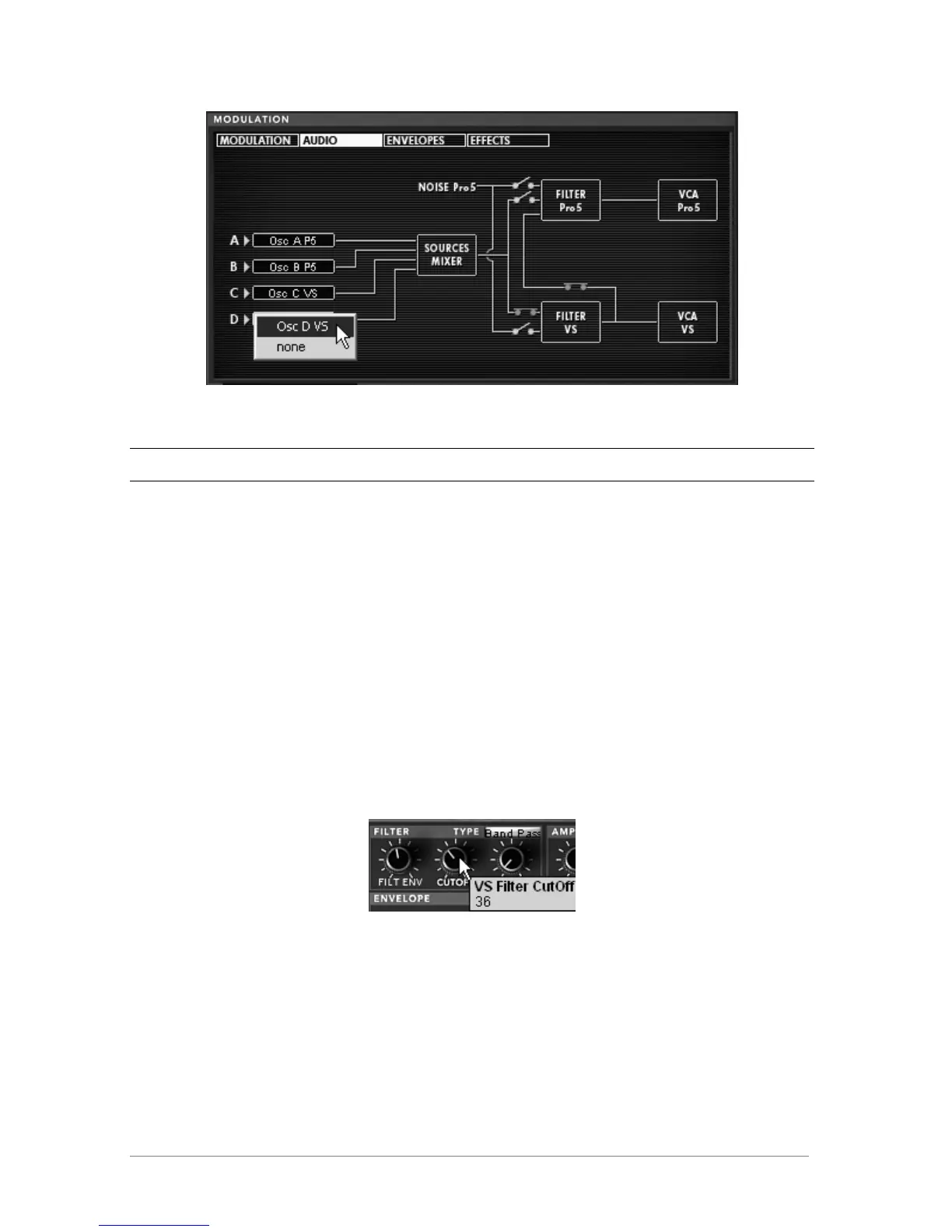
Activate oscillators C and D of the Prophet VS in the mixer
Notice! It is not possible to connect more than 4 oscillators simultaneously. For example, you can only use 2 oscillators
of the Prophet VS if the 2 oscillators of the Prophet 5 are already active.
Play a note on your keyboard; you can hear the two synthesizers simultaneously.
7.5.2 Editing sound on the Prophet VS
The sound of the Prophet 5 remains unchanged on this preset so we will go on directly to editing
the Prophet VS:
Begin by changing the type of filter. Choose the BAND PASS to better complement the low
pass filter of the Prophet 5.
Lightly decrease the cutoff frequency of the filter to about 35 in order to have a less
aggressive sound.
Completely decrease the resonance (turn the knob to the extreme left - 0)
Filter Settings
Change the wave form of oscillator C (“055 hitop1”) and D (“062 synbell 31”).














 To Next Page