ARTURIA – PROPHET V - MANUAL
111
Under Mac OSX
The VST plug-in is automatically installed in the folder of the system corresponding to the VST
instruments: /Library/Audio/Plug-Ins/VST/. The VST plug-in will be usable by all your VST host
applications.
8.2.2 Instrument use in the VST mode
The opening of VST Prophet V plug-ins is the same as opening all other VST plug-ins. Please
consult the instruction manual of your host sequencer for more specific information. Under
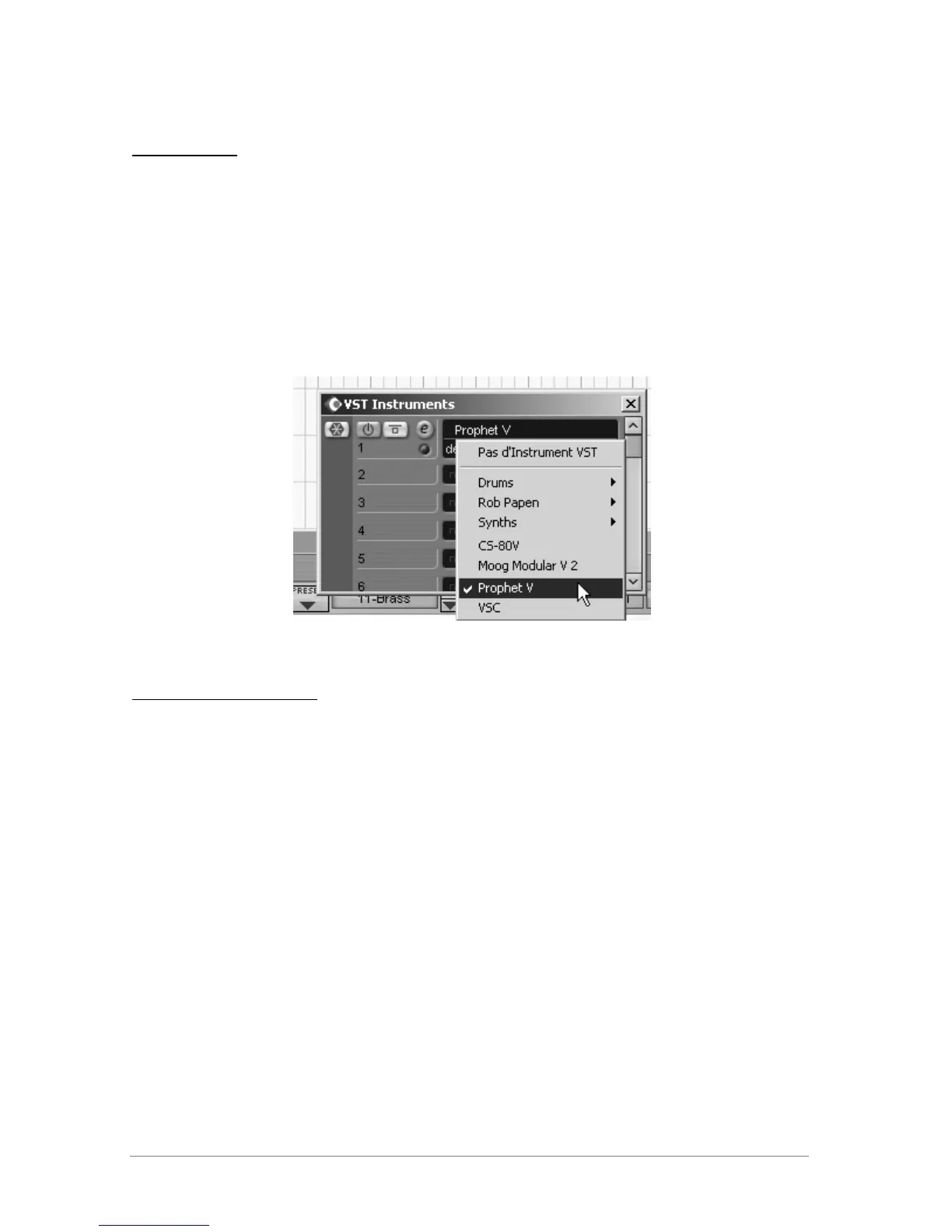
Cubase SX, open the menu / VST Instruments, and choose Prophet V in the rack
Prophet 5 opening in Cubase SX3
Connection to a MIDI track
So that Prophet V can play information coming from a MIDI track, you have to choose a MIDI
track and select Prophet V as MIDI <<output>> of this track. See the picture below for more
detail on how this is accomplished.














 To Next Page