ARTURIA – PROPHET V - MANUAL
15
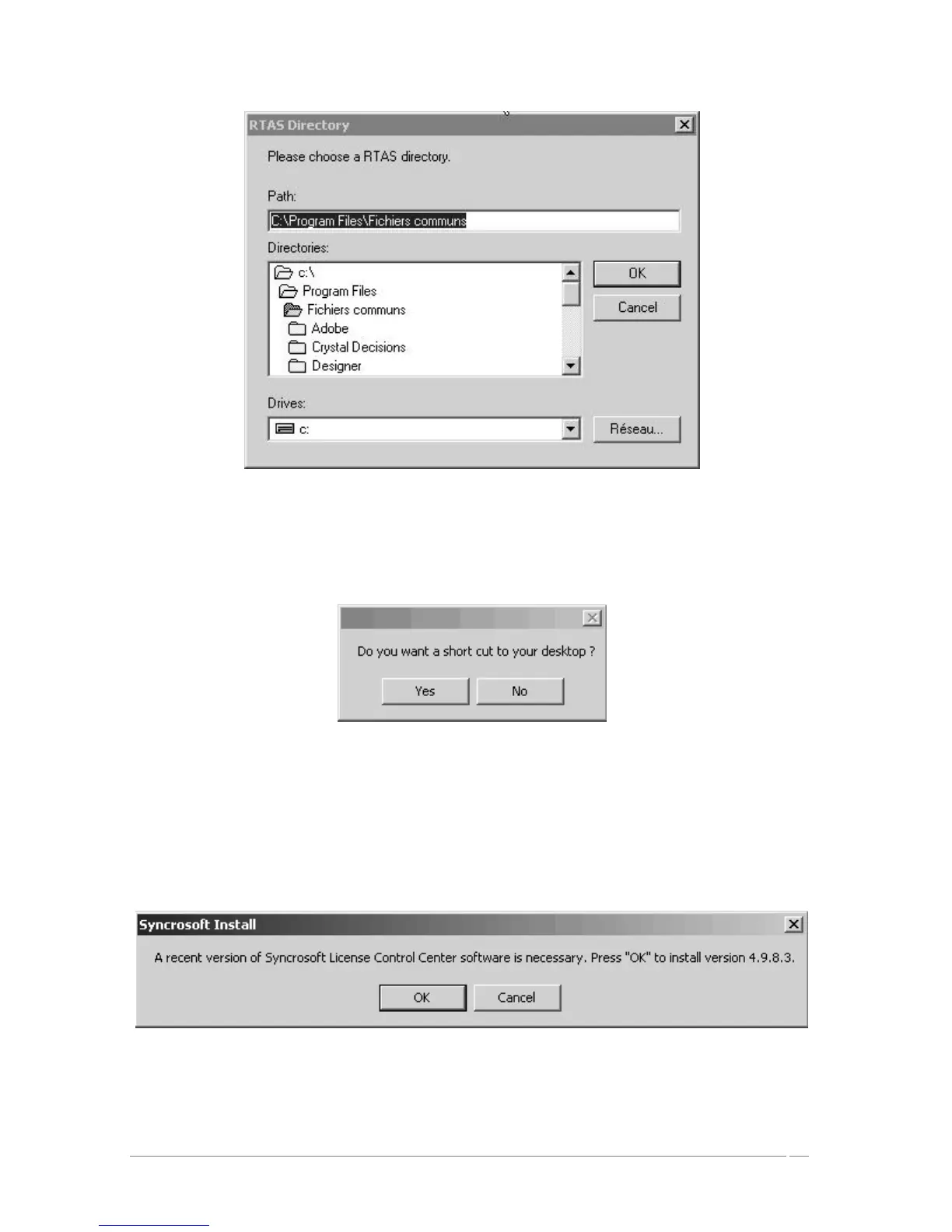
Select installation folder for plug-ins
A dialogue box will ask you if you wish to have a shortcut on your desktop. This will give
you access to the standalone application.
Shortcut to your desktop
The installation program will then ask to install the Syncrosoft drivers. These drivers are
necessary for the USB protection key; for the PROPHET V to function properly the latest
version of Syncrosoft must be installed. If you are sure that your system possesses the
most recent Syncrosoft drivers, you can click on the “Cancel” button. Otherwise, click
“OK”.
Syncrosoft Installation Dialogue box














 To Next Page