ARTURIA – PROPHET V - MANUAL
16
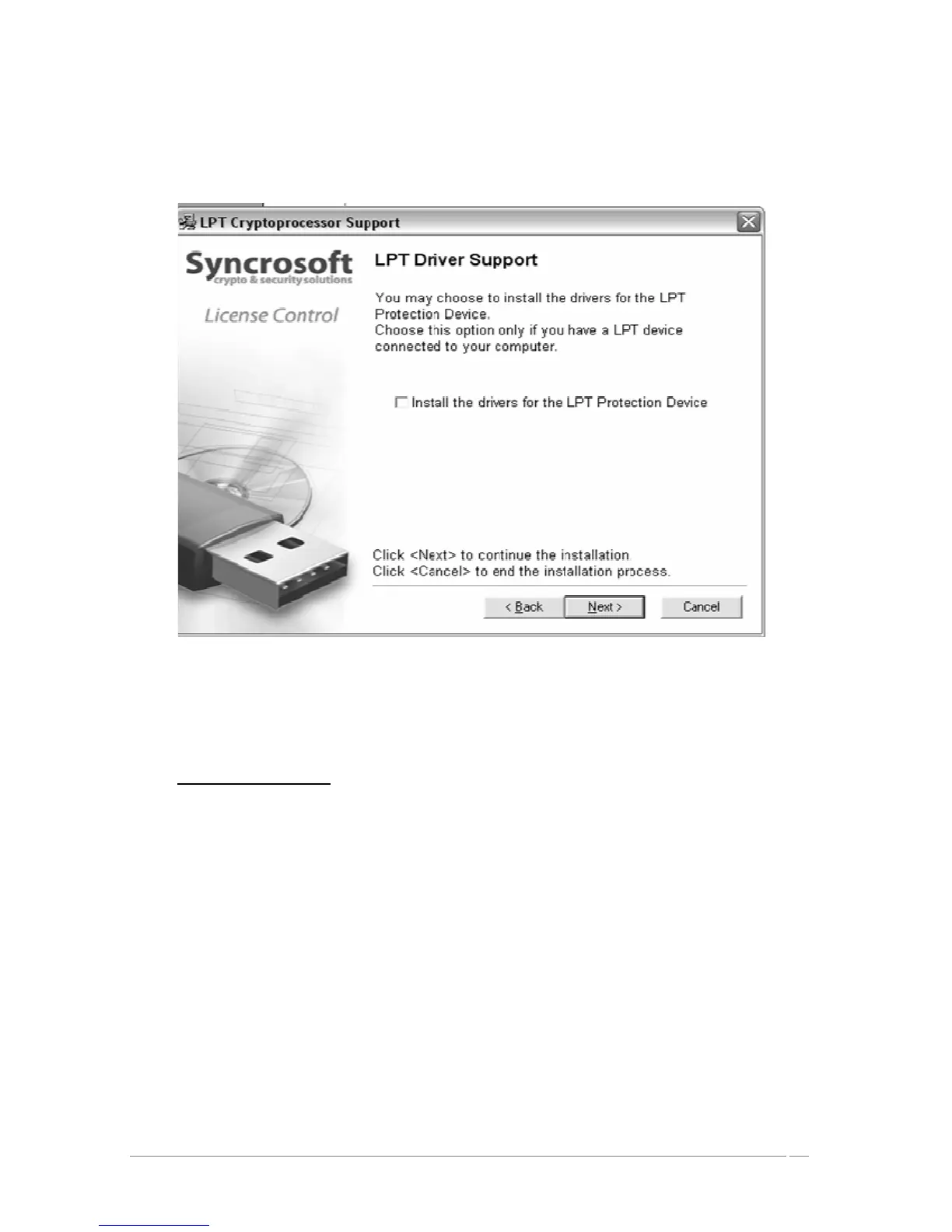
Next, the installation program proceeds with installation of the Syncrosoft USB key driver
and License Control Center. In order to do this, it will execute the available Syncrosoft
installer of the CD-Rom. Follow the instructions of the installer.
Syncrosoft Installation
The installation program now has enough information to finish. In a few seconds you will be
able to use Prophet V.
2.3 Installation Mac OSX
Insert the CD-ROM into the drive. Explore the contents of the CD-ROM, and double click
on the icon called <<Prophet V.mpkg>>.
The installation program, requiring administrative rights, may have the system ask you to
enter the login of an administrative user of the system. In this case, enter your login and
administrative password, and click on OK to continue the installation.
After the software license has been validated, the installation program will select the
system disc as target by default. It’s not possible to install Prophet V on another disc.
Click on continue to proceed with the installation.














 To Next Page