ARTURIA – PROPHET V - MANUAL
17
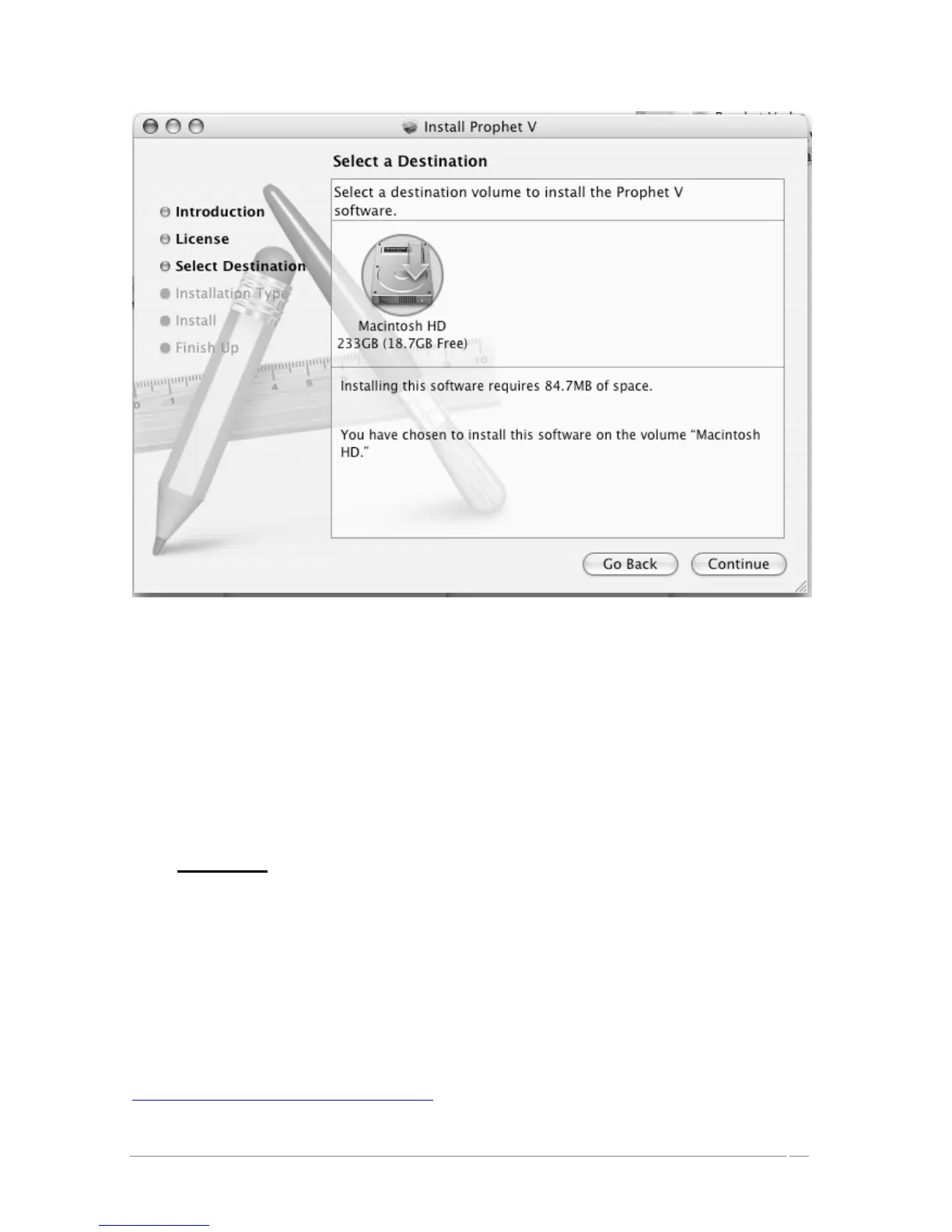
Choice of installation disc
Prophet V will automatically install as a standalone application (functioning independently and
apart from any sequencer host). In the same way, all the available protocols (VST, Audio Unit
and RTAS/HTDM) will be installed. For more information on those protocols, go to chapter 8.
Next, the installation program proceeds with installation of the Syncrosoft USB key driver and
License Control Center. In order to do this, it will execute the available Syncrosoft installer of
the CD-Rom. Follow the instructions of the installer.
The standalone application will be installed in the applications folder, and the different plug-ins
will be installed in folders reserved to each type of plug-in.
2.4 Registration
Once your software has been installed, we recommend to you to register online as a licensed
Prophet V user. This registry isn’t obligatory, but it is highly advised. It gives you the access to
reserved resources for new presets and will make you the first to know when updates are made
available.
There is a product registry card in your software box, which contains your Arturia license. This
license permits you to register and identify yourself as an Arturia customer. It will be asked for
when you are registering.
You will find this registry form at this address:
http://www.arturia.com/en/userzone.php














 To Next Page