ARTURIA – PROPHET V - MANUAL
28
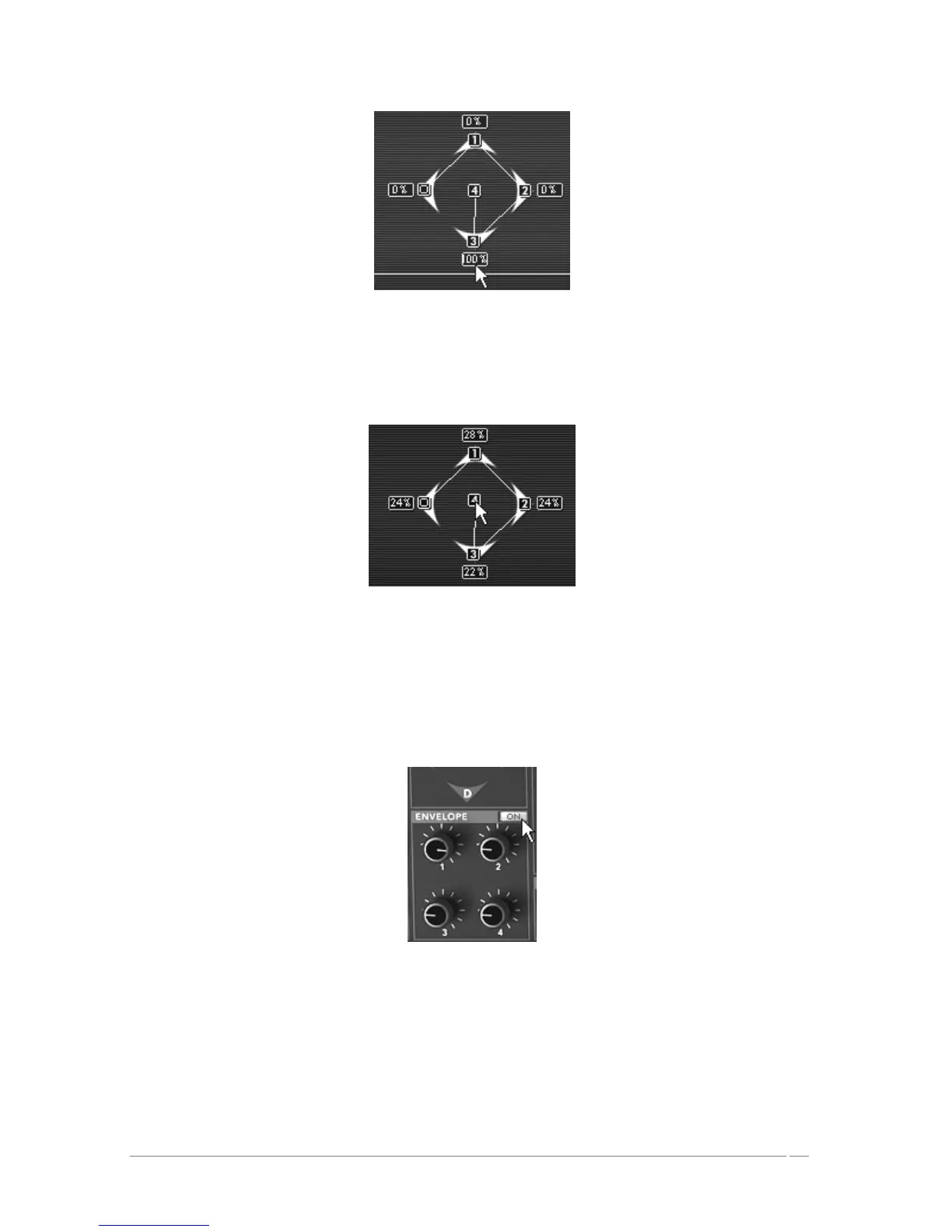
Place the joystick at its position“3”
Finally, place the joystick in its position “4”. Move it, for example, to the central point
corresponding to the mix of the 4 oscillators.
Place the joystick in its position “4”
The following section explains the settings corresponding to the four parameters of the mixing
envelope of the 4 oscillators:
Click on the “OFF/ON” panel found above the knob envelopes to put it in the “ON”
position. This activates the envelope on the mixer.
Click on the “OFF/ON” panel
Turn the “1” knob to control the time between the “0” point and the “1” point. Choose a
value around 3000 ms, for example; for more precision, use the right click with the mouse
or “Shift/Click” on Mac.














 To Next Page