ARTURIA – PROPHET V - MANUAL
30
When you play a note, you can hear the effect that the automation has on the mixing of the four
oscillators.
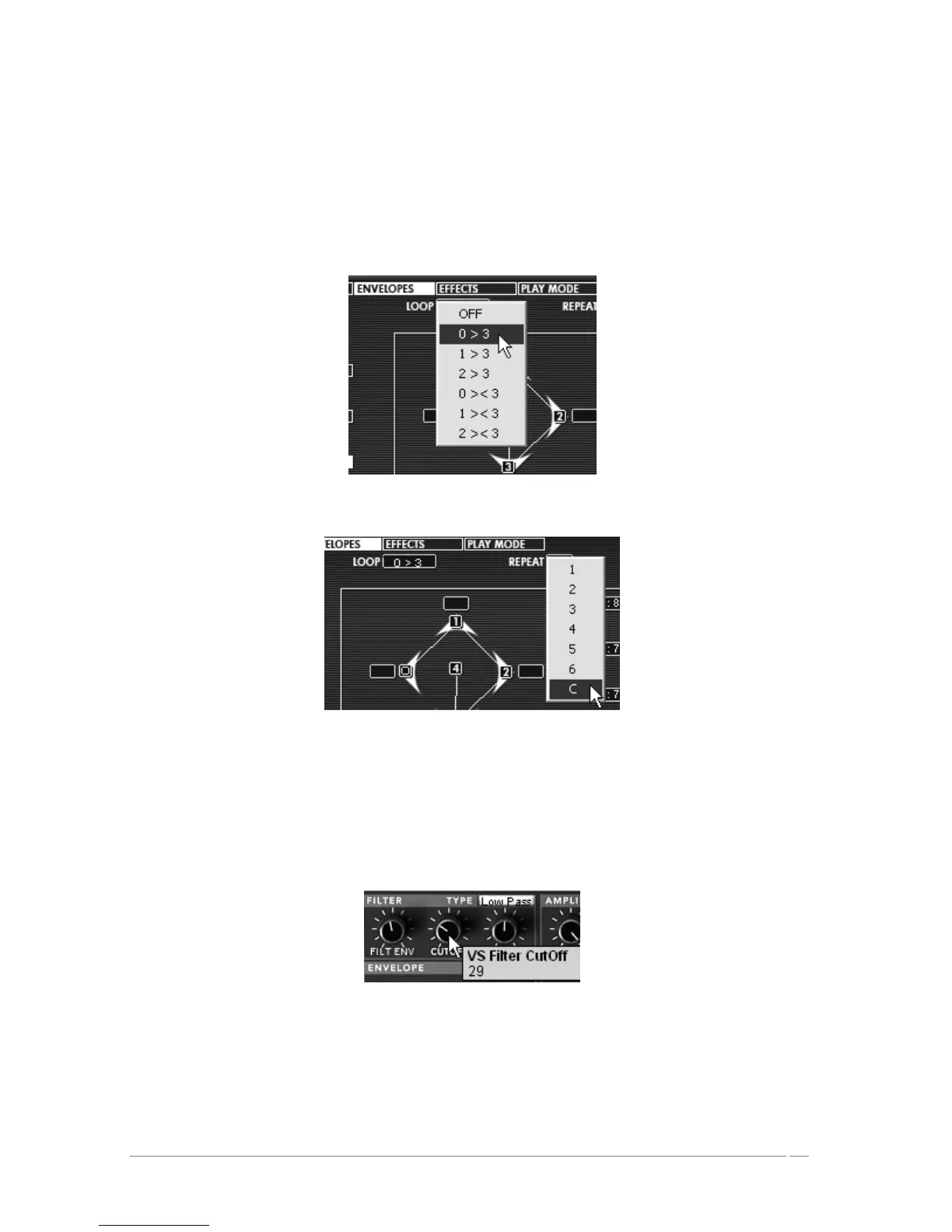
It is also possible to add a loop between the “0” point and the “3” point and to choose the
number of repetitions between the different points.
To do this, click on the zone “Loop” to choose the type of loop and the zone “repeat” to
choose the number of repetitions.
Click on the zone “Loop”
Choose the type of loop and the zone “repeat”
Complete editing of the preset by setting the cutoff filter, the amplitude envelope, and a
modulating the cut frequency of the filter by an LFO.
Turn the cut frequency knob of the filter, “CUTOFF”. Choose a value that gives the
amount of brightness in the sound that you would like.
Turn the cut frequency knob
Proceed to the settings of the amplitude envelope:
By clicking on the “Envelopes” button on the screen on the right of the Prophet VS.
Choose the option “Amp” to make the envelope appear.














 To Next Page