ARTURIA – PROPHET V - MANUAL
31
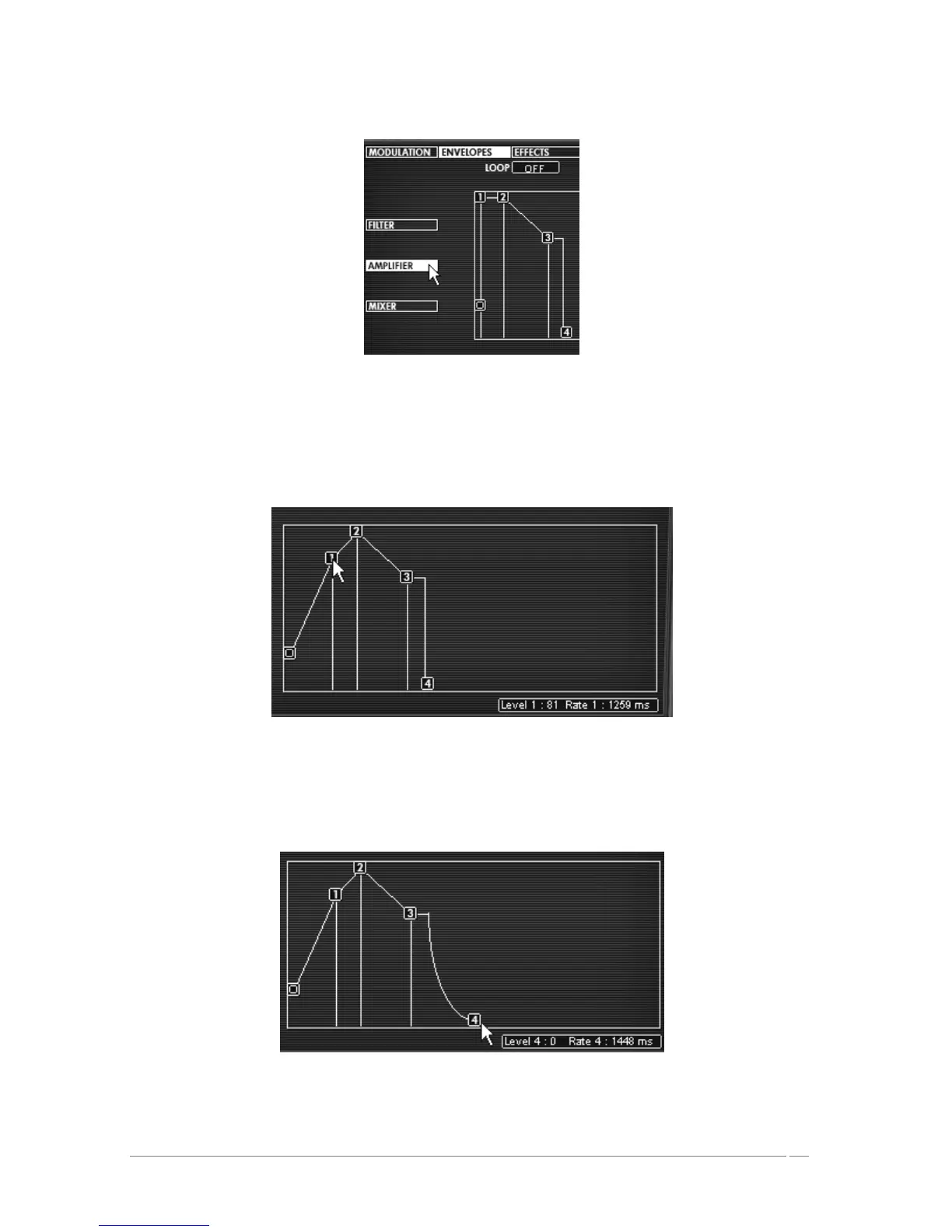
Click on the “Envelopes” button
Leave the “0” point at its initial position (it corresponds to the initial level of the volume).
Move the “1” point to the right corresponding to the attack time. Move this same point
towards the top to obtain the attack level (volume).
Move the “1” point to the right corresponding to the attack time
Stretch the release time of the note by moving the point “4” to the right. (Use, for
example, a value of 1500 ms)
Stretch the release time of the note by moving the point “4”














 To Next Page