ARTURIA – PROPHET V - MANUAL
33
Choose the preset “Prophet 5/Pad/Full_Pad” in the list of presets.
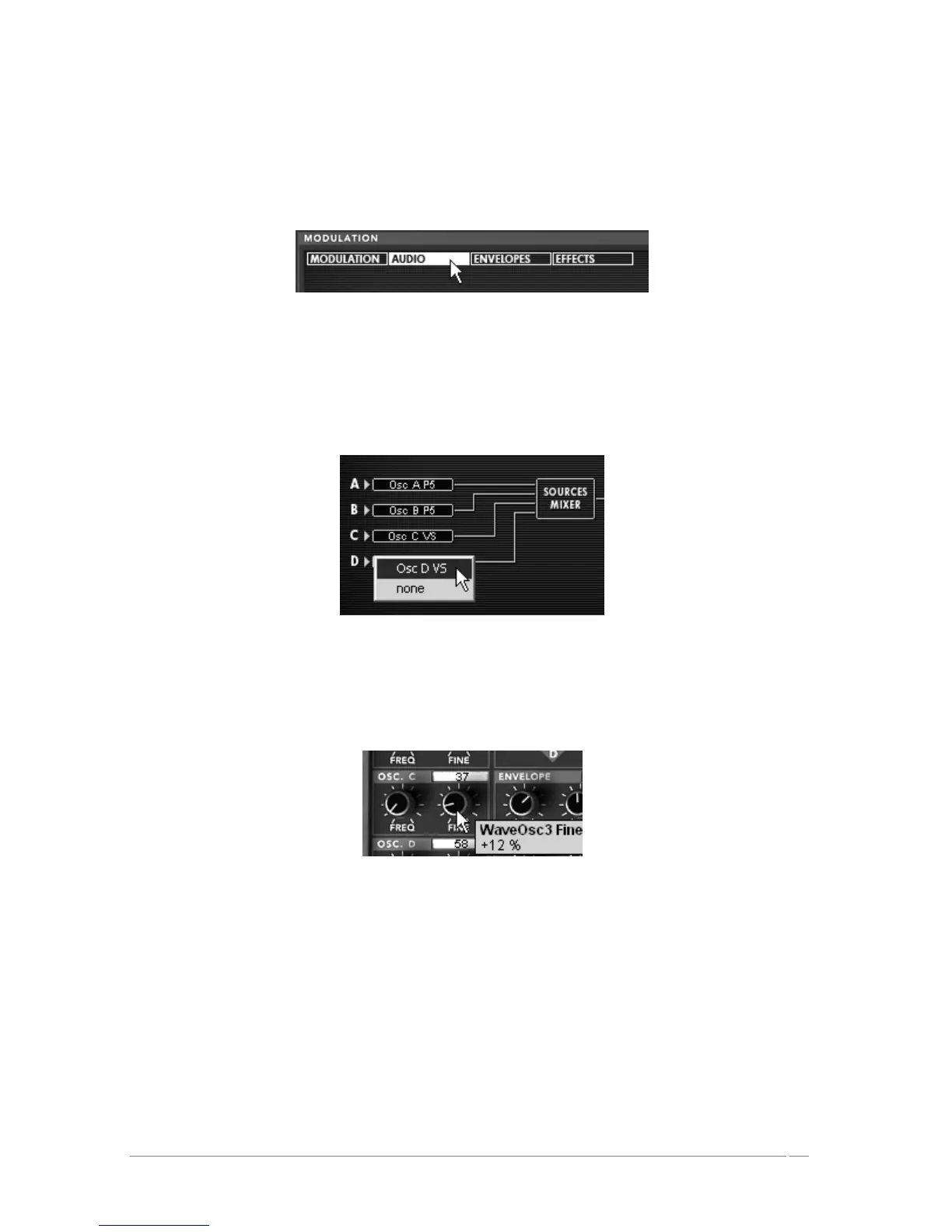
Now, to enrich the sound, add a fourth oscillator. Open the audio connection matrix by
clicking on the option “Audio” situated on the screen you find at the right-hand section of
the Prophet VS interface.
Open the audio connection matrix
This matrix allows you to select and connect to the oscillators, route the audio signal to the
Pro5 or ProVS filters, route the sound of the Prophet 5 in one of the two filters, etc.
Click in the LCD viewer to select the C oscillator and choose the option “Osc VS C”.
Select the C oscillator and choose the option “Osc VS C”
Lightly detune it in relation to the C oscillator already in place by slightly increasing the
“FINE” knob. This will add a bit of life to the sound.
Detune it in relation to the C oscillator
If you wish to, you can also change the wave-form of this oscillator.














 To Next Page