ARTURIA – PROPHET V - MANUAL
52
key on the keyboard) the envelope begins the sequence beginning with “Attack”, then “Decay”,
and stays in the “Sustain” as long as the note is active. When the note is released the envelope
finishes with the “Release” parameter.
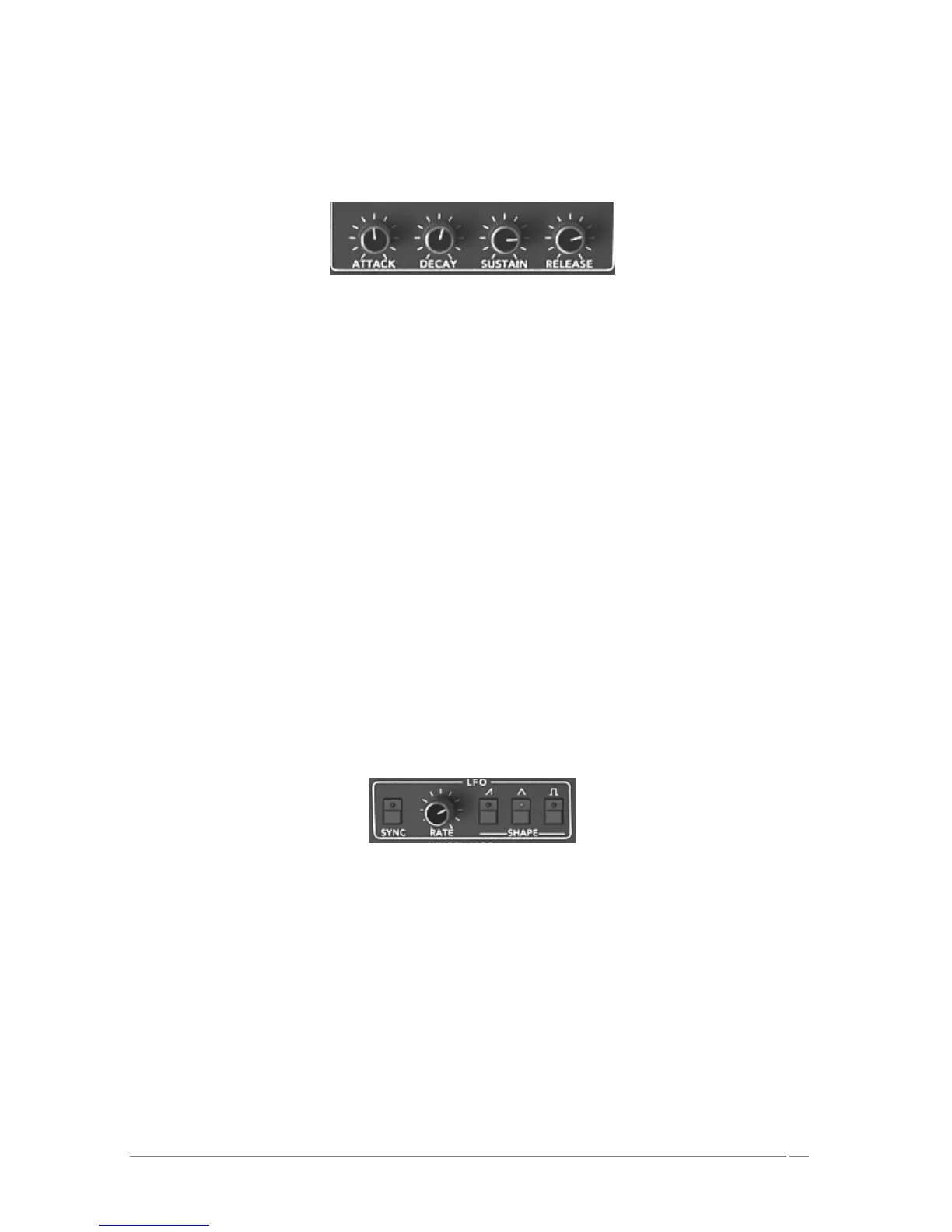
« ADSR » envelope of the filter
ATTACK : setting controlling the attack time
DECAY : setting controlling the decay time
SUSTAIN : setting controlling the sustain
RELEASE : setting controlling the release
5.1.6 LFO
The low frequency oscillator (LFO) is used as a modulation source. It allows you to create
variations in a sound parameter in a cyclical manner to generate effects such as a vibrato effect
(when the LFO modulates the oscillator frequency) or “wahwah” effect (when it modulates the
cut-off frequency).
RATE : setting parameter for LFO frequency
SHAPE : connection buttons for the audio output of the three wave forms:
• Saw tooth
• Triangle
• Square
LFO
5.1.7 WHEEL- MOD
This section offers the necessary connections to select the parameters edited by the LFO.
A knob is also present to mix the volume of the LFO output and the pink noise modulator. You
can thus mix the two signals to add a random effect to your modulation.
LFO/ NOISE : mixing knob of the LFO and pink noise
DESTINATION : selection buttons determining the destinations of LFO modulation:
• Frequency of oscillator A (« FREQ A »)














 To Next Page