ARTURIA – PROPHET V - MANUAL
86
7 A Few Elements of Sound Design
Here are 5 examples meant to guide you with your sound design in the PROPHET V. These
sounds are classed from the simplest to the most complex, and are organized in three parts:
• The First section will help you understand the synthesis of the PROPEHT 5. By
starting with a basic preset you will develop a polyphonic brass sound. Then,
you will discover how to develop richer timbres (several oscillator sources,
filter, amplifier, envelopes, complex modulations...) with bell sounds.
• In the Second section we will explore the wave-table synthesis of the PROPHET
VS. Here, as with the PROPHET 5, you will begin with a basic preset. In this
example, the secrets of the modulation matrix and mixing the oscillators will be
revealed.
• The third section allows you to create a rich and evolving sound from the
association between the two synthesizers.
7.1 Brass Preset with the Prophet 5
To begin, we will learn how to program a basic polyphonic sound. It is composed of four primary
elements:
• two oscillators (VCO1 et 2)
• one low pass filter (VCF)
• ADSR envelope connected to the filter
• ADSR envelope connected to the amplifier
Thus, you will have a basic preset offering brass sounds.
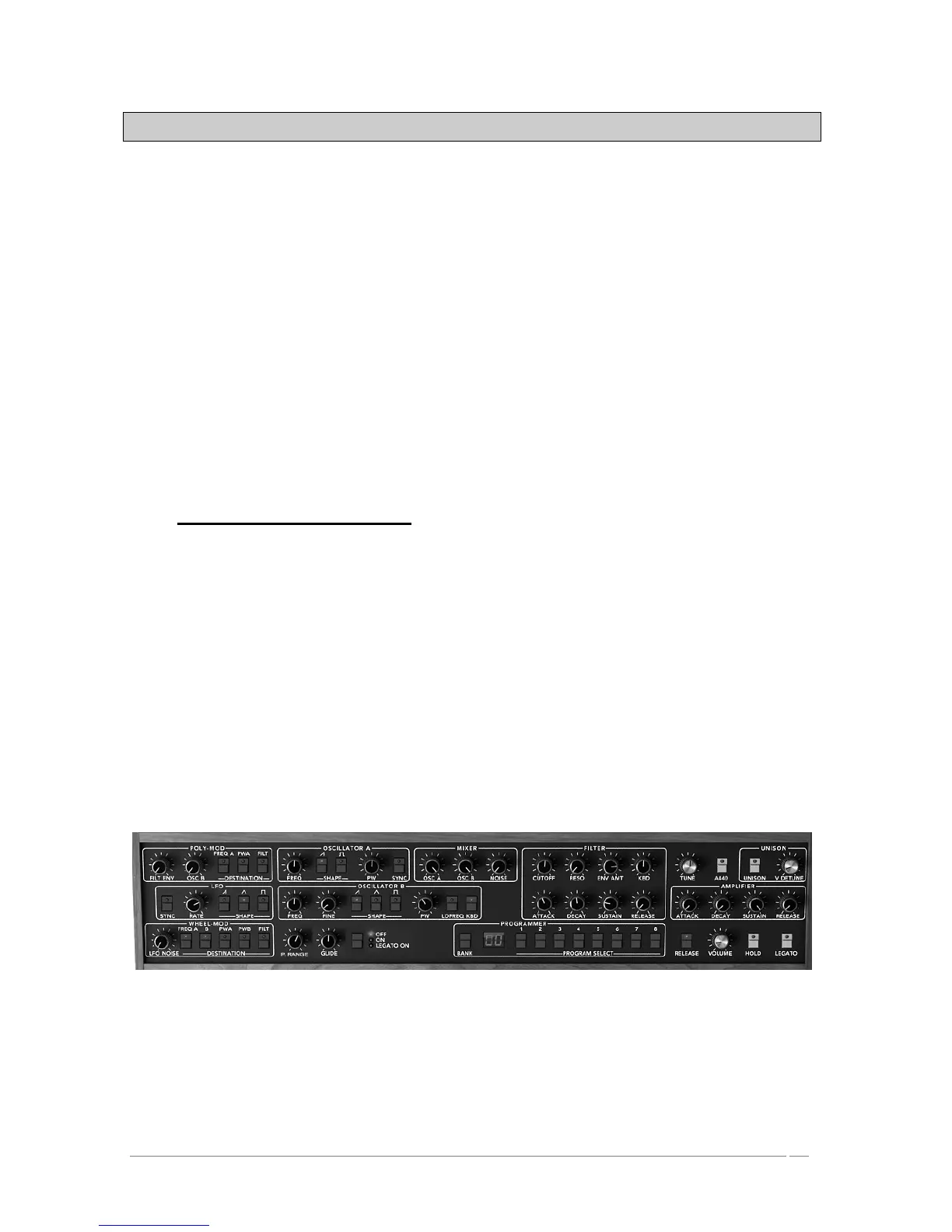
Figure 1 shows you the position of the different knobs:
Primary elements
To begin, choose the preset “Temp/ Blank” in the bank “Prophet 5”/ “Temp_Synth”. As
you may have noticed, no sound can be heard when you play a note. Don't worry, this is
normal! Only the volume amplifier is open.














 To Next Page