ARTURIA – PROPHET V - MANUAL
88
This preset consists of:
• 2 oscillators (the second being in low frequencies)
• Le mixer
• The low pass resonating filter
• The ADSR envelope connected to the filter
• The AR envelope connected to the amplifier
• The LFO connected to the pulse width of the square wave form of oscillator A.
• The frequency of oscillator B modulating the cutoff frequency
• The chorus effect
Proceed to the mixer located between the oscillators and the filter sections, and lower
the volume of oscillator B completely by turning the level knob fully anti-clockwise.
Oscillator B will be used in low frequency mode to modulate the cutoff frequency of the
filter, and we do not want it to produce a sound through the audio mixer.
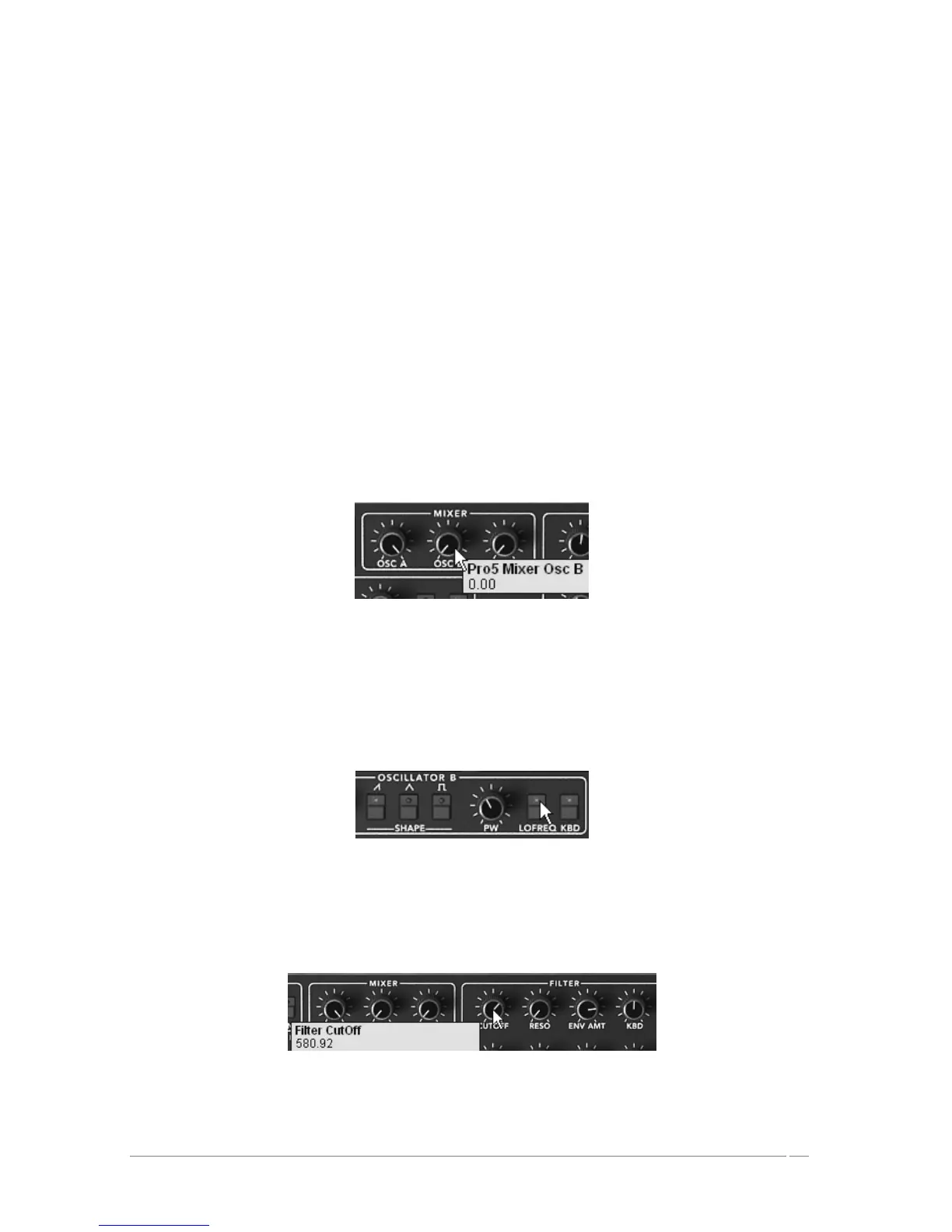
Lower the volume of oscillator B on the mixer
On oscillator A, choose the square wave form.
Choose the same form for oscillator B
Click on the “LO FREQ” button in order to place oscillator B in the low frequency position.
Click on the « LO FREQ » button
Now, on the filter, increase the cut off frequency to about 600.00. The sound becomes
brighter.
Increase the cut off frequency














 To Next Page