ARTURIA – PROPHET V - MANUAL
91
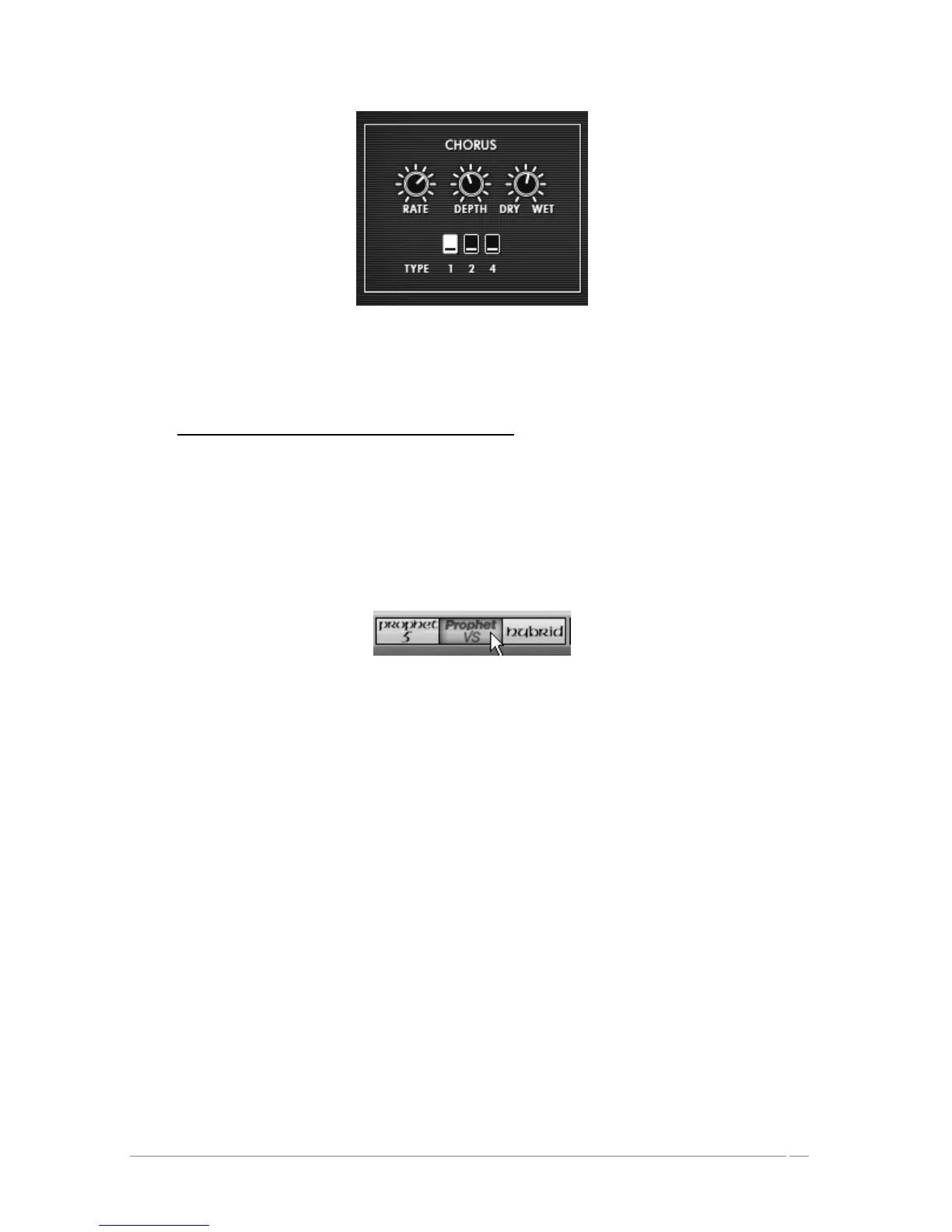
Chorus Settings
You can now save your preset so that you can use it later.
7.3 Basic Preset with the Prophet VS (Sweet Pad)
In this example you will discover the basics of sound programming on the Prophet VS. This
section is thus an initiation to wave-table synthesis – the objective being to create a pad sound
using the different timbres of the 4 oscillators.
Open the Prophet VS interface by clicking on the « PRO VS » button found in the utility
bar.
Open the Prophet VS interface
Choose the Preset « ProVS/Templates/4_Osc_Saw » as a starting point.
This Preset constitutes:
• 4 oscillators using the No 33 wave form -saw tooth
• 1 low pass filter
• 1 amplifier
• The envelope associated to the filter
• The envelope associated to the amplifier
• The mix joystick of the oscillator volume
To start, we're going to select a different wave-form for each oscillator.
Choose wave form No 35 « VS1 » for oscillator A. Choose wave form n°39 « VS 38 » for
oscillator B and n°63 for oscillator C. Finally, keep the wave form n° 33 « Saw » for














 To Next Page