ARTURIA – PROPHET V - MANUAL
93
The filter settings
Let’s look at the settings of the envelopes. These settings will bring the sound of your preset to
life by modifying the cutoff frequency of the filter and the volume of the amplifier.
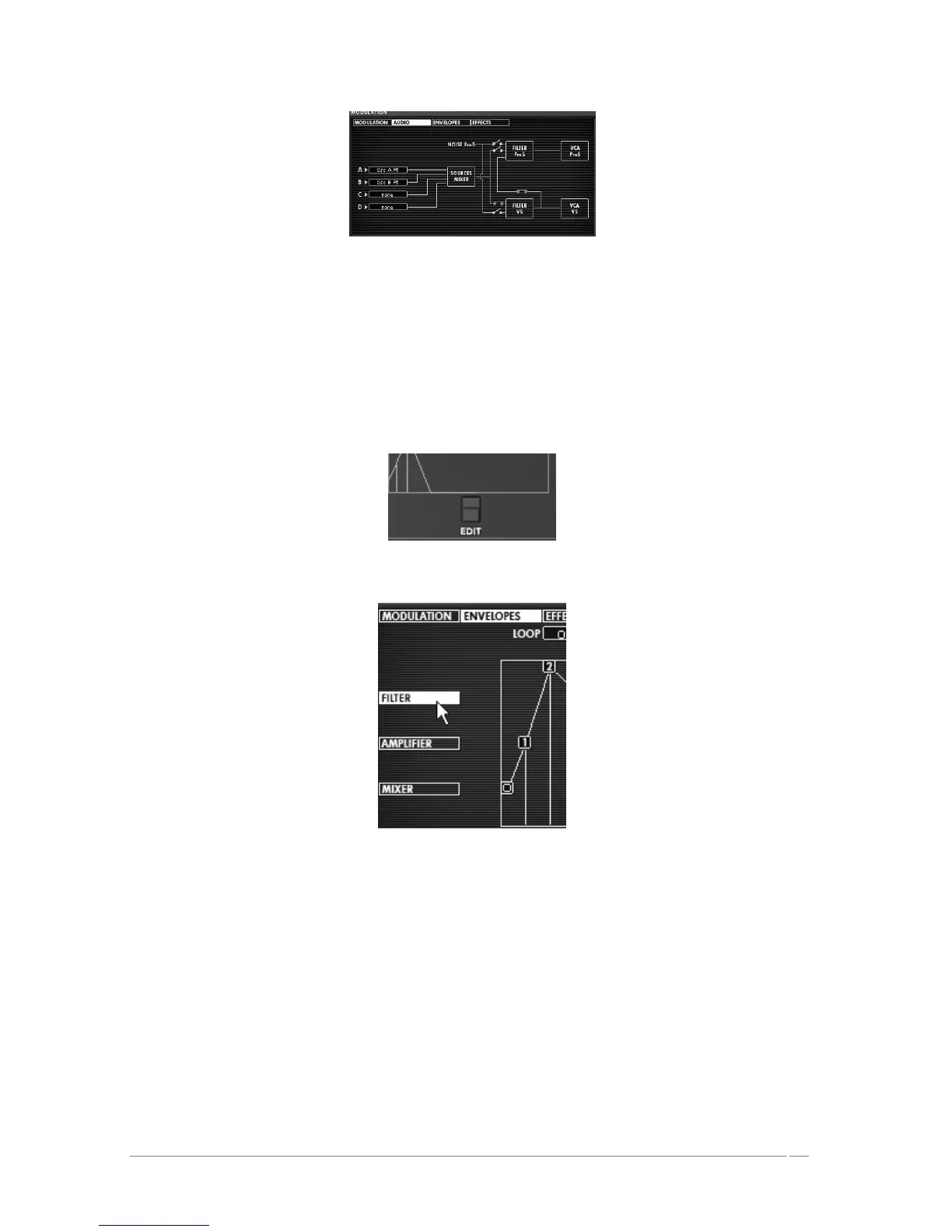
To edit the filter envelope, click on the “EDIT” button found just underneath it. The
editing interface appears on the LDC screen at the right hand side of the screen; you also
have access to this interface by clicking directly on the menu “ENVELOPE”/ “FILTER” in
the same screen.
Click on the « EDIT » button
Click on the menu « ENVELOPE » / « FILTER »
Editing the filter envelope:
Increase the LEVEL of point “0” to a value around 22; this will be the initial LEVEL setting.














 To Next Page