ARTURIA – PROPHET V - MANUAL
97
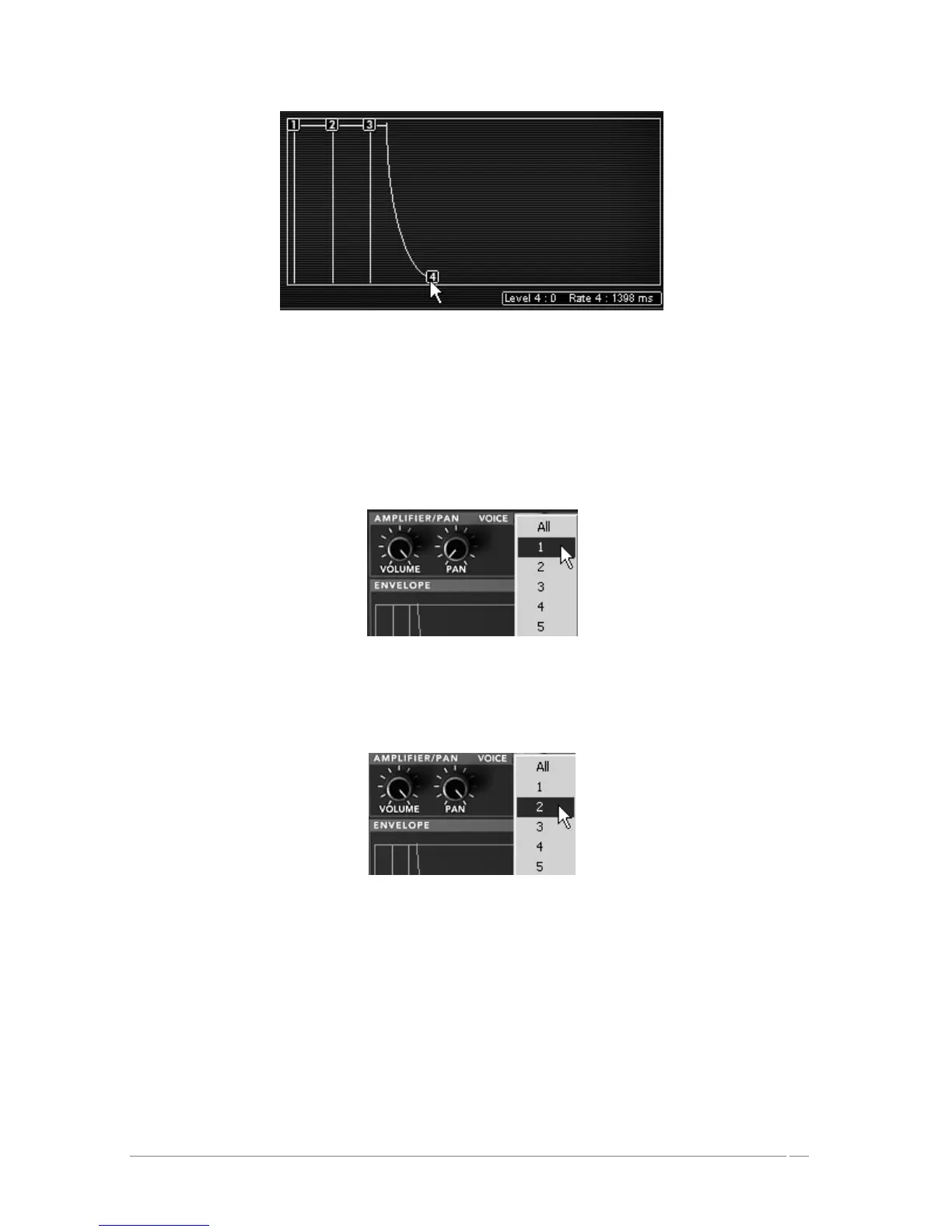
Adjust the setting of point 4
To give more stereo space to your sound, it is possible to set a panoramic value to each of the
notes played.
Click on the “VOICE” panel (found to the right the “AMPLIFIER” title) to select the
polyphonic voice 1. Set the “PAN” knob on 0. This voice will be placed to the extreme
left.
The settings of the voice 1
Choose the second voice and set it to 99. This will be placed to the extreme right.
The settings of the voice 2
Set the other three voices at your convenience by repeating the same steps.
By doing this, your sound will have a lot of stereo space without using as many effects and save
you some CPU charge!














 To Next Page