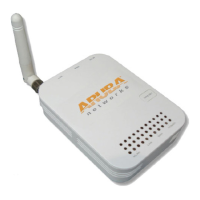
AP-220-MNT-W1 Wall Mount Kit
Installation Guide
0511288-01 | March 2013 1
The AP-220 Series Wall Mount kit (AP-220-MNT-W1) allows you to mount your AP-220 Series access point
to a wall.
1. Begin by attaching the wall mount adapter to the wall as shown in Figure 1 or Figure 2.
a. Install any necessary wall anchors. Wall anchors are not included in this kit.
b. Align the screw holes in the mounting bracket with the previously installed anchors or demarcated
screw points.
c. Insert the screws to secure the mounting bracket. Screws are not included in this kit.
Figure 1 Attaching the Adapter to a Wall
Figure 2 Attaching the Adapter to a Wall (Alternate)

 Need help?
 General

 To Next Page