P/N 8007132
Page 3 of 10
Rev. B
There are six (6) steps to install the K-9 TV/VCP floor console:
Step # 1 Remove face of the console
Step # 2 Install brackets and the straps
Step # 3 Install console to the floor of the vehicle
Step # 4 Install VCP
Step # 5 Install TV
Step # 6 Replace console face
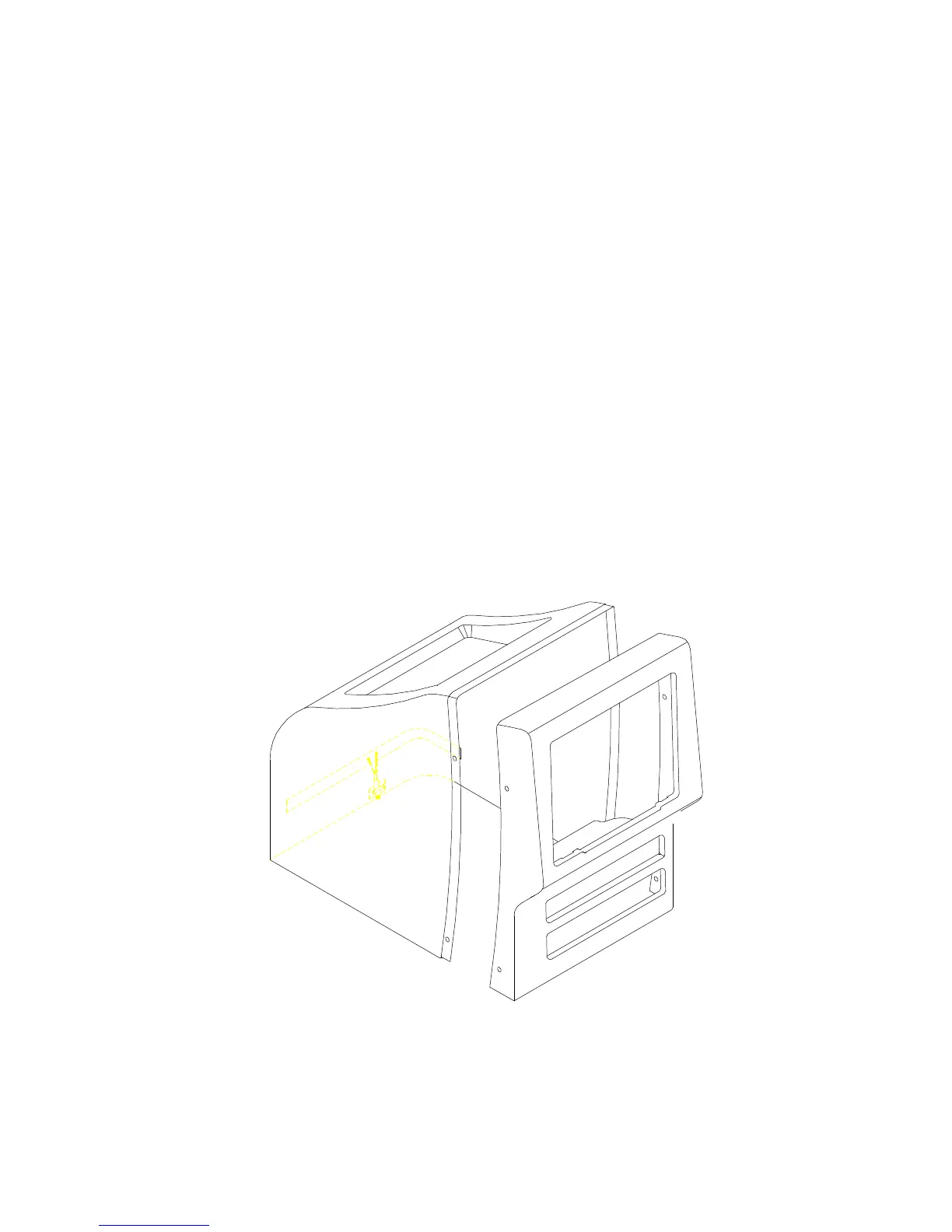
STEP #1 REMOVE THE FACE OF THE CONSOLE
⇒ Remove 4 Phillips screws securing face of console to body of console.
⇒ Set screws and face aside. Take care that screws do not get lost.
1) Disassemble shroud.



 To Next Page