P/N 8007132
Page 8 of 10
Rev. B
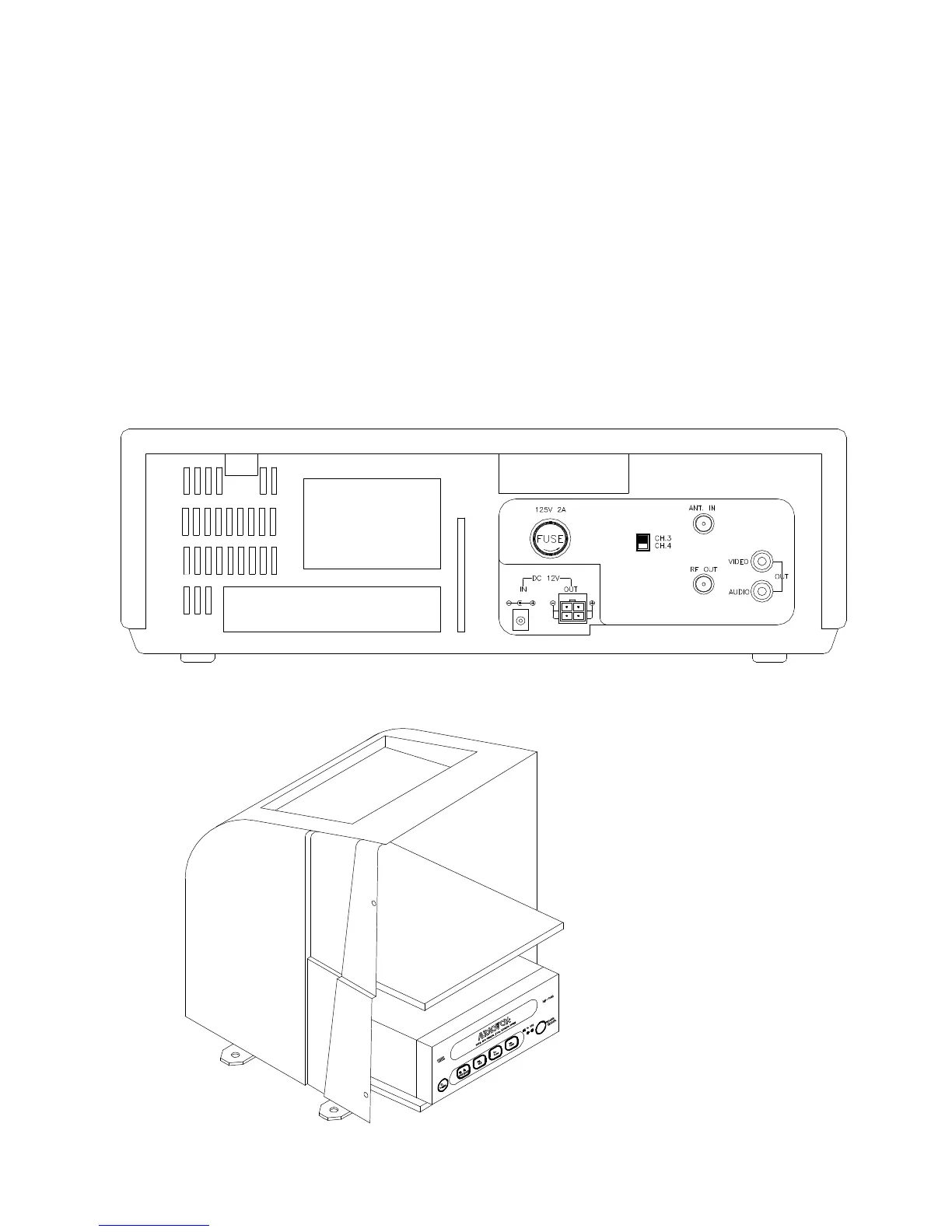
STEP #4 INSTALL VCP INTO CONSOLE
⇒ Remove VCP from box.
⇒ Connect white RCA connector (customer supplied) from console wiring harness
to white audio output jack of VCP.
⇒ Connect yellow RCA connector (customer supplied) from console wiring harness
to yellow audio output jack of VCP.
⇒ Connect DC power connector (customer supplied) from console to DC power
jack of VCP.
⇒ Slide VCP into slot in front of console.



 To Next Page