5.
5.
5.
5. HDMI
HDMI
HDMI
HDMI doesn
doesn
doesn
doesn
’
t
t
t
t display
display
display
display
NO
YES
NO
YES
NO
YES
NO
YES
NO
YES
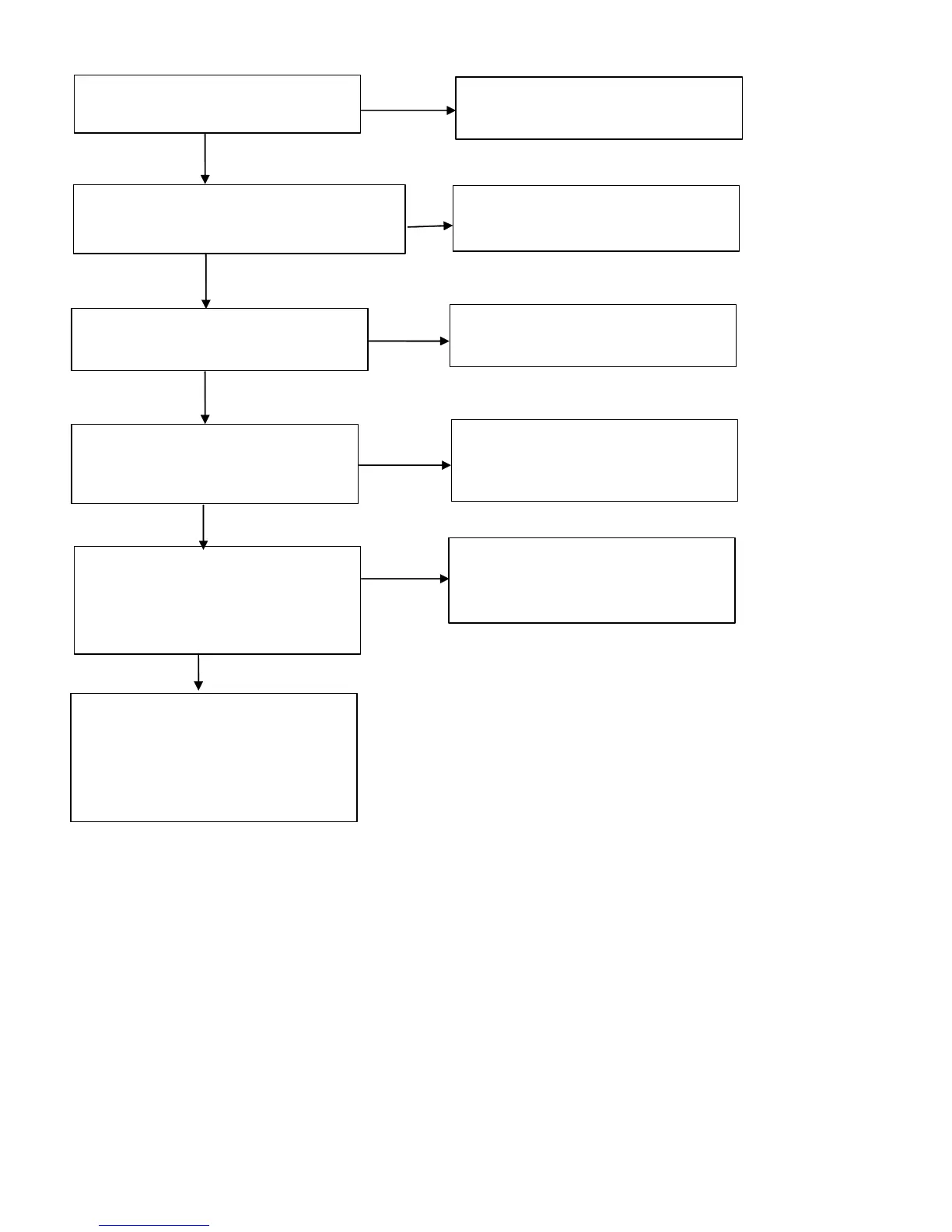
Check input connect CN14 Can you see
the normal waveform?
CN14 may have problem. Replace this
Jack.
Check DDC communication
lines( CN14- Pin 15,16 )
After checking the Power of this chip, you
should decide to replace this or not.
Check HDCP communication lines( U10 )
After checking the Power of this chip, you
should decide to replace this or not.
Check the input of HDMI S witch ( U10 )
This signal is TMDS.Can you see the
normal waveform?
After checking the trace of TMDS lines
and power of HDMI Switch, you should
decide to replace HDMI Switch or not.
Check the output of Main IC( U08 ).
Especially you should check The H,V
sync and clock.Can you see the normal
waveform?
After checking the Power of Main IC( U08 )
you should decide to replace Main IC or
not.
This board has big problem because Main
IC( U08 ) have some troubles.
After checking thoroughly all path once
again,
You
should decide to replace Main
Board or not.



 To Next Page