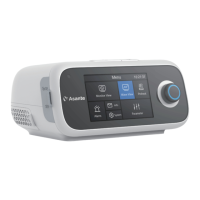
9. Connect the device to main power supply. The device will display the Standby Interface
Put the device on a solid flat surface where the approach is not blocked, the displays are
easy to see, and the controls are convenient to access. Be sure to place the device where it
will not fall easily. The device is required to be lower than the height of the bed.
Be sure to take preventive measures in order to avoid water damage to the device.
When water is in the water tank, do not move the device, so as to avoid water entering into
the device.
7. Parameter Settings
7.1 Menu
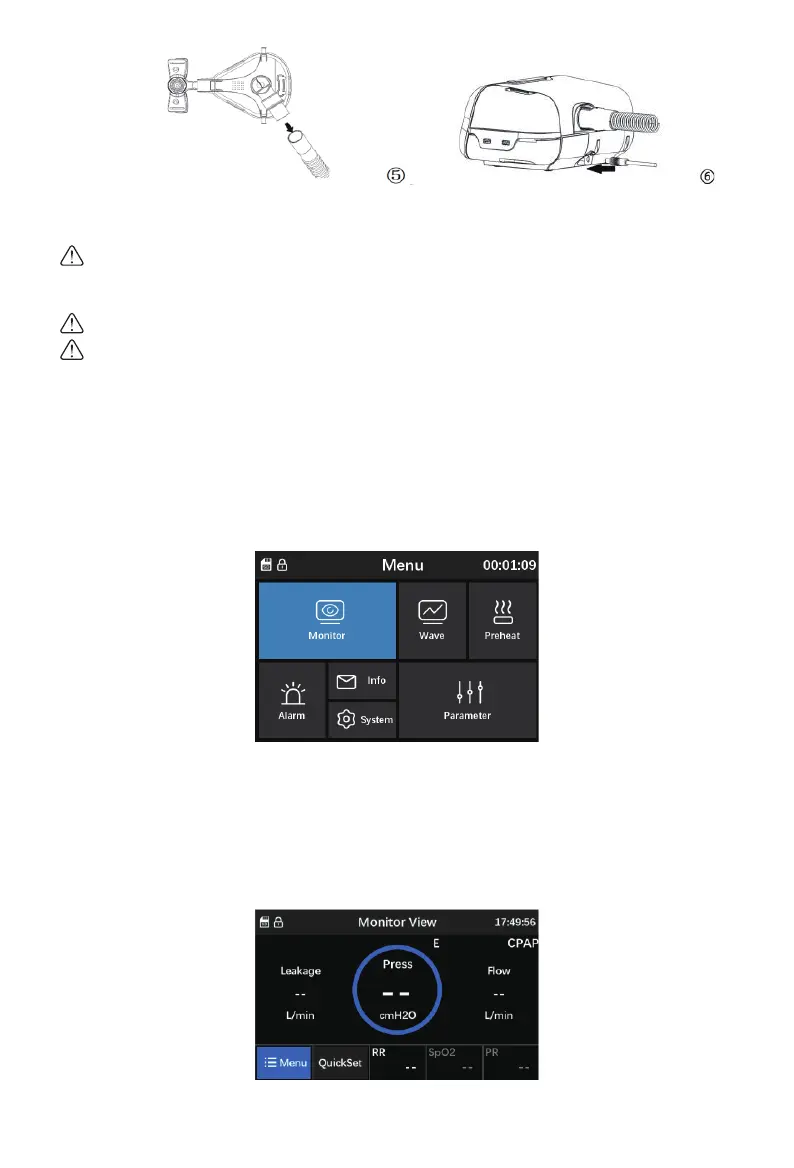
Connect the device to main power supply with power cord and power adapter properly. The
screen displays the Menu screen will appear as shown in Fig. 7-1 below.
7.2 Monitor Interface
Under the menu interface, rotate the “Knob” button to move the cursor to “Monitor”. Press
“Knob” button and the monitoring interface screen will appear on the display screen, as shown
in Fig. 7-2 below. At this interface, select “Quick Set” and press “Knob” button for 3 seconds
to adjust parameters of current working mode.
Fig. 7-1. Menu Interface
Fig. 7-2 Monitor Interface
38


 To Next Page
 Loading...