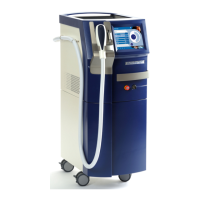
Technical data
1590 99 002_1 - 21. February 2011 13
Power switch
The power switch separates the device from the line voltage. If the device is not in use, the switch
should be in the OUT (O) position.
Power switch
Figure 3: Power switch at the rear panel of the device
Foot switch
The foot switch is an electric button that releases the laser emission if the laser is activated and if the
device is in the READY mode. It is equipped with two redundant switching elements. Position the
foot switch always close to the treatment area.
Figure 4: Foot switch


 To Next Page
 Loading...