EasyManua.ls Logo

Ashley M9X532 - User Manual

Ashley M9X532
43 pages
Print Icon
To Next Page IconTo Next Page
Loading...
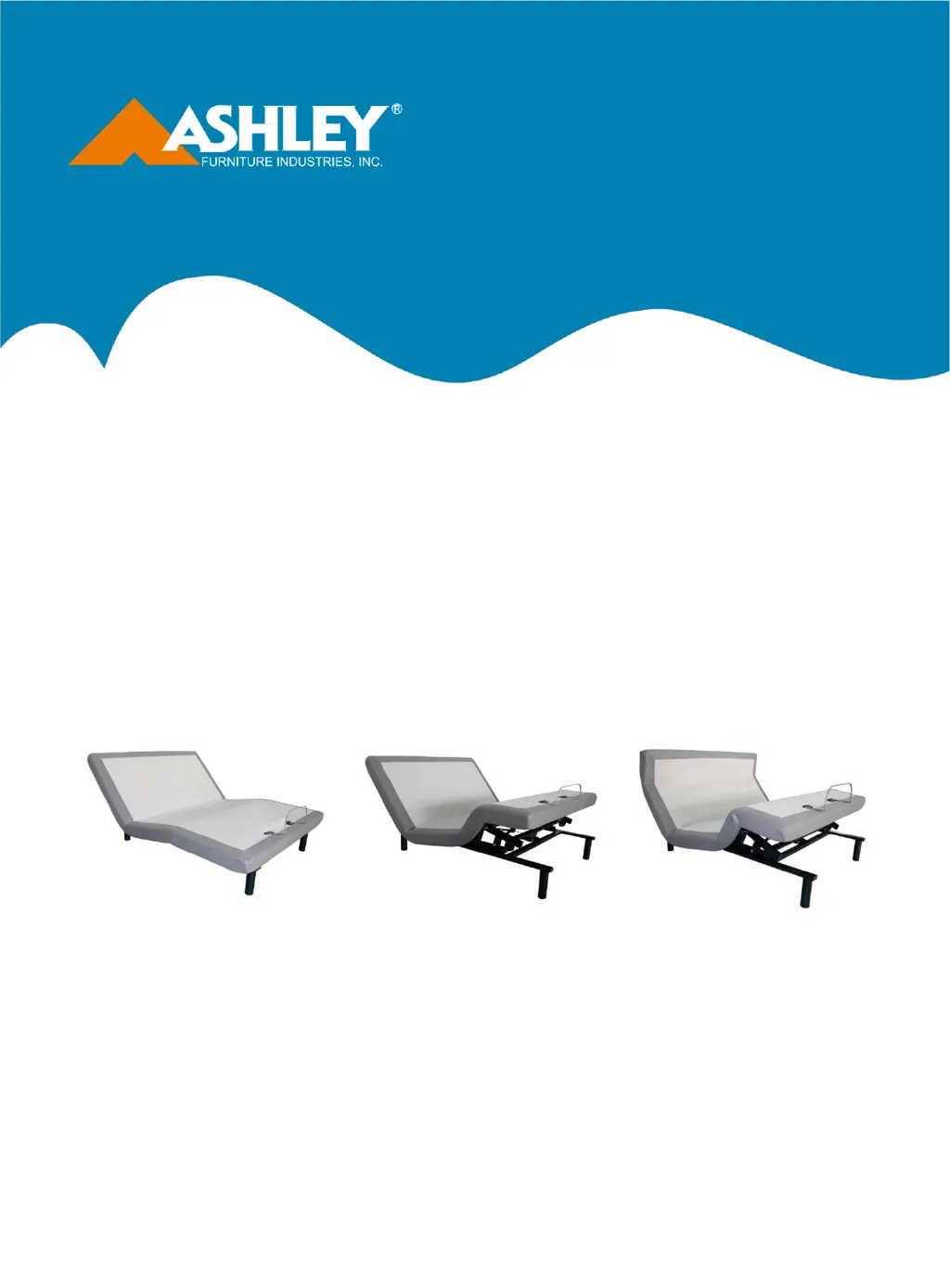
OWNER’S MANUAL
Installation & Operation
M9X432
M9X442/M9X442A
M9X452/M9X452A
M9X532
M9X542/M9X542A
M9X552/M9X552A
M9X5
72
M9X632
M9X642/M9X642A
M9X652/M9X652A
M9X6
72
Serial No.

Questions and Answers

  • S
    sabrinabensonAug 19, 2025
    Why is my Ashley M9X532 massage motor so noisy?
    • M
      Melissa Chavez MDAug 19, 2025
      Excessive noise from the massage motor on your Ashley Power Foundation might be due to several factors. If your bed is on a hard surface floor, place carpet or rubber pieces under each leg. Elevate the head, foot, or neck section briefly to realign the lift mechanisms. Ensure the foundation isn't against a wall or object that could vibrate. If installed on a bed frame, check that the frame isn't vibrating due to the massage motors. Also, verify that the headboard attachment hardware is properly tightened.
  • J
    Joseph RobertsonAug 21, 2025
    What to do if no features of my Ashley M9X532 Indoor Furnishing power foundation activate?
    • L
      Lori BruceAug 21, 2025
      If no features of your Ashley power foundation are working, the electrical outlet may be defective. First, program the remote control. Then, unplug the power cord, wait 30 seconds, and plug it back in to reset the electronic components. Finally, test the outlet by plugging in another working appliance to ensure the outlet is functional.
  • I
    idanielAug 25, 2025
    How to fix Ashley M9X532 Indoor Furnishing head or foot section that won't return to flat position?
    • A
      Alexis RobinsonAug 25, 2025
      If the head or foot section of your Ashley Indoor Furnishing elevates but won't return to the flat position, the bed mechanism may be obstructed. Elevate the bed and check for any obstructions, then remove them. Also, the head section might be too close to the wall, or the headboard might be too close to the mattress edge. Verify there's enough distance between the headboard brackets and the mattress, and adjust if needed.
  • V
    Victoria PetersonAug 26, 2025
    Why does my Ashley Indoor Furnishing lift function have interference?
    • B
      bryantcoltonAug 26, 2025
      Minor interference during the head, foot, or neck lift function of your Ashley Indoor Furnishing may be due to radio frequency interference from other transmitting devices. Check the batteries in the remote control and replace them with three new AAA batteries if necessary. Ensure you are following the motor's duty cycle (do not operate more than 2 minutes in an 18-minute period). Press the lift buttons squarely and accurately, wait several seconds, and try pressing the appropriate button again.
  • G
    Gail WalkerAug 28, 2025
    How to fix an Ashley Indoor Furnishing remote that will not illuminate?
    • D
      Daniel BarnesAug 28, 2025
      If your Ashley Indoor Furnishing remote will not illuminate, replace the batteries in the remote.
  • L
    Luis WardAug 30, 2025
    What to do if the Ashley Indoor Furnishing massage motor overheats or stops?
    • M
      Michael GreeneAug 30, 2025
      If the vibration motor overheats, the thermal protection will turn the motor off. Wait 30 minutes, then turn the massage back on. If it doesn't come on, turn it off and report the situation to customer service.
  • J
    Jason PattersonSep 1, 2025
    What to do if Ashley M9X532 Indoor Furnishing remote works but doesn't activate the bed?
    • G
      Gabriel Cunningham Jr.Sep 1, 2025
      First, ensure the power cord is properly plugged into a working, grounded electrical outlet. To verify the outlet's functionality, test it by plugging in another appliance that you know works.
  • J
    Jessica HinesSep 3, 2025
    Why won't any features activate on my Ashley Indoor Furnishing power foundation?
    • N
      Nicole SmithSep 3, 2025
      Try these steps: program the remote control (refer to the Setting Programmable Positions and Pairing Remote section of this manual for programming procedures), unplug the power cord, wait 30 seconds, and then plug it back in to reset the electronic components. Check the electrical outlet by plugging in another working appliance to ensure it is not defective. Also, verify that the connector on the wired remote control is securely attached to the control box.
  • A
    awardSep 5, 2025
    How to fix Ashley Indoor Furnishing remote that will not illuminate?
    • H
      hernandezchristineSep 5, 2025
      Replace the batteries in the remote control with new ones.
  • S
    Scott MooreSep 7, 2025
    What to do if Ashley M9X532 head or foot section elevates but won't return to flat position?
    • J
      Jennifer EllisSep 7, 2025
      The bed mechanism might be obstructed. Elevate the bed and check for any obstructions, then remove them. Also, the head section may be too close to the wall, or the headboard may be too close to the edge of the mattress. Ensure there is enough distance between the headboard brackets and mattress; adjust if needed.

Summary

Important Safety Notices

General Safety Precautions

Essential safety guidelines for product assembly and use, including tool usage and part checks.

Electrical Safety

Precautions for handling products with electrical cords to prevent damage or injury.

Handling Glass and Mirrors

Specific warnings and advice for safely handling products containing glass or mirror components.

Assembly and Usage Limitations

Guidelines on assembly involving multiple people and weight limits for furniture pieces.

Safety & Warranty Information

Safety Warnings

Critical warnings regarding product usage, including outdoor use, explosives, and user capabilities.

Electronics Quick Reference

Installation Guide

Remote Control Instructions

Setting Programmable Positions and Remote Pairing

M9 X6 Programmable Position Settings

Guide to saving custom positions using the M9X6 remote control's programmable feature.

Troubleshooting Guide

Ashley M9X532 Specifications

General IconGeneral
BrandAshley
ModelM9X532
CategoryIndoor Furnishing
LanguageEnglish

Related product manuals