35
Setting water hardness
If you have a dishwasher with a water softener, you may need to change the setting, de-
pending on the hardness level of the water. Phone your local Water Board to check the water
hardness in your area. The dishwasher is set for low water hardness on delivery.
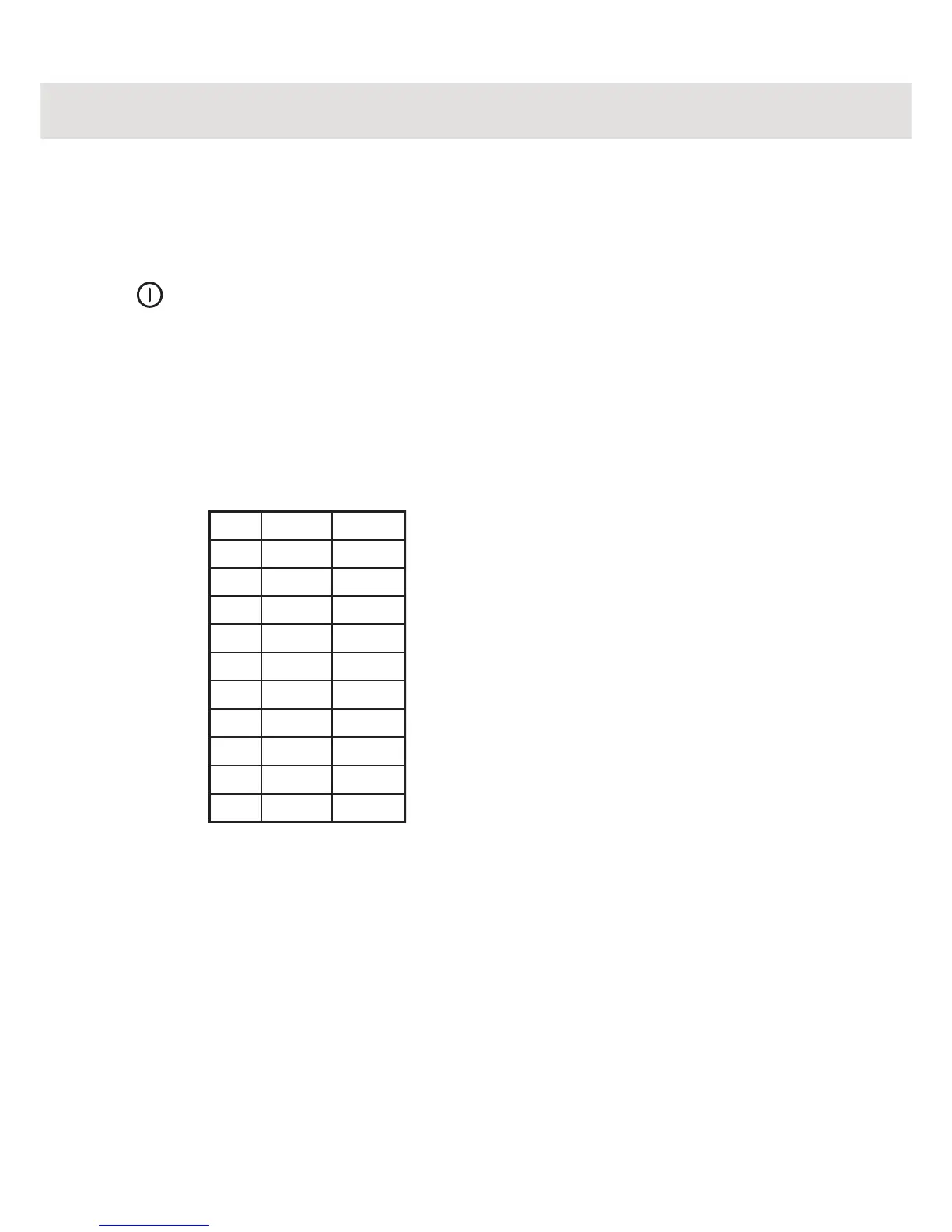
1. Switch off the dishwasher at the main switch.
START
STOP
2. Press the main switch while holding in the Start/Stop switch. Release the
Start/Stop button.
PROG PROG
3. Press the Program button from one to nine times depending on the hard-
ness of the water. A figure 0 (no water softener and machines with soften-
ers with low hardness), 1, 2, 3, etc. will appear in the display window.
No. ˚dH ˚fH
0
0-5 0-9
1
6-8 9-14
2
9-11 15-20
3
12-14 21-25
4
15-19 26-34
5
20-24 35-43
6
25-29 44-52
7
30-39 53-70
8
40-49 71-88
9
50+
89+
START
STOP
4. Press the Start/Stop button and the setting will be stored until next time you
want to make a change.



 To Next Page