418669
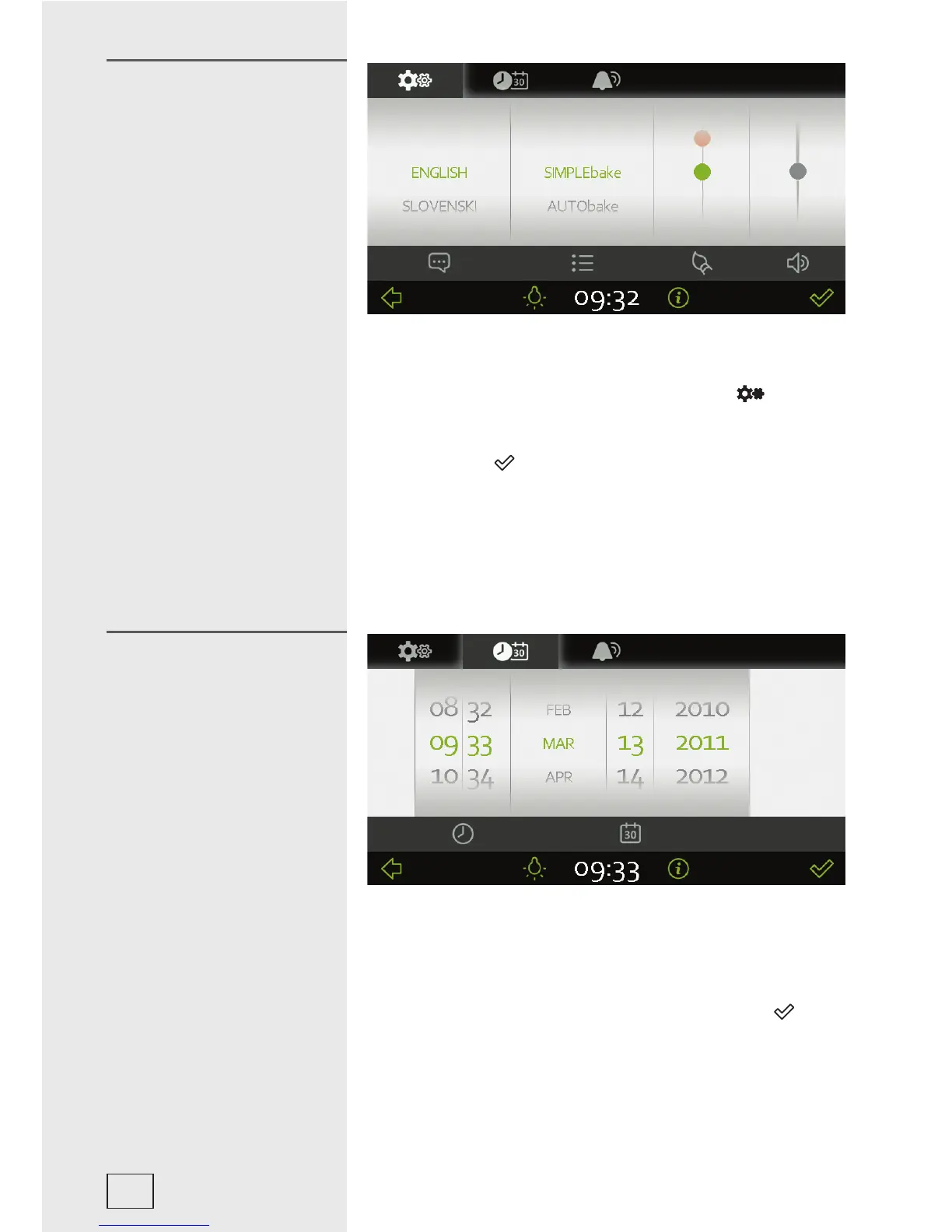
If you are not happy with the language in which the messages on
the display are presented, you may select another one. Select
the CLOCK display in the main menu. Touch the (
) symbol
to set the language. A list of languages will appear; slide up and
down to scroll through the list. Confi rm your language selection
by touching the (
) symbol.
The following can also be set in this menu:
- display colour scheme (green or orange),
- acoustic alarm volume (loud, normal, off),
- fi rst menu to be displayed: SIMPLEbake, AUTObake,
PRObake, MYbake, or the default main menu.
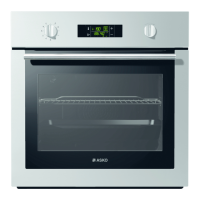
Set the time of day after the appliance is connected to the power
mains for the fi rst time or after being disconnected from the
power mains for a longer period of tie (more than one week). Set
the clock by touching the CLOCK. Select hours, minutes, day,
month, and year. Confi rm the settings by touching the (
)
symbol.
Selecting the language
Setting the clock
10



 To Next Page