418669
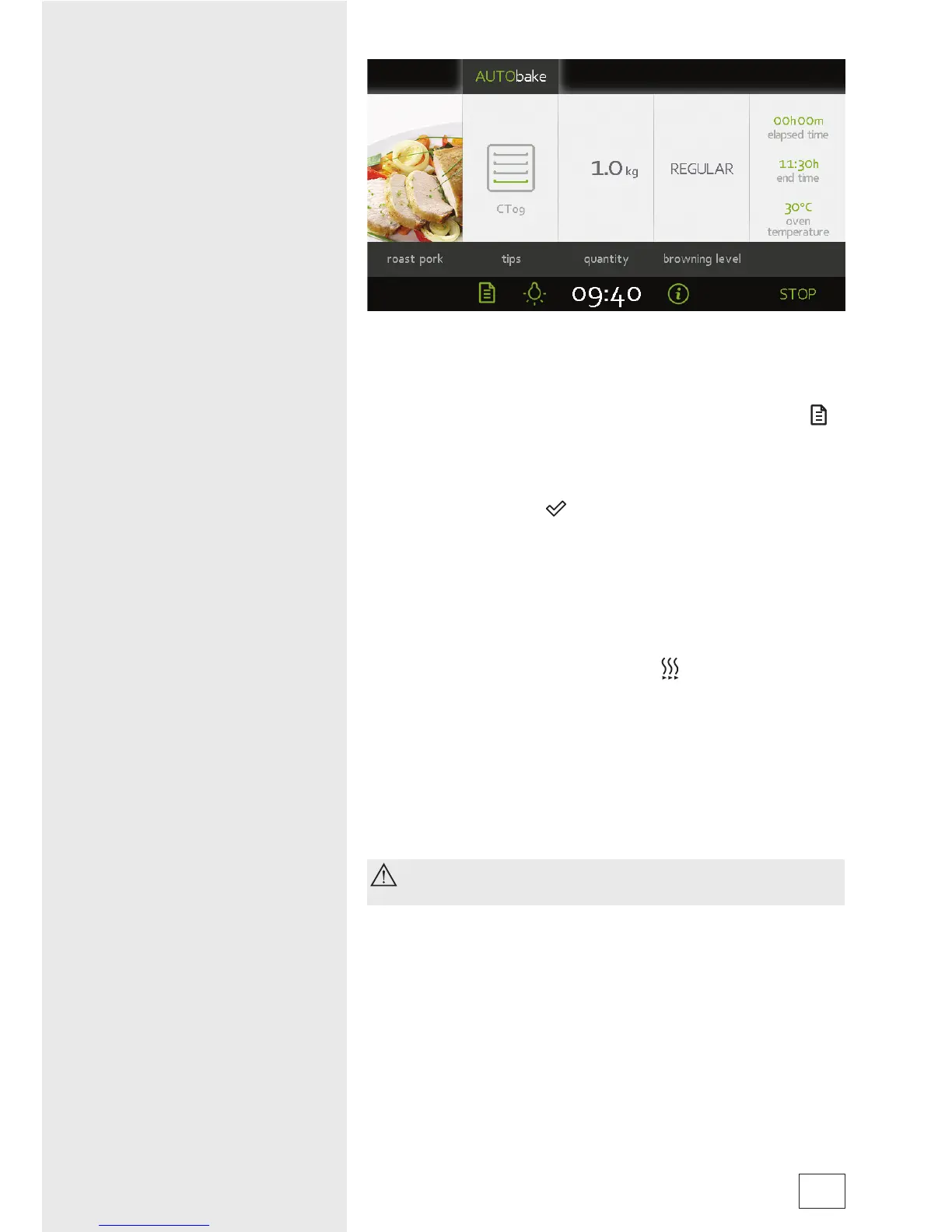
• All settings are indicated on the display.
The last frame displays the oven temperature and the cooking
time elapsed.
• To change the current settings during cooking, touch the (
)
symbol to display the temperature and remaining time sliders.
• When the cooking process is complete, an intermittent
acoustic signal will be heard which you may turn off by
touching the display (
). After one minute, the acoustic
signal will be switched off automatically.
• Clock display will alternate between CLOCK and current
TEMPERATURE in the oven.
Note:
Some dishes offered in the SIMPLEbake and AUTObake
programs include the preheat function (
).
- After touching the START symbol, the following warning will
appear on the display: “PREHEAT PROCESS STARTING”.
DO NOT INSERT FOOD YET.”
- After the preheat process, a short acoustic signal will be
heard and the display will read: “PREHEATING COMPLETE.
PLEASE INSERT FOOD.” - The program then resumes the
cooking process with selected settings.
When the preheat function is set, delayed start function
cannot be used.
13



 To Next Page