17
COOKING SYSTEMS
RAPID PREHEATING
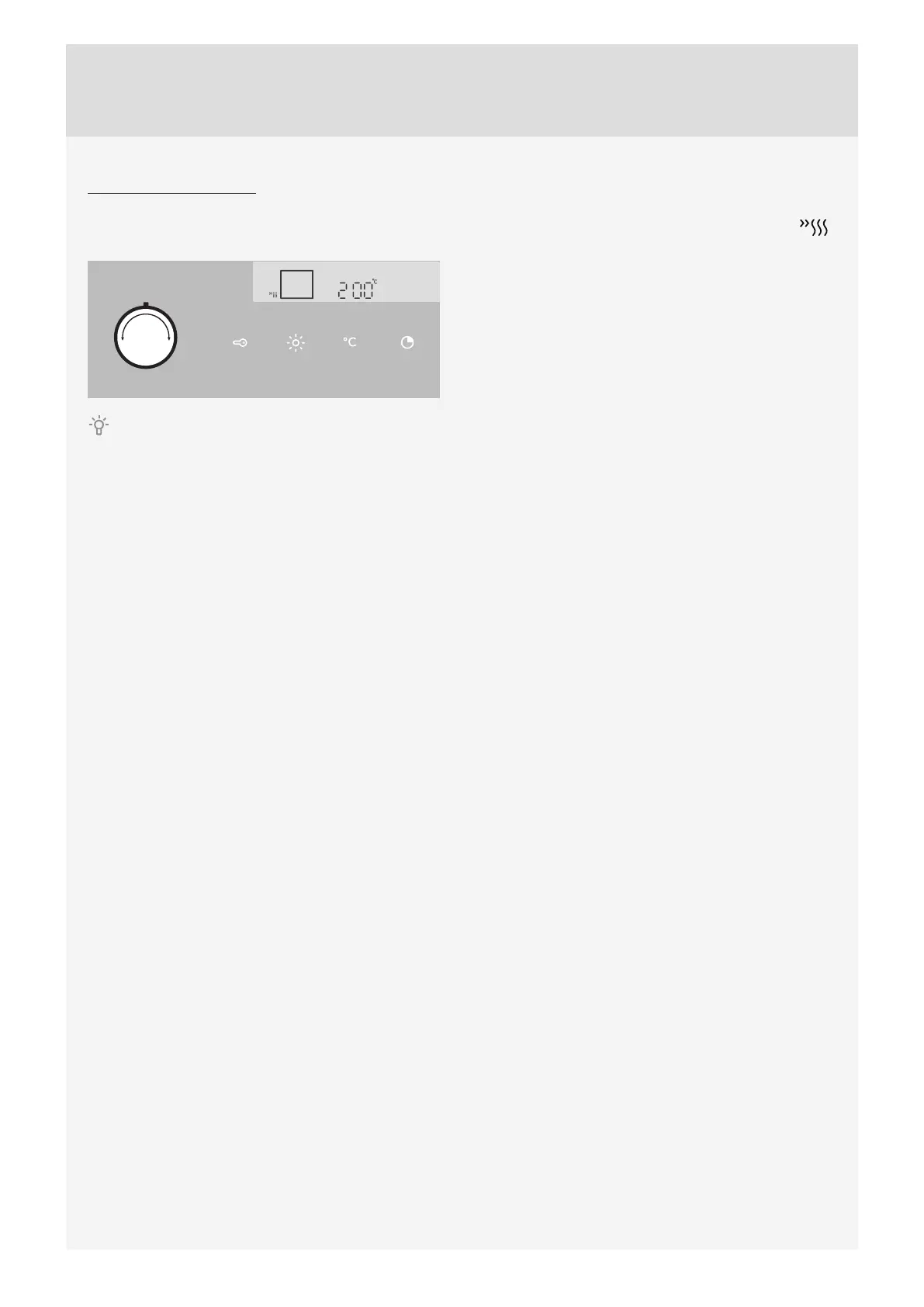
Turn the COOKING SYSTEM SELECTOR KNOB to
rapid preheating.
PRESET TEMPERATURE will be displayed. This
temperature setting can be adjusted.
When it is switched on, the oven will begin to heat up. The symbol °C will fl ash on the display. When the set
temperature is reached, preheating is completed and an acoustic signal will be sounded. The acoustic signal can be
stopped by pressing any key; after one minute, it will stop automatically.



 To Next Page