EN 22
OPERATION INDUCTION
Automatic cooking programs
Your hob is fitted with 6 automatic cooking programs. You can set any
end time of an automatic cooking program with the aid of the kitchen
timer function. The cooking programs are based on regular quantities.
The tables are meant as a guideline, because of the large margins you
can alter the dish according to your wishes.
To set an automatic program
The cooking zone is switched on.
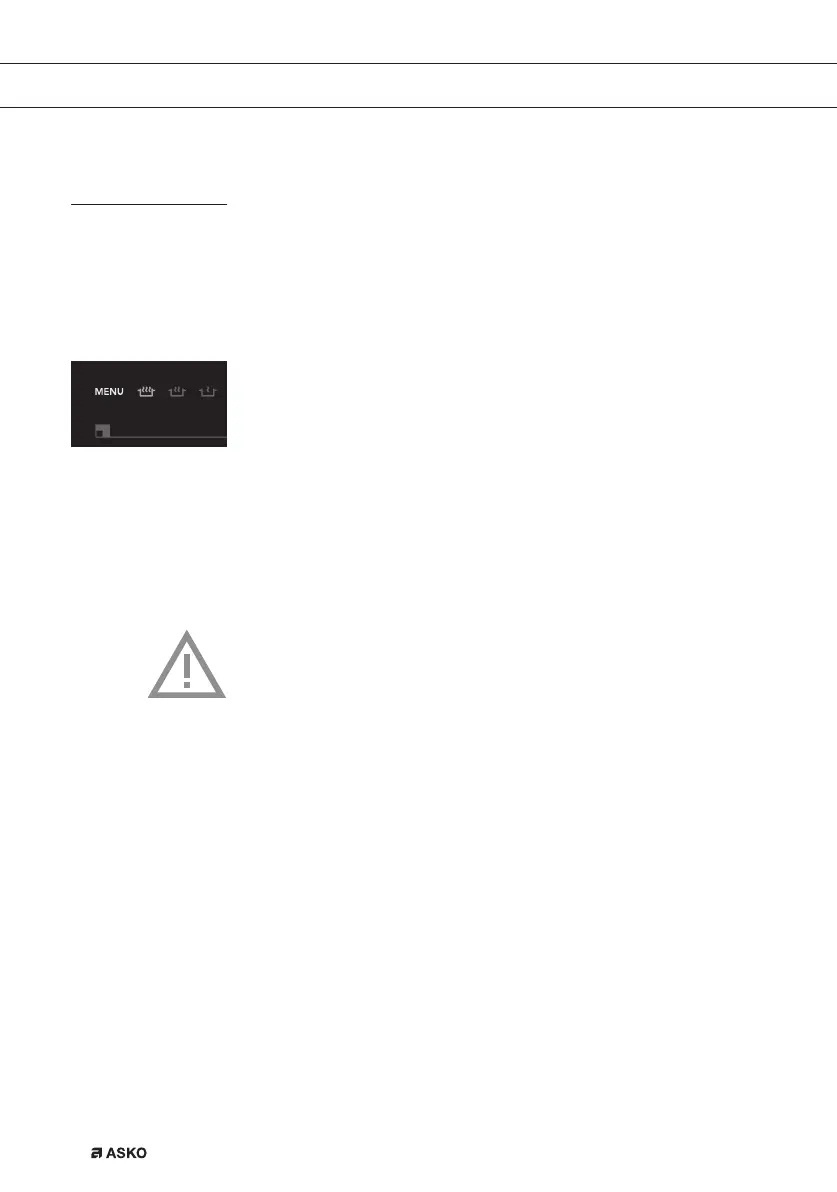
• Press the menu button.
• Again press the menu button, or press and hold down the menu
button to go to the next menu functions.
The selected cooking programme automatically starts after 3
seconds. An ‘A’ for ‘automatic’ appears in the display.
If an automatic cooking program is active, you can use the following
buttons to go back to the manual cooking process:
<< , + , - , >> .
Attention
For ‘Vario’ appliances, the cooking programs and boost function
will not work if the zones are bridged.



 To Next Page