25
5. Timed drying
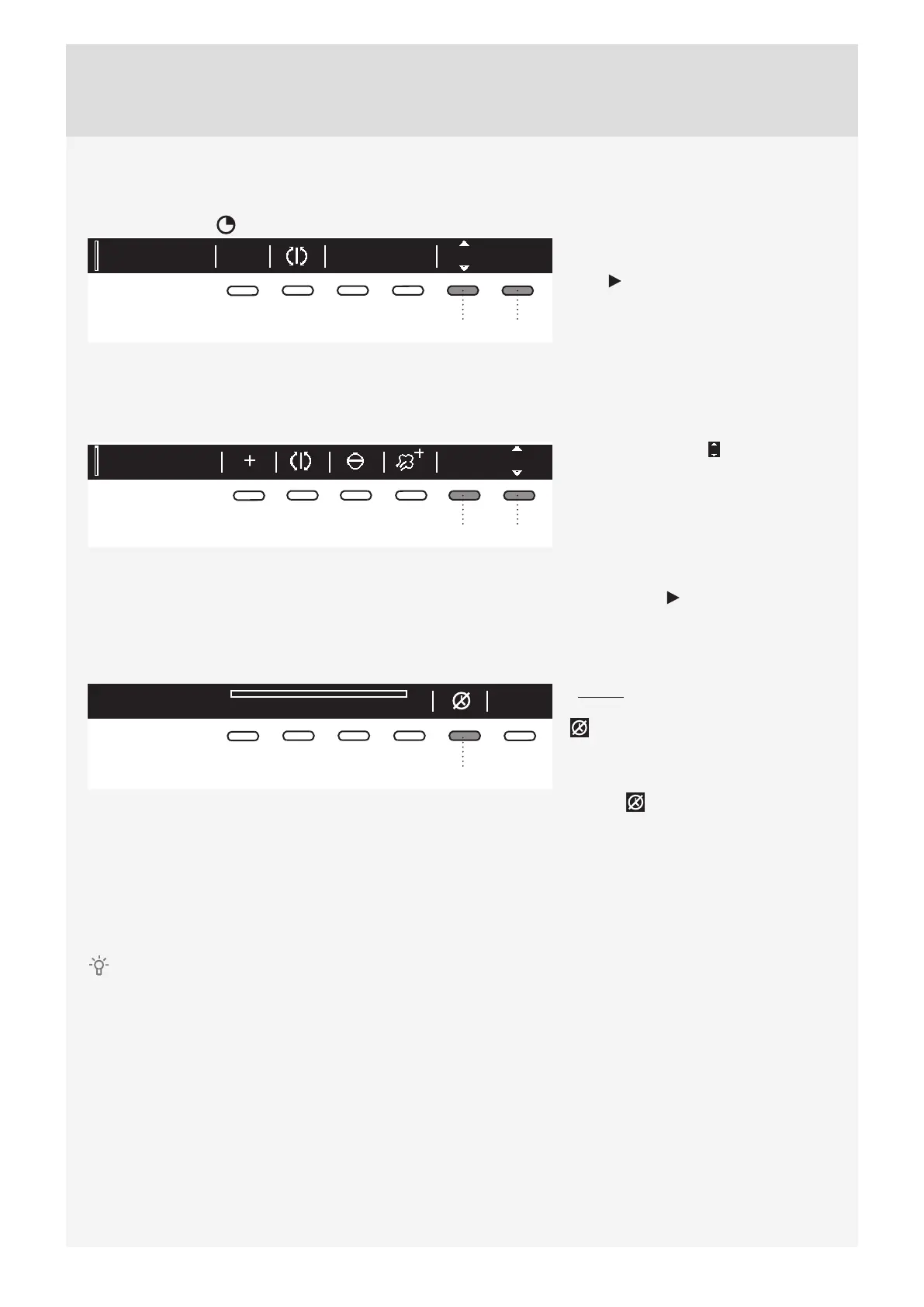
First, use the program selector knob to select the Timed program.
Press the button 5 to select a drying time from 30 minutes to 4 hours, in 15-minute steps.
Time program
2
Ok
2:15
56
Use the button 6 (OK) to confi rm the
selected drying time. Press the Start/
Pause button to start the drying
process.
6. Delay Start
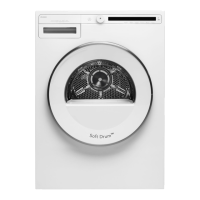
Press the button 6 to choose the Delayed Start when you wish the drying program to start after a certain
period of time.
Auto extra dry 6:00Ok
2
56
Press the button 6 for to appear. Use
the program selector knob or the button
6 to set the delay from 30 minut to 6
hours in 30-minute steps, and then from
6 hours to 24 hours in 1-hour steps.
Press the button 5 (OK) to confi rm the
selected Delay Start time.
Press the Start
button to start.
When the countdown reaches zero,
the selected drying program will start
automatically.
Delayed start countdown
03:50
5
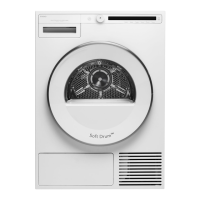
To cancel the delay and start the drying
process immediately, press the button
5 .
When Start delay time is once set, it
is not possible to change it; the only
possibility is to »Skip it « with pressing
on button and immediately continue
with chosen program.
If you do not take any action for 5 minutes, the display will switch to standby mode.
Press the ON/OFF button to reactivate it. The countdown to the start of the drying cycle will be displayed.
If the dryer is in the standby mode, the display will switch on 1 minute before the start of the drying cycle.
After the countdown, drying time will be indicated on the display unit.
Delayed start cannot be set for the favourite programs.



 To Next Page