40
FAILURE DISPLAY
In case of a failure while a program is in progress, the relevant Error X is indicated on the display unit.
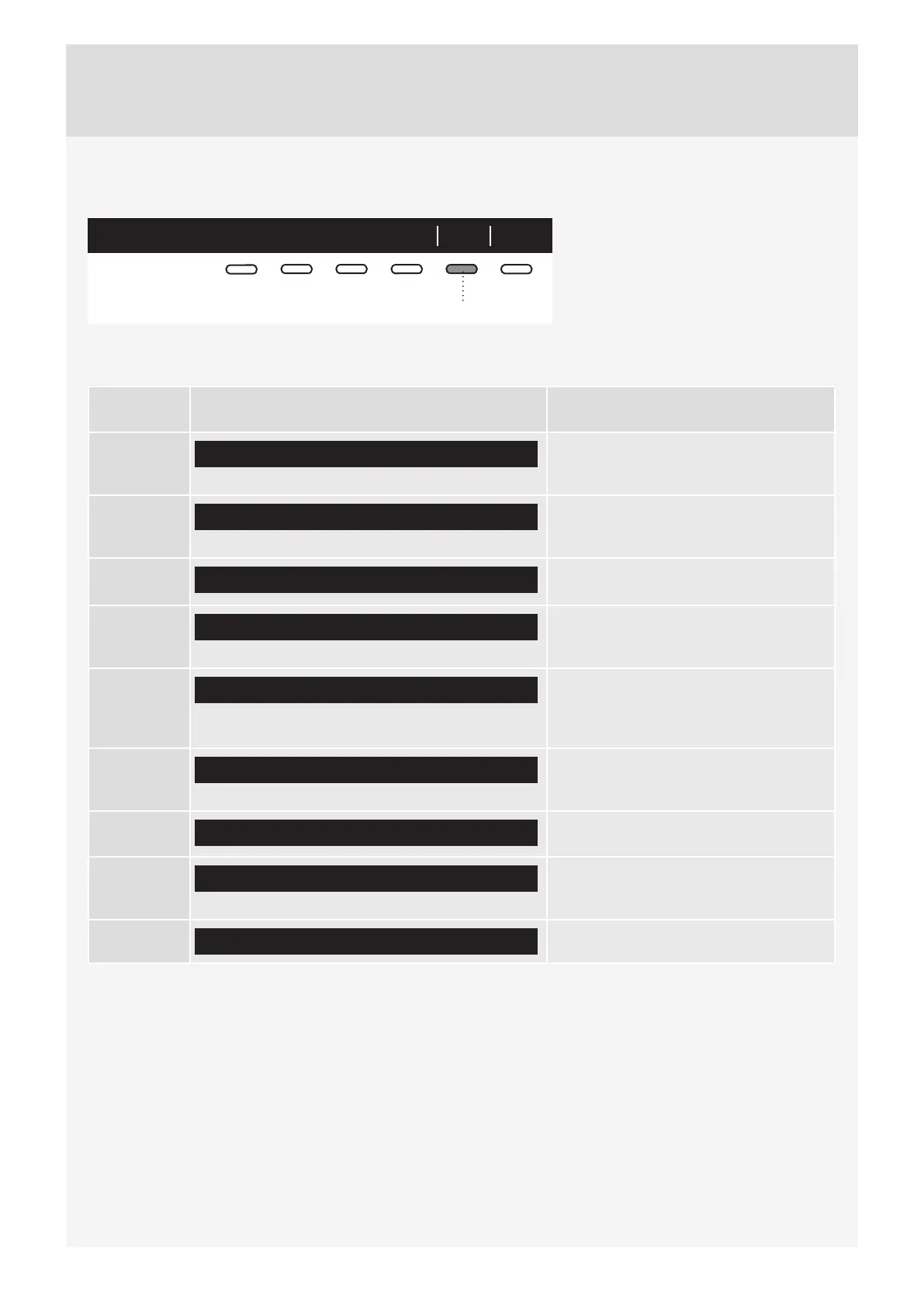
Info ExitError 3
5
Press and hold the INFO button to
display the error description.
Press the 6 EXIT button to return to
Main Menu.
Switch off the dryer and turn it back on.
Errors indicated on the display unit (depending on the model) may include the following:
Problem/
error
Error indication on the display What to do?
Error 0
E0 - Please check user manuals or call service.
Control unit failure.
Call service centre.
Error 1
E1 - Thermistor fault. Please check user manuals or call service.
Temperature sensor failure.
Call service centre.
Error 2
E2 - Please check user manuals or call service.
Communication error.
Call service centre.
Error 3
E3 - Pump failure. Please check user manuals or call service.
Failure on the pump for pumping the
condensate into the condensate tank
Call service centre.
Error 4
E4 - Please clean filters or call service.
Control unit failure.
Clean the filters. See chapter
"CLEANING AND MAINTENANCE" or
call service centre.
Error 6
E6 - Relay failure. Please check user manuals or call service.
Control unit failure.
Call service centre.
Error 7
E7 - Door failure. Please check user manuals or call service.
Control unit failure.
Call service centre.
Error 8
E8 - Button failure. Please check user manuals or call service.
Control unit failure.
Call service centre.
Error 9
E9 - PB/UI software versions are not compatible.
Call service centre.



 To Next Page