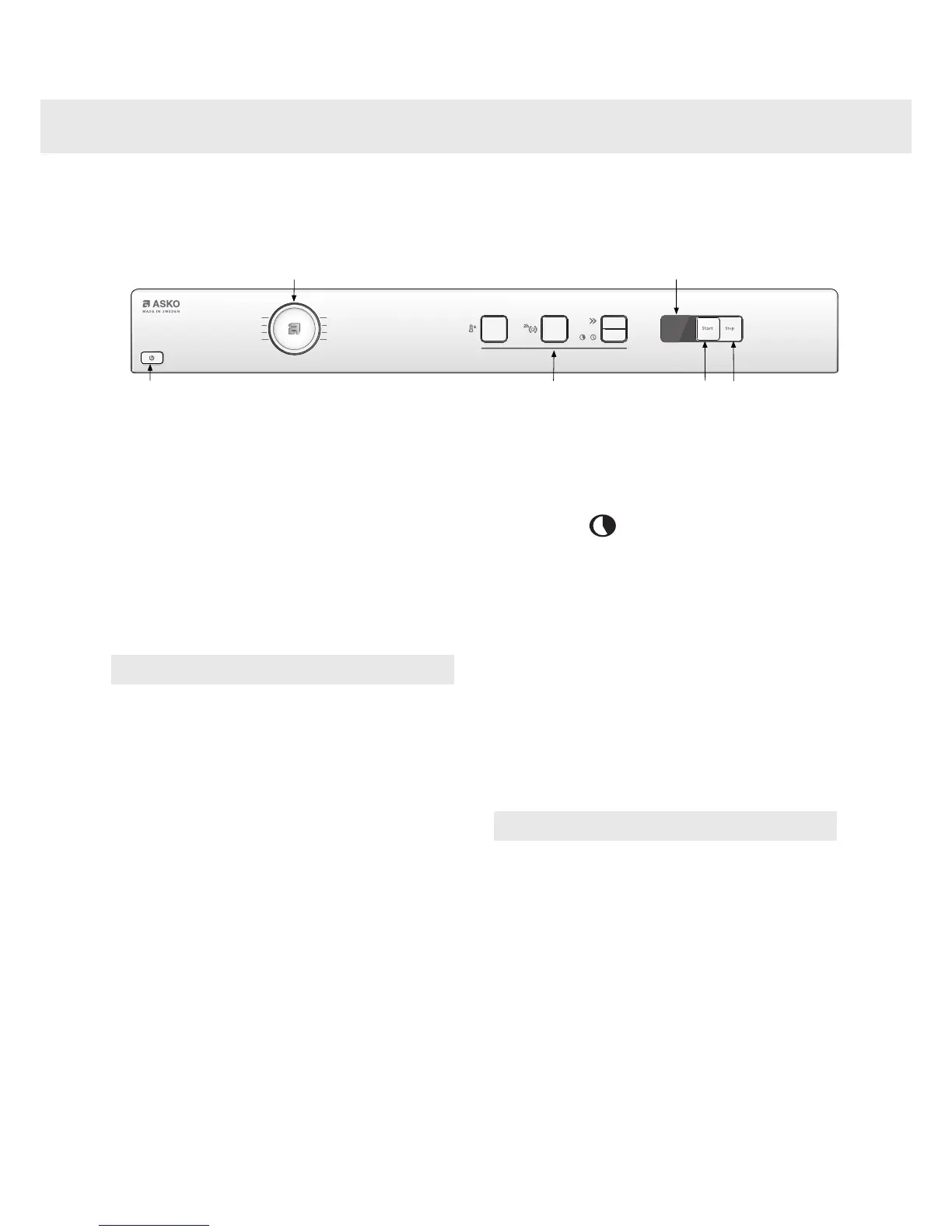
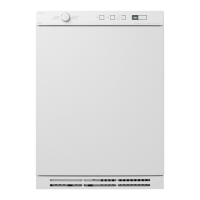
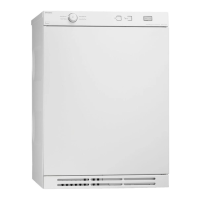
Select a program by turning the program selector. An LED lights next to the selected program. Use the
option buttons to select any options.
Guidelines as to what specific programs
can be used for:
Auto Heavy
This program is for items that are particularly
difficult to dry, such as jeans with very thick
seams.
NOTE!
Knitted fabrics in particular are prone to
shrinkage. Use the Auto Heavy, Auto Delicate,
or Auto Iron Dry programs for these items.
Stretch clothes back into shape immediately
after drying.
Auto Normal and Auto Delicate
These programs end automatically when the load
is dry. The Auto Normal program gives slightly
drier laundry than Auto Delicate.
Auto Iron Dry
This program shuts off the heat once the load is
just damp enough for ironing or pressing.
Timed Dry
The most suitable program time depends on what
you intend to do with the items after tumble drying
them. Use trial and error to find out what works
best. When you use Timed Dry to tumble dry a
load of mixed fabrics, some of the garments may
remain damp. Tumble dry any damp garments
for a further 30 minutes or so using the Timed Dry
program.
Select the desired time by pressing the Delayed
Start button. A program time between 30 minutes
and 3 hours can be selected and each button
press changes the time by 15 minutes.
NOTE!
When using the Timed Dry program with a
program time that is too long, the garments can
become "over-dry". This can cause items to
shrink or wrinkle and feel rough to the touch.
Synthetic materials can also become charged
with static electricity.
Customer Care Center10
1-800-898-1879
www.askousa.com
Operating instructions


 To Next Page