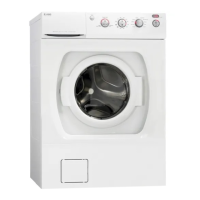
Hot water
However, if you choose to connect your ECO-machine to cold water only, it is important that you shut off
the hot water connection. Now select "Hot water Off". If your machine is connected to both hot and cold
water, you should select "Hot water On".
1.
Turn the program selector. Select "Hot water Off" for a cold water connection or "Hot water On" if the
machine is connected to both hot and cold water.
2.
Press the Door Opening button once to save the setting.
Customer Care Center
1-800-898-1879
24
www.askousa.com
Settings


 To Next Page