13
Once the Aspera Wren is fully charged please follow the below steps to
setup your phone.
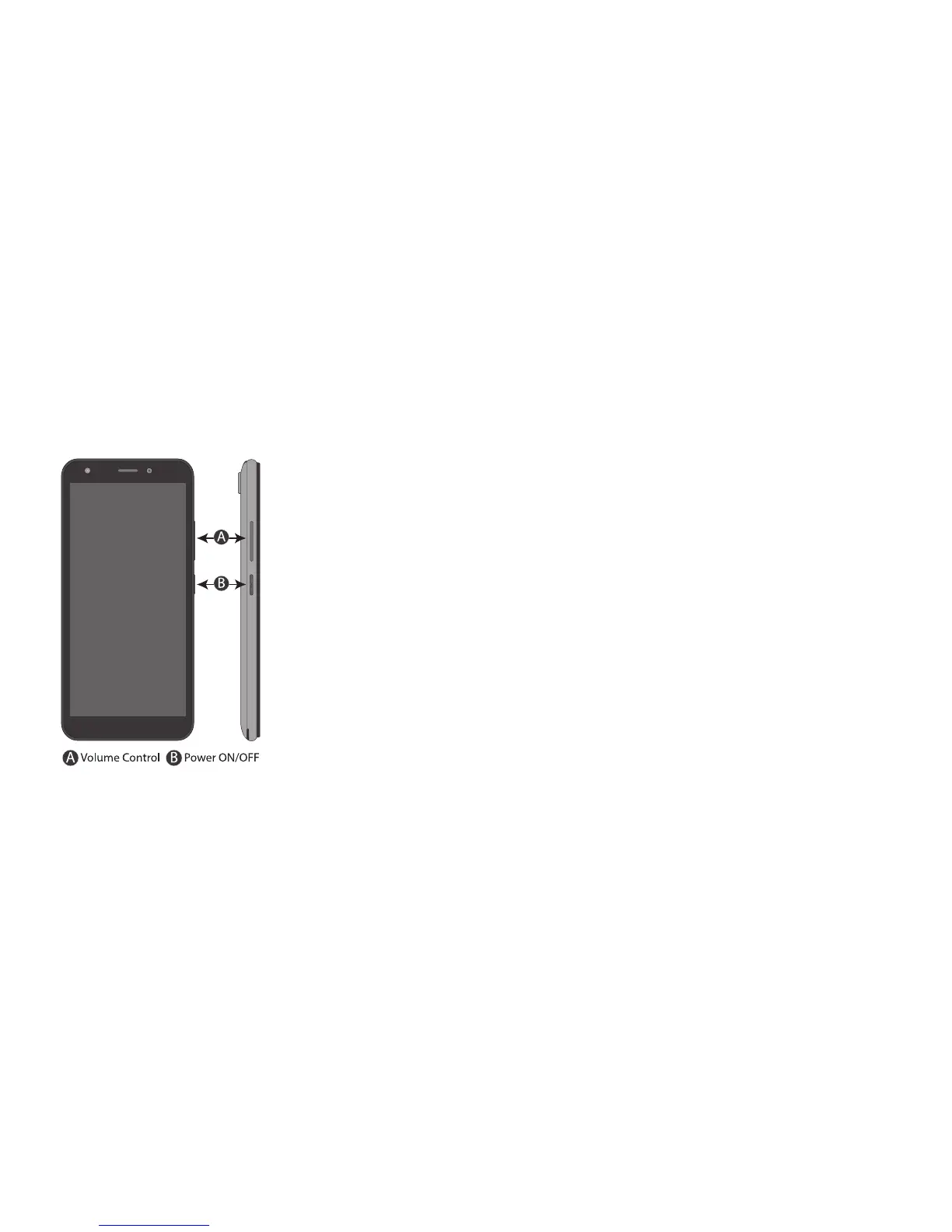
Press and hold the power button on the side of the phone for 5 seconds
The phone will start with a Welcome screen.
1.Select the language
2.Tap “Start”
3. Insert the sim if not already in the SIM slot or click “Skip”
4. Select your Wi-Fi to connect to your network or select don’t
use any network for setup and select continue
5. Set up Security measures such as
Fingerprint and PIN if necessary
6. Read through Google services and tap “Agree”
7. Your handset is now ready to be used.
Setting Up the Aspera Wren



 To Next Page