EasyManua.ls Logo

ASPERA R5 - User Manual

ASPERA R5
27 pages
Print Icon
To Next Page IconTo Next Page
Loading...
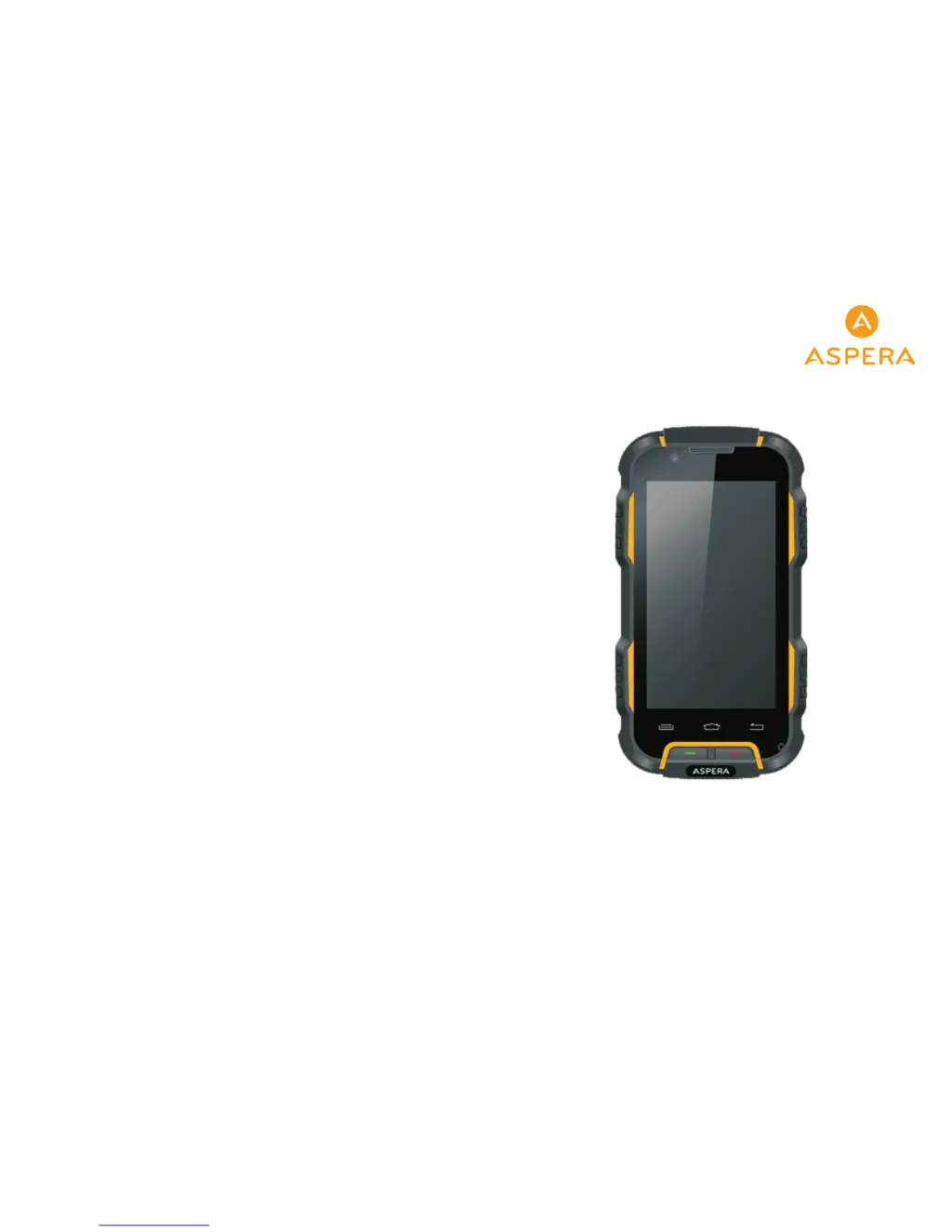
Aspera R5 User Guide

Questions and Answers

  • S
    Samuel ChandlerJul 30, 2025
    What to do if standby time is short on ASPERA R5 Cell Phone?
    • S
      sedwardsJul 31, 2025
      If the standby time on your ASPERA Cell Phone is short, it could be due to several factors. The network system setting can affect standby time, so try turning off your phone in areas with poor reception. If the battery is not working at all, replace it. Also, your phone might be constantly searching for coverage even where there is none; move to a strong signal area or turn off the phone to conserve battery.
  • C
    Christian WilliamsAug 16, 2025
    Why does my ASPERA Cell Phone have a poor signal?
    • J
      Joel RichardsonAug 16, 2025
      A poor signal on your ASPERA Cell Phone can be due to a couple of reasons. You might be in an area with weak reception, like near buildings or in a basement, which interferes with radio waves. Alternatively, there might be issues with your Network Provider's base station coverage. To improve the signal, try moving to an area where the network signal is stronger. You could also ask your Network Service Provider for their service area map.

Summary

Aspera R5 User Guide Overview

Introduction and Basic Knowledge

Provides an overview of the manual, general considerations, and essential battery/charger safety precautions.

Phone Layout and Initial Setup

Details phone icons, physical layout, booting procedures, SIM card management, and unlocking.

Core Functions and Operations

Guides on dialing, contacts, messages, file management, and basic phone operations.

Multimedia and Applications

Explains camera, image viewing, video/music playback, FM radio, recorder, clock, and calendar usage.

Advanced Features and Settings

Productivity and Internet Tools

Covers using notepad, browser, flashlight, email, calculator, and searching functionalities.

Navigation, Apps, and Utilities

Details map usage, downloading, compass, Play Store, and barometric altimeter.

Connectivity and Network Settings

Guides on Wi-Fi, Bluetooth, Mobile Network, and Airplane Mode configurations.

Personalization and System Configuration

Covers display, audio, storage, app management, security, language, date/time, and accessibility.

Troubleshooting Common Issues

Signal, Call, and Network Problems

Troubleshooting poor signal, call issues, echo/noise, and network connection problems.

Boot, Charging, and SIM Card Issues

Solutions for phone not booting, charging failures, SIM card errors, and PIN lockouts.

Performance and Functionality Issues

Addresses problems with standby time, phonebook capacity, and unsupported phone functions.

ASPERA R5 Specifications

General IconGeneral
BrandASPERA
ModelR5
CategoryCell Phone
LanguageEnglish

Related product manuals