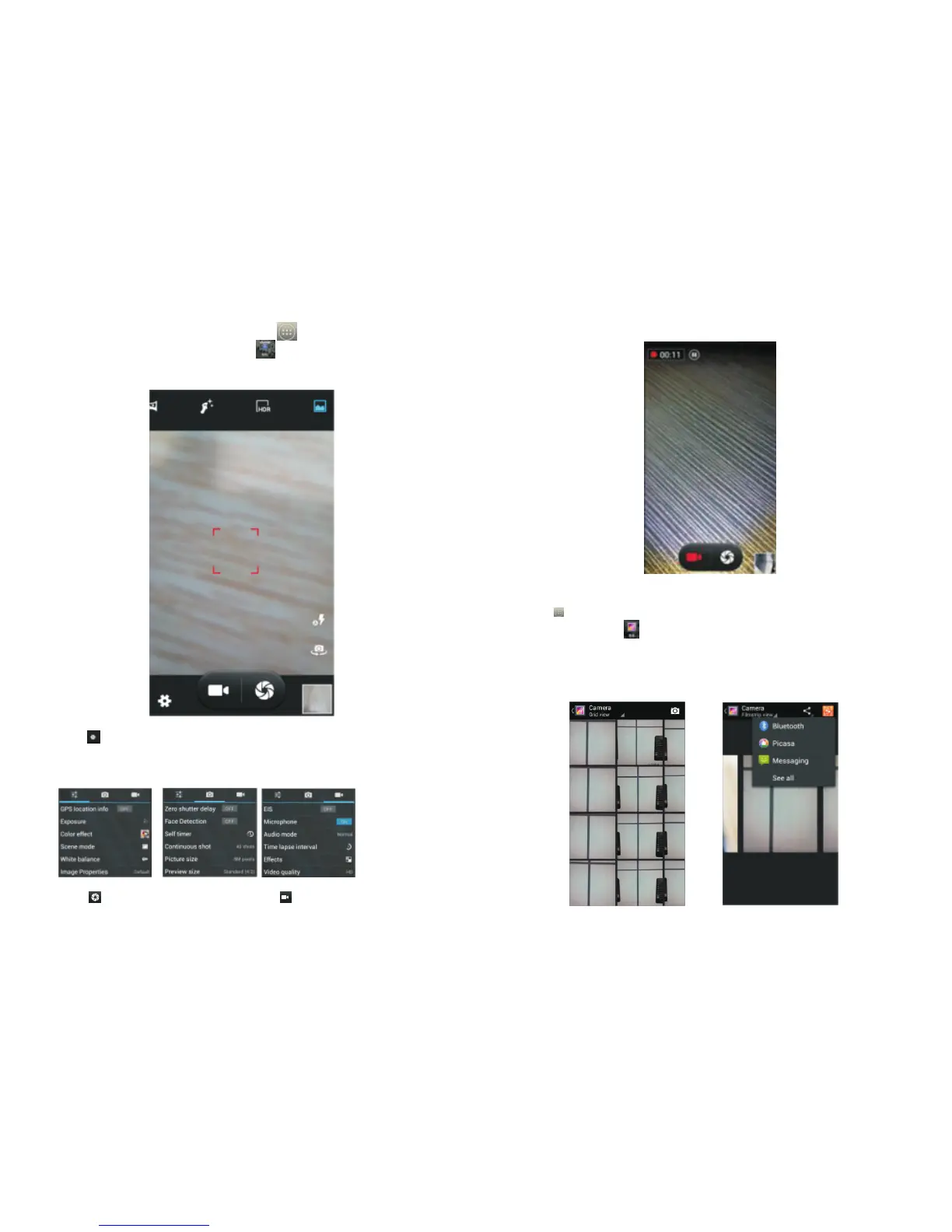
3.5 Camera
On the main screen, tap to see installed
applications, and then click to enter the camera
viewfinder screen.
Click to enter the camera settings mode, you can
adjust settings to your needs for camera exposure,
effects, shooting and other settings. As shown:
Click to take a picture, click to convert to video
.
interface, as shown:
3.6 Images
Tap on the main screen to see installed applications
and then click in the gallery you can view all the
pictures and video files that are saved on the mobile
phone and SD card, press menu key to browse
images, delete and group etc.
.
15
16



 To Next Page