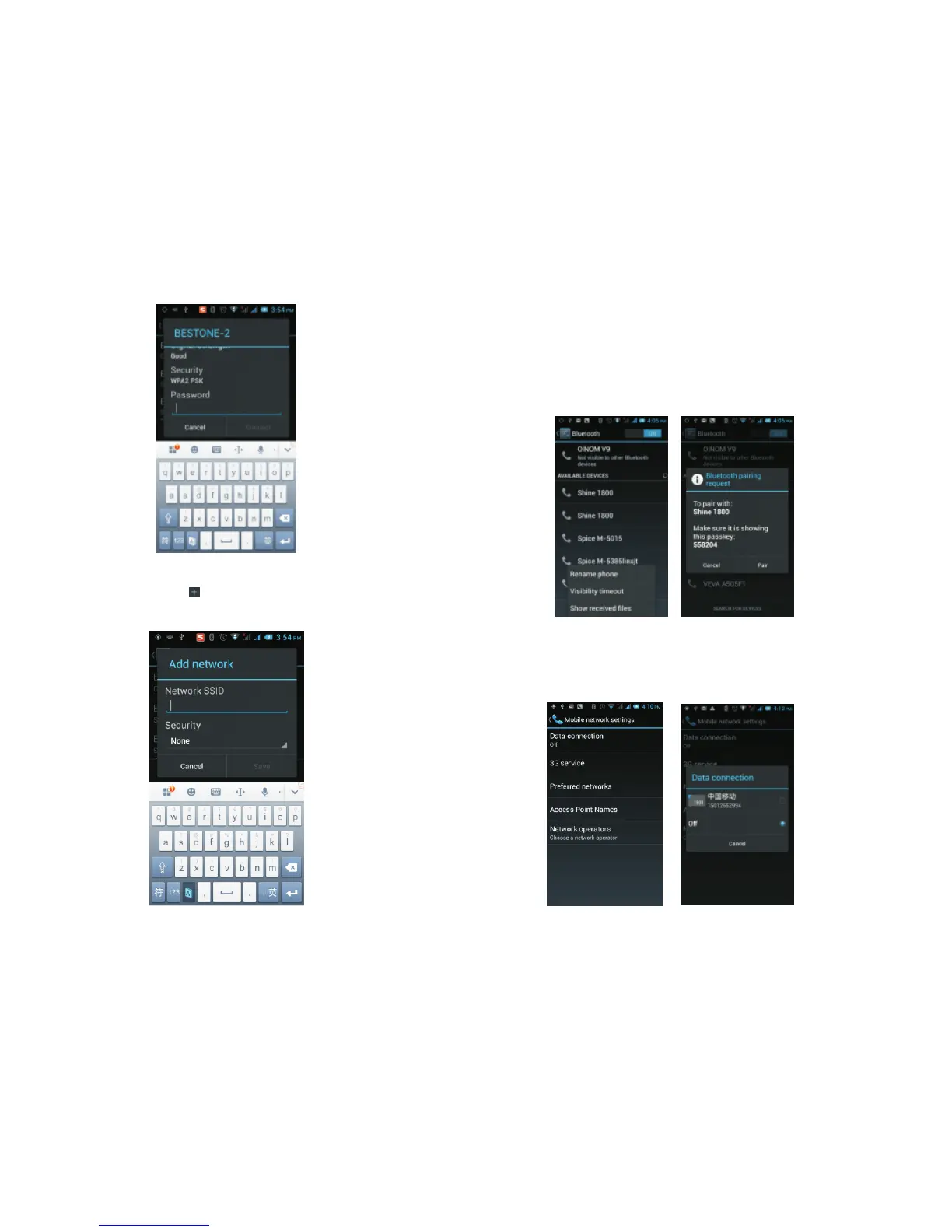
You can also click on the screen in the lower right
corner, and add a network:
4.3 Bluetooth
Activate Bluetooth and the phone automatically
searches for nearby Bluetooth devices. You can click
on any found device you would like to pair with, after
pairing with another device you can begin to transfer
files, and other operations;
4.4 Mobile Network
In this menu you can turn on or off the data
connection, enable 3G services, network operators
and other options:
37 38



 To Next Page